

Paper checklists are easy to misplace and spreadsheets can become outdated almost as soon as they are shared. Even a perfectly organized binder of last quarter’s inspections offers little visibility into the risks developing across operations today. Audit management software is designed to close that gap by giving teams a more current, structured way to plan audits, capture findings, and follow issues through resolution.
As organizations operate across more locations, shifts and regulatory environments, relying on the next scheduled audit to uncover a problem becomes increasingly risky. This guide explains what operational audit management software does in practice, which capabilities are worth prioritizing, what you can expect to pay and how to evaluate the right platform for your team without getting lost in vendor claims.
What is audit management software?
Audit management software is a digital system for planning, conducting, documenting and following up on audits and inspections. It replaces paper checklists and scattered spreadsheets with a centralized platform where audit activity can be managed and searched in one place.
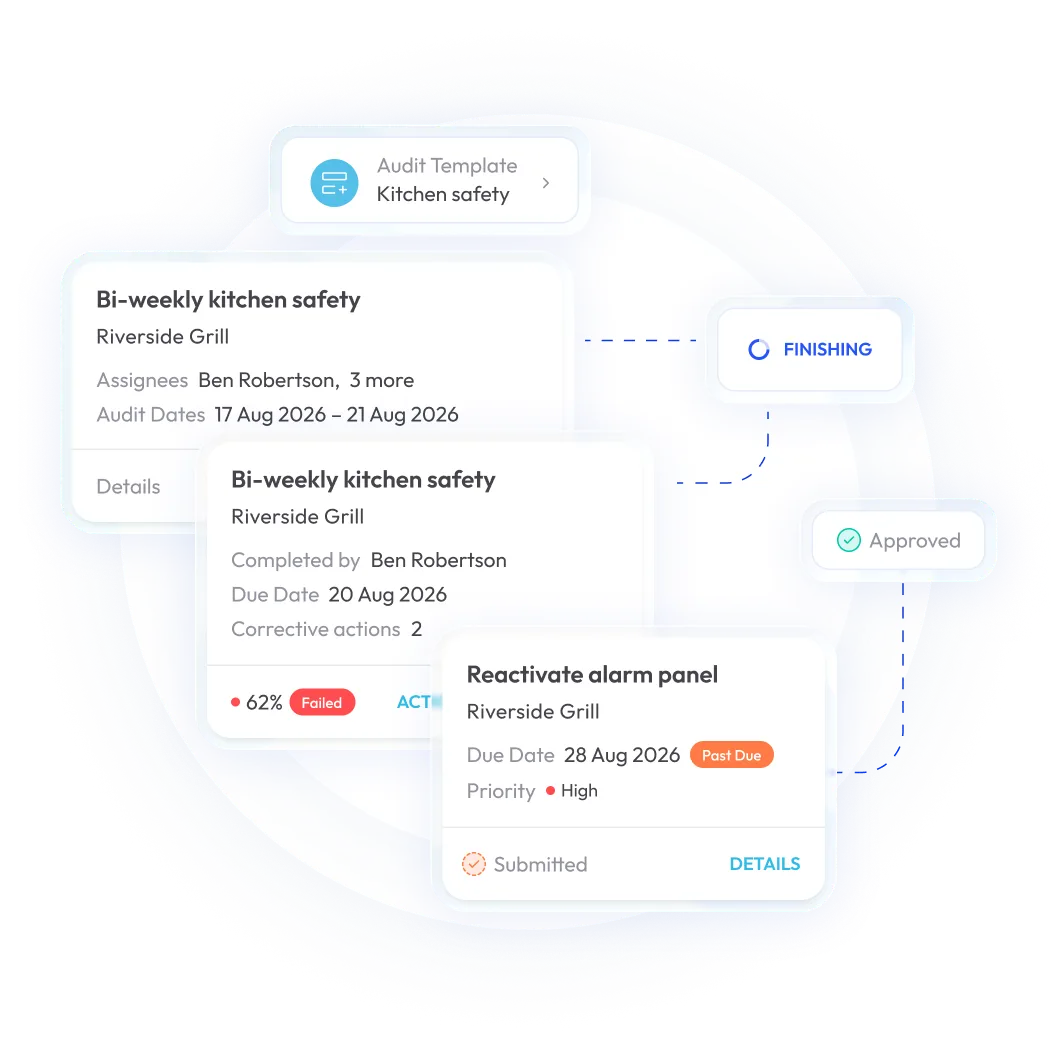
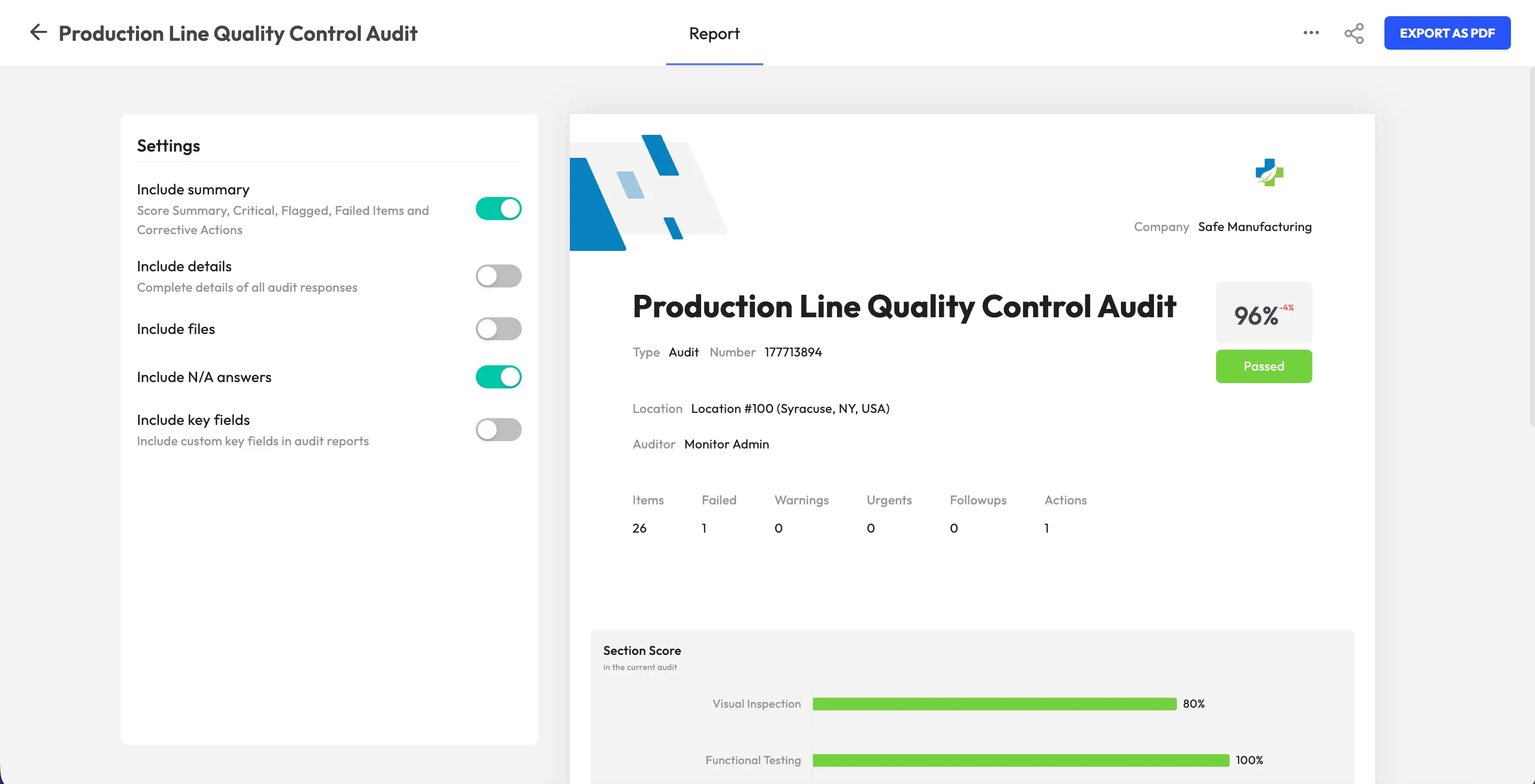
The software typically supports the entire audit lifecycle: creating checklists or templates, completing inspections in the field from a phone or tablet, attaching evidence such as photos and signatures, scoring results and assigning corrective actions when something fails. Those actions can then be tracked through resolution rather than disappearing into a separate email thread or spreadsheet.
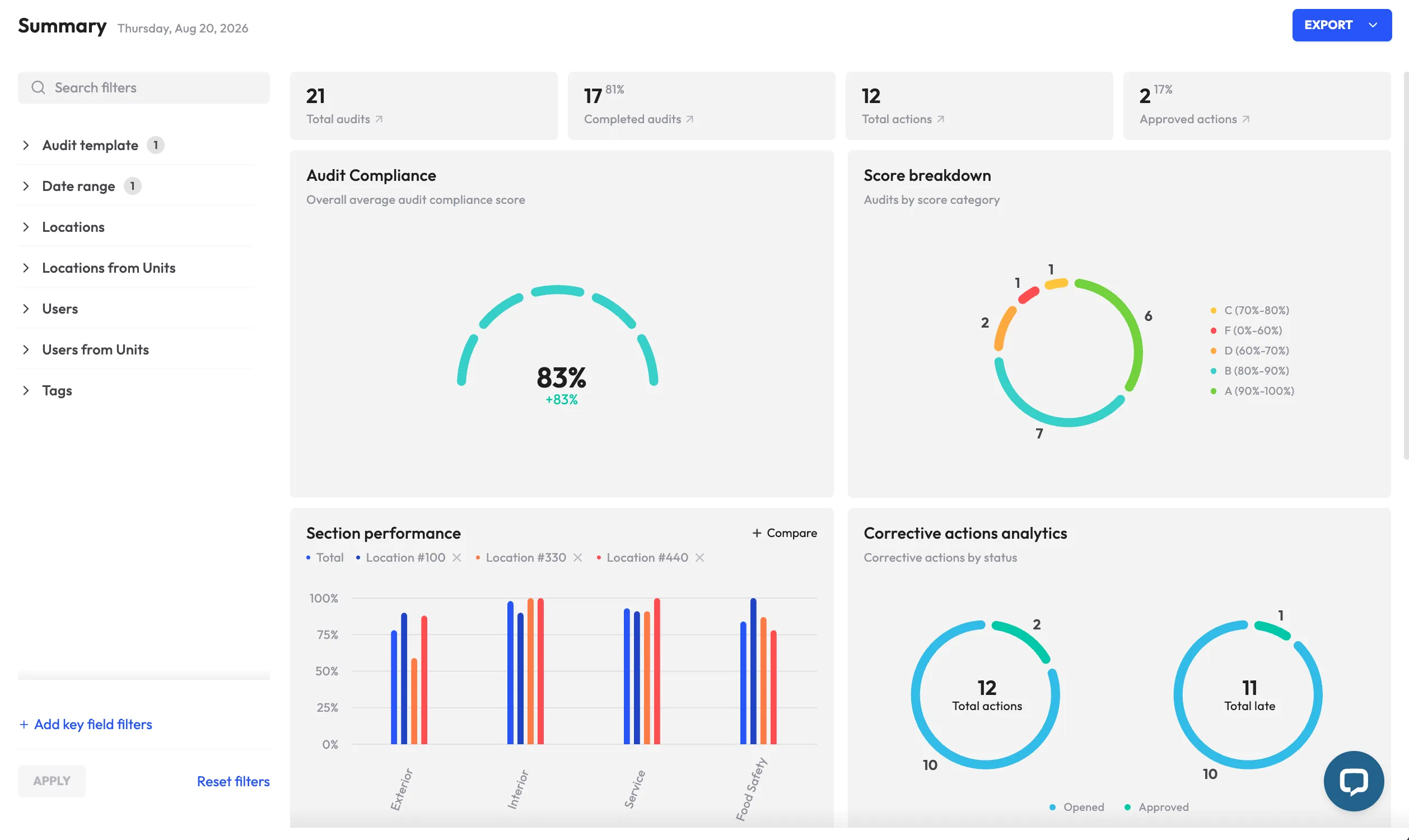
Because records are stored centrally and timestamped, managers can monitor audit results, open findings and compliance trends across locations without waiting for paper forms to be collected and manually consolidated.
Depending on the industry, these platforms may also be described as inspection management software, digital audit platforms or compliance audit tools. Manufacturing, retail, hospitality, construction, facilities management and other operational teams often use the same underlying capabilities to standardize audits and improve follow-up.
<<cta>>
Operational audit software vs. financial audit software
The two categories are often confused but they are built for very different kinds of work.
Financial audit software is designed for accounting, finance, and internal audit teams. It typically supports activities such as SOX controls testing, general ledger reviews and financial statement audits.
Operational audit management software - the focus of this guide - is built around day-to-day inspections and compliance work in the field. Common use cases include safety inspections, OSHA and ISO checks, food safety audits, equipment reviews, quality assurance inspections, and facility assessments. The people using it are more likely to be safety managers, plant supervisors, store managers or frontline employees than accountants.
A simple way to tell the difference is to look at the question the audit is trying to answer. If it is closer to ‘Were the fire extinguishers inspected this week?’ than ‘Do the financial statements reconcile?’, you are dealing with operational audit management.
Why organizations are re-evaluating their audit tech in 2026
Several pressures are prompting operational and safety teams to move beyond spreadsheets, paper forms and other disconnected audit tools.
- Compliance demands are becoming harder to manage manually. Safety, environmental and quality requirements can vary across industries and jurisdictions, while the consequences of missed inspections or unresolved findings can be significant. Teams need a clearer way to document what was checked, what failed and whether corrective action was completed.
- Operations are increasingly spread across locations. Franchise networks, retail chains, manufacturing sites and other distributed organizations need to apply the same safety, quality and brand standards everywhere. Paper-based processes make that consistency difficult to monitor, especially at scale.
- Audit data is being used more proactively. Instead of looking at audit results only after something goes wrong, organizations can use historical findings to identify recurring weaknesses and areas of elevated risk. A checklist item that repeatedly fails, for example, may provide an early signal that a broader issue needs attention.
- Frontline users expect tools that fit the way they work. Complicated systems create friction and make audits harder to complete consistently. Mobile-first platforms with straightforward workflows make it easier for employees to conduct inspections, capture evidence and report findings while the information is still fresh.
Core features of top-tier audit management software
Whether you are comparing enterprise platforms or evaluating a more operationally focused solution such as monitorQA, a few capabilities separate a true audit management system from a basic digital forms tool.
Mobile-first inspections and checklist creation
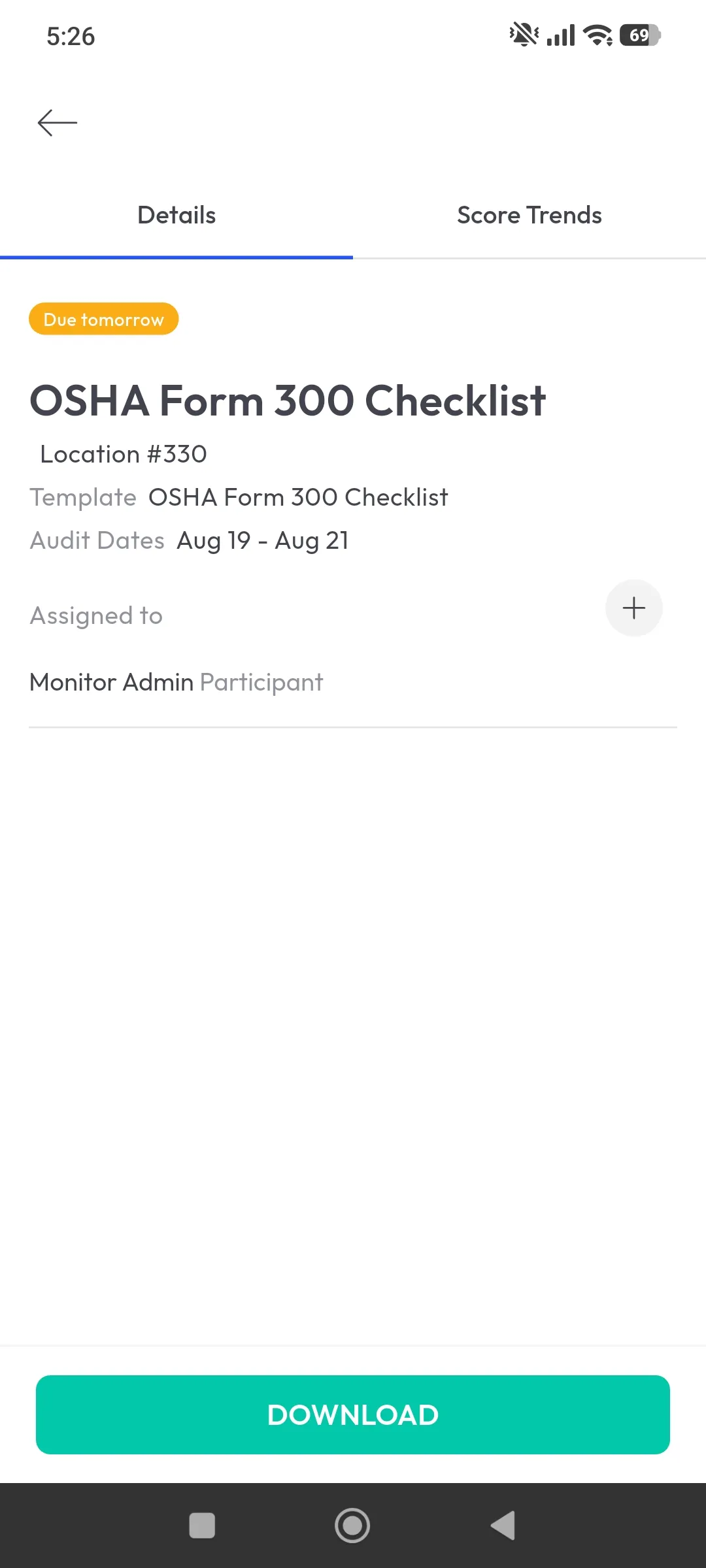
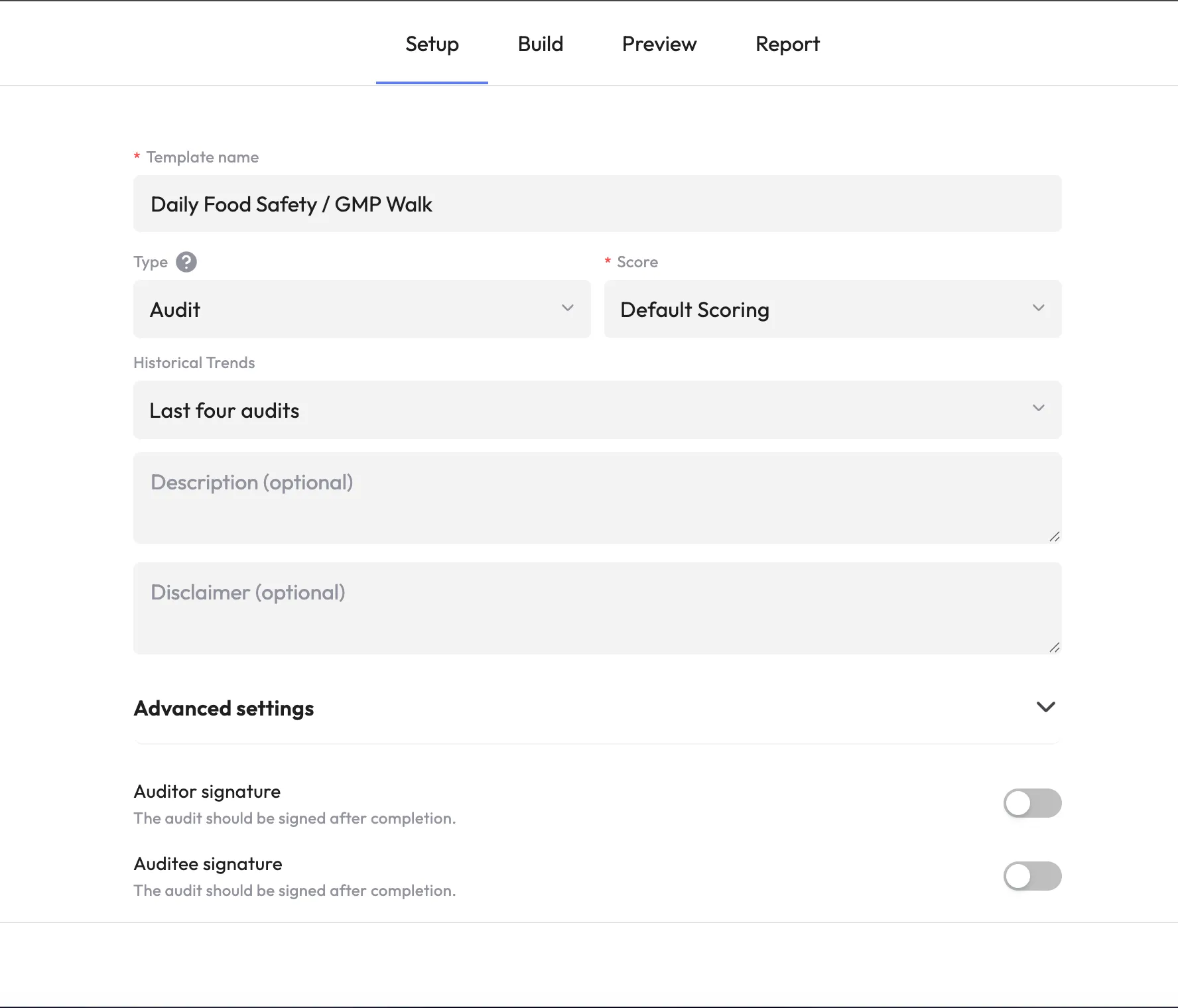
Audits rarely happen behind a desk. They take place on factory floors, in storage areas, at construction sites, and across other environments where connectivity may be unreliable. A strong platform should support mobile inspections with offline access, allowing users to complete checklists without a signal and sync the data automatically once they reconnect. Template creation should also be straightforward, with tools that make it easy to turn existing paper checklists into digital workflows.
Automated corrective action workflows
Identifying a problem is only useful if the issue is followed through to resolution. Audit management software should be able to create a corrective action automatically, assign it to a specific owner, set a deadline, and track progress until the fix has been reviewed and closed. This keeps follow-up inside the same process instead of pushing it into email or another disconnected system.
<<cta>>
Real-time dashboards and analytics
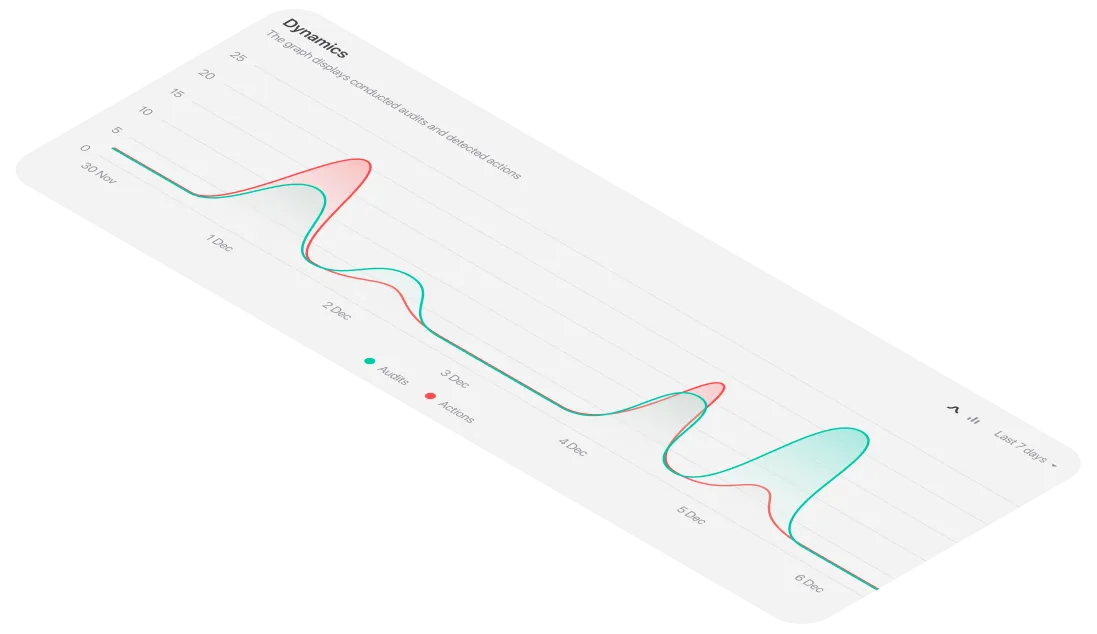
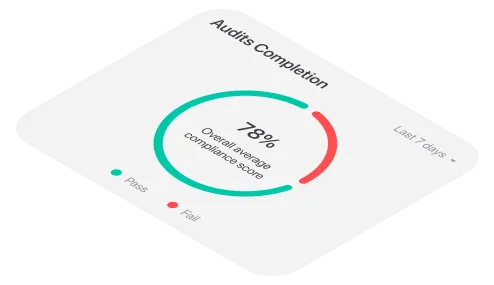
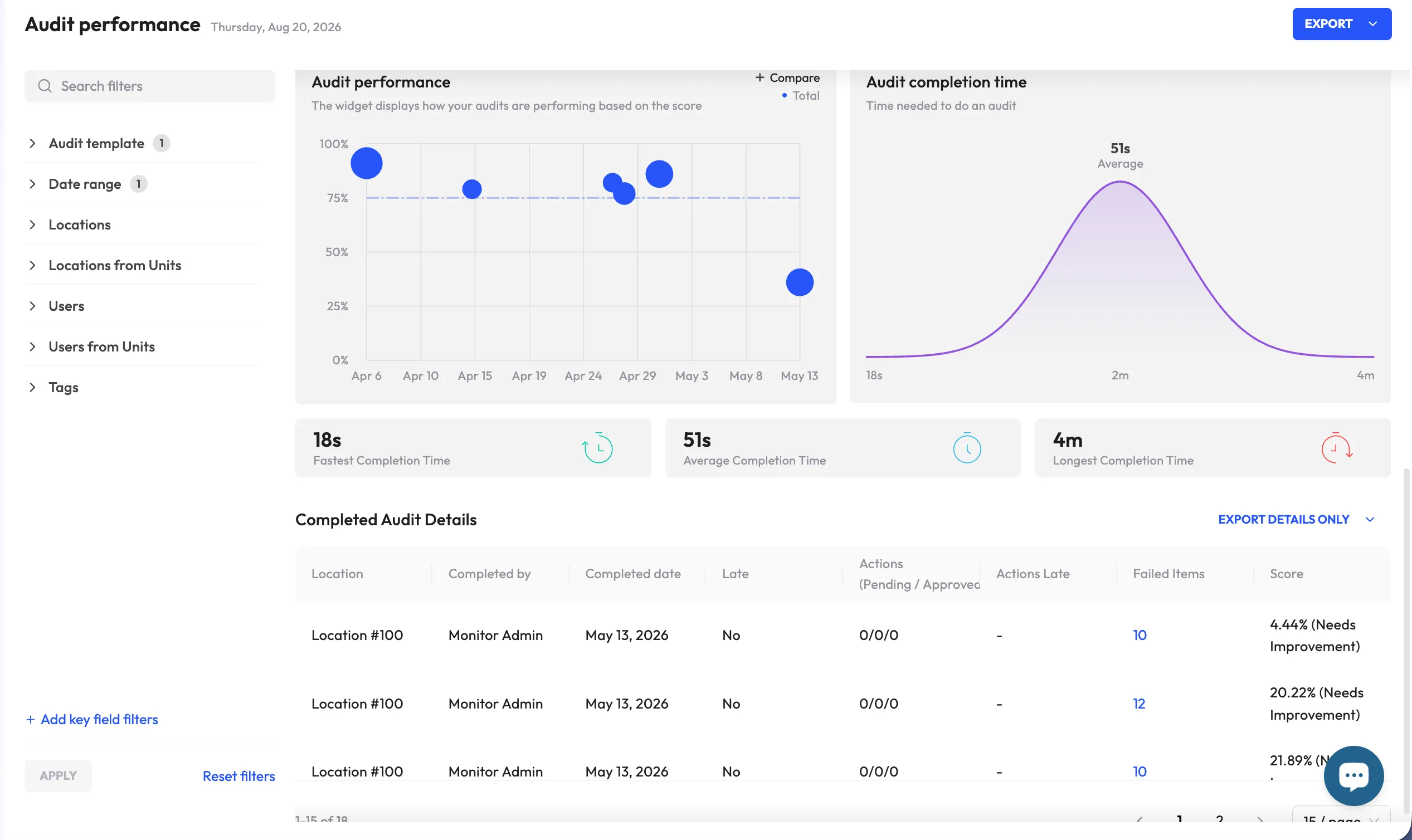
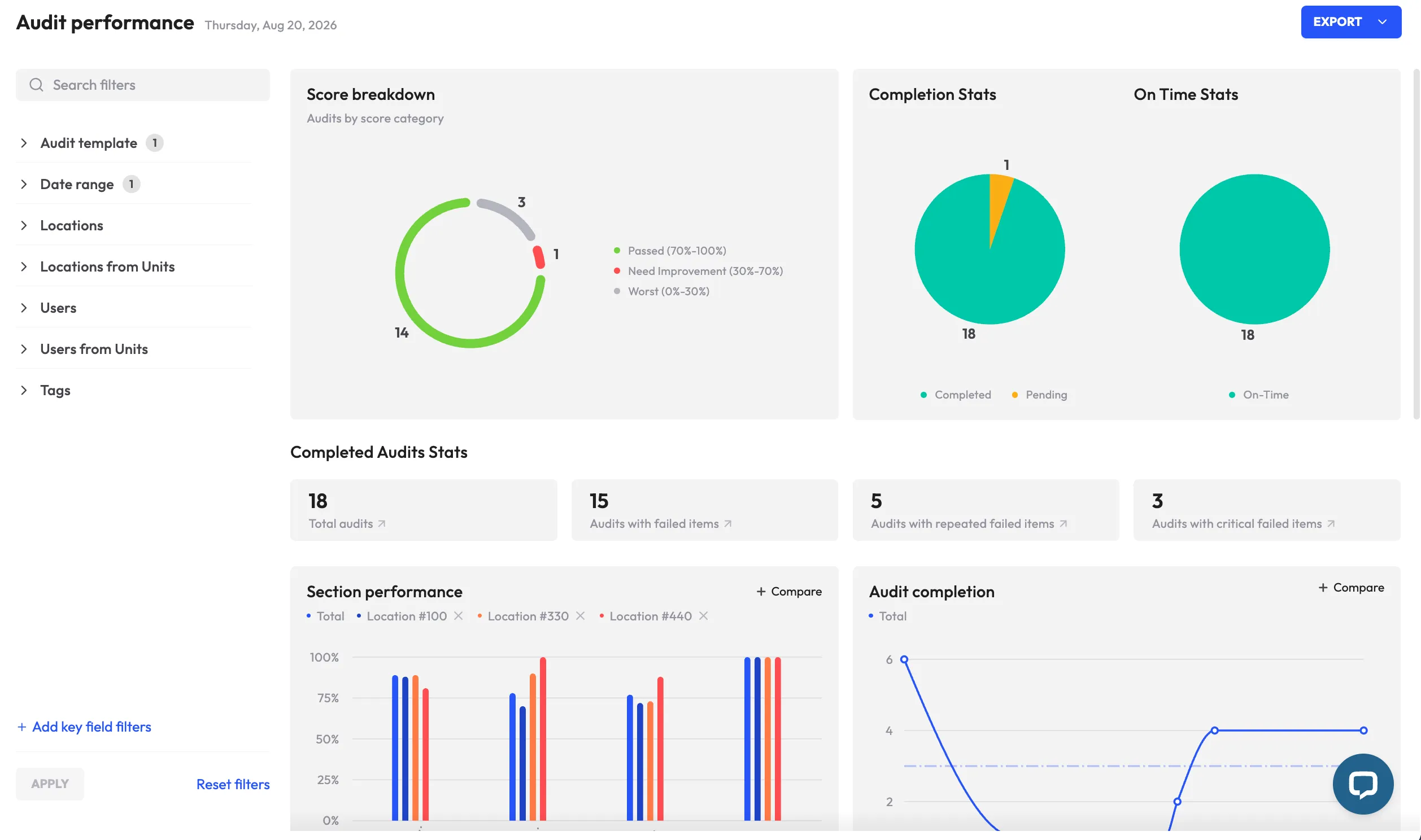
Managers overseeing multiple locations need a clear view of audit performance without waiting for someone to compile reports manually. Dashboards should make it easy to compare scores, monitor open findings, identify recurring failures and benchmark performance across sites or teams.
Multimedia evidence capture
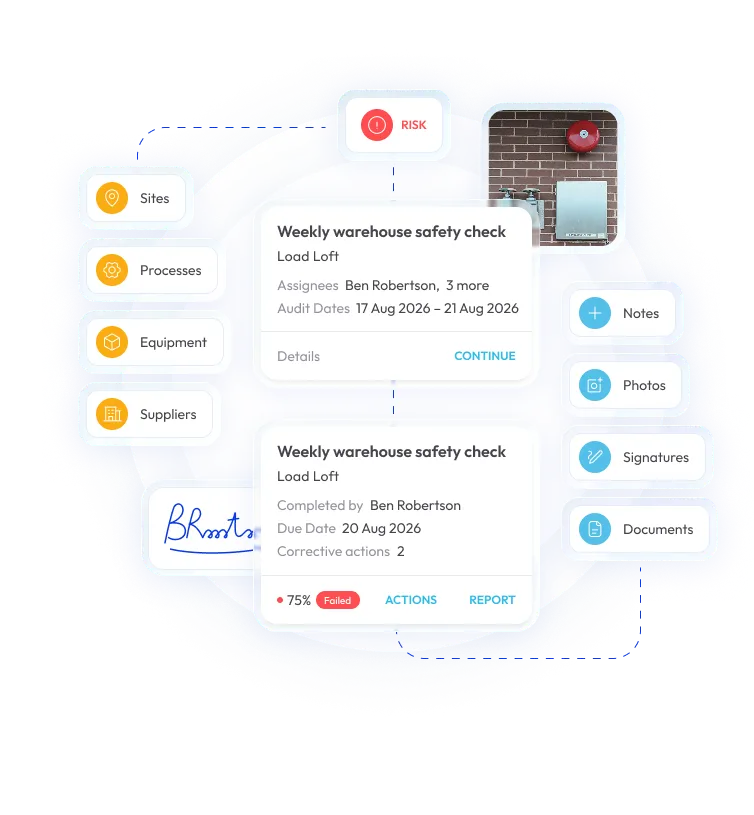
Photos, videos, annotations and digital signatures can add important context to an audit record. Capturing that evidence directly within the inspection creates a more complete, traceable history and makes it easier to demonstrate what was observed and how the issue was handled.
Trend and root-cause reporting
The most useful platforms do more than archive completed audits. They help teams identify patterns across locations, time periods and checklist items. If the same question repeatedly fails across several sites, for example, that may point to a broader process weakness that needs to be addressed at the source rather than corrected one location at a time.
Paper & spreadsheets vs. modern audit management software
How much does audit management software cost?
Audit management software is typically priced in one of three ways: per user, per site, or through tiered enterprise plans based on usage and functionality. Features such as offline access, advanced analytics, integrations, APIs and single sign-on are often reserved for higher-priced tiers.
Smaller teams managing only a few locations may be able to start with an entry-level plan or free trial, while larger organizations usually pay more for capabilities such as automated corrective actions, custom reporting and enterprise integrations.
Because vendors structure their pricing differently, headline prices are not always directly comparable. A more useful approach is to request pricing based on your actual number of users, locations, inspection volume and required features so you can compare the true cost of each platform.
<<cta>>
How to choose the right audit management platform
- Start with the way your team actually works. Document the inspection and audit types you already run - from safety and quality to equipment and facilities - before comparing platforms. The goal is to find a system that fits your workflow, not simply the one with the longest feature list.
- Put offline functionality to a real test. If inspectors work in areas with poor connectivity, verify that the platform performs reliably without a signal and syncs correctly once the device reconnects.
- Follow a corrective action from start to finish. Ask to see what happens after a finding is raised: who gets assigned, how deadlines are managed, what happens when an action is overdue and what is required before it can be formally closed.
- Judge the mobile experience from the frontline perspective. A polished dashboard means little if the people conducting audits find the app slow or difficult to use. The field experience should be simple enough to support consistent adoption.
- Review integrations and data portability. Determine whether the platform can connect with systems such as HRIS, maintenance or business intelligence tools. At a minimum, you should be able to export clean, usable data when needed.
- Make sure you can manage templates yourself. Teams should be able to create, update and maintain their own checklists without relying on the vendor for every change.
- Look beyond individual audit scores. Strong analytics should help surface recurring failures, site-level patterns and other trends that point to where action is needed, rather than simply reporting whether a single audit passed or failed.
Implementation best practices
- Bring frontline users into the process early. The people completing audits and inspections every day will quickly spot where a template or workflow creates unnecessary friction. Pilot with them before rolling the system out more broadly.
- Clean up the process before digitizing it. Moving a poorly designed paper checklist into an app does not improve the underlying workflow. Use implementation as an opportunity to remove redundant questions, standardize terminology and align checklists with the requirements that matter to your organization.
- Make corrective action ownership explicit. Automated reminders and escalation can help keep work moving but every action still needs a clearly named person responsible for seeing it through to completion.
- Turn audit data into part of regular operations. Collecting results is only useful if teams review them. Bring dashboards and recurring trends into routine operational meetings so findings inform decisions, priorities and process improvements.

.webp)
.webp)