

.webp)
How much does compliance software cost? There is no single answer because compliance platforms serve very different needs. A small business managing one framework may pay for a focused subscription, while a larger organization may need custom pricing for multiple users, locations, frameworks, integrations and advanced reporting.
In general, compliance software pricing is influenced by the number of users and sites, the features your team needs, the type of compliance program you manage, implementation requirements and ongoing support. Some vendors charge per user or per location, while others use tiered subscriptions, usage-based pricing or custom enterprise quotes.
This guide explains how compliance software pricing works, what factors influence the total cost, which pricing models are most common and which potential extra costs businesses should consider before choosing a platform.
How much does compliance software cost?
Compliance software pricing varies widely because the market includes focused tools for specific standards, operational compliance platforms, security compliance products and broad enterprise GRC suites.
The most common pricing models include:
- Per-user pricing: The subscription is based on the number of people who need access.
- Per-site or per-location pricing: Common for operational and safety compliance platforms used across facilities.
- Tiered subscription pricing: Different plans include different features, usage limits, support levels or reporting capabilities.
- Usage-based pricing: The cost may depend on the number of frameworks, controls, evidence items, audits, integrations or automated checks.
- Custom enterprise pricing: Larger organizations may receive a quote based on users, business units, locations, modules, security requirements and implementation complexity.
Because vendors structure plans differently, headline prices are not always directly comparable. A lower starting price may exclude implementation, integrations, additional locations, advanced reporting or premium support. The most useful comparison is the estimated total cost for your organization’s actual requirements.
For the most accurate estimate, request pricing based on your number of users, locations, frameworks, audit volume and required capabilities, not a generic package that may not reflect how your team operates.
<<cta>>
What affects compliance software pricing?
The subscription fee is only one part of the cost. The total price depends on how broadly your organization plans to use the platform and how much configuration or support is required.
Team size and number of users
The number of people who need access is one of the most common pricing variables. However, vendors may treat users differently. Some charge for every user, while others distinguish between administrators, auditors, reviewers, employees completing attestations or users who only respond to corrective actions.
A platform with a low per-user rate may still become expensive if every occasional participant requires a paid license. Before comparing quotes, define the different user groups in your organization.
Ask vendors:
- Are all users billable?
- Are read-only or occasional users included?
- Are external auditors or contractors charged separately?
- Can user permissions be customized by role?
- Does the plan limit the number of administrators?

Number of locations and business units
Operational compliance platforms often use per-site pricing. Costs may increase as a company adds facilities, plants, warehouses, stores, offices or franchise locations.
Confirm whether pricing is based on:
- Physical locations
- Business units
- Legal entities
- Regions
- Active sites only
- Total sites, including inactive or archived locations
For multi-location organizations, ask whether the platform supports shared templates, centralized reporting and local variations without requiring a separate subscription for every workflow. A system that supports centralized administration may provide more value as the organization expands.
Features and plan level
Basic plans may cover core compliance tracking, while advanced capabilities may be reserved for higher tiers. Pricing differences can relate to:
- Evidence collection
- Workflow automation
- Corrective action management
- Advanced analytics
- Custom dashboards
- Audit trails
- Policy attestations
- Cross-framework mapping
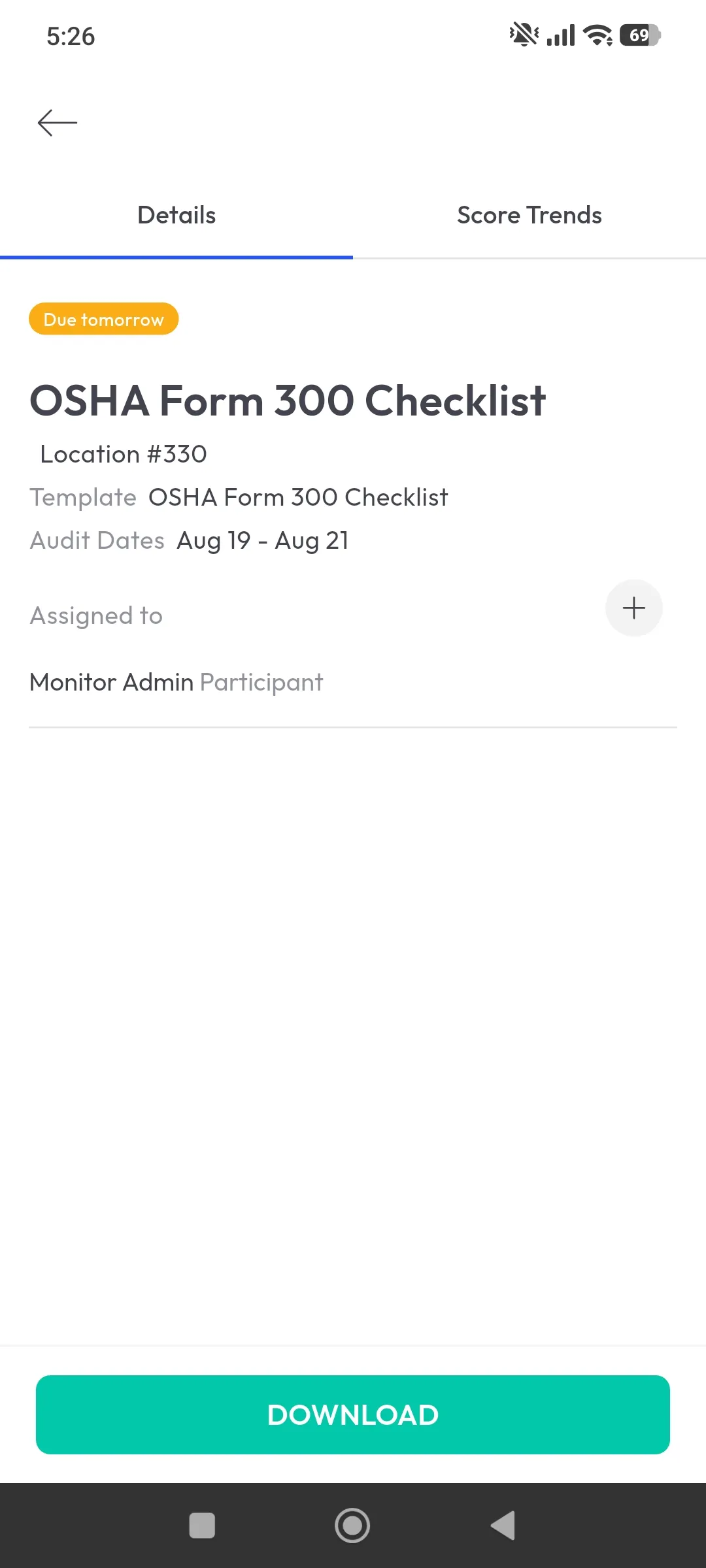
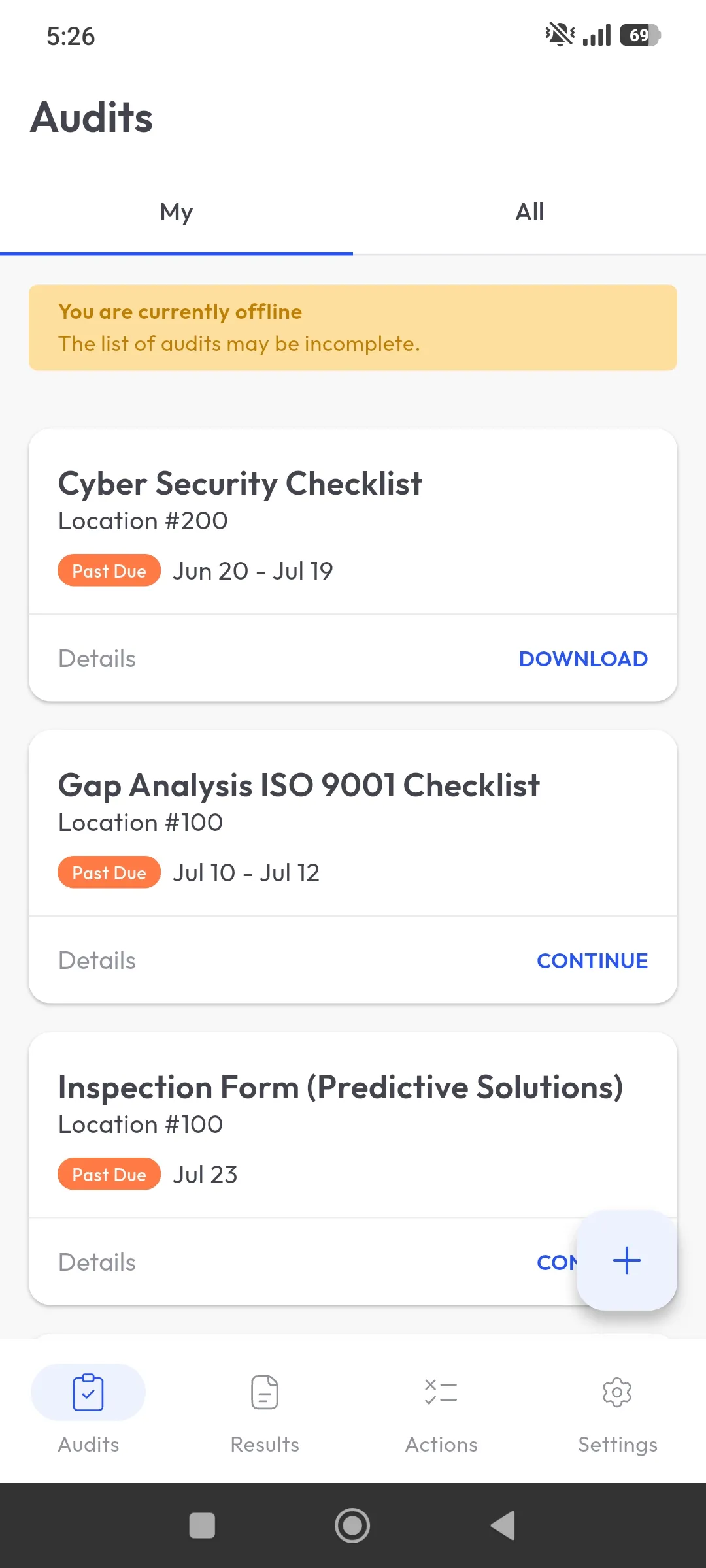
- Mobile and offline access
- Single sign-on
- API access
- Data retention
- Custom permissions
- Automated monitoring
- AI-assisted features
The most important question is not whether a platform has a feature, but whether the feature is included in the plan your team would actually purchase. Before selecting a higher tier, identify the workflow, risk or reporting requirement the feature will address.
Number of frameworks and requirements
The complexity of the compliance program can affect pricing. A company managing one framework may have very different needs from an organization mapping controls across SOC 2, ISO 27001, HIPAA, OSHA or internal standards.
Some platforms charge based on the number of frameworks, controls or requirements. Others include a fixed amount in each plan and charge more for additional coverage.
Ask whether the platform supports reusable controls and evidence across frameworks. Cross-framework mapping can reduce duplicated work and may affect the value you receive from the software.
Implementation and onboarding
Implementation costs can include:
- Initial configuration
- Template or control setup
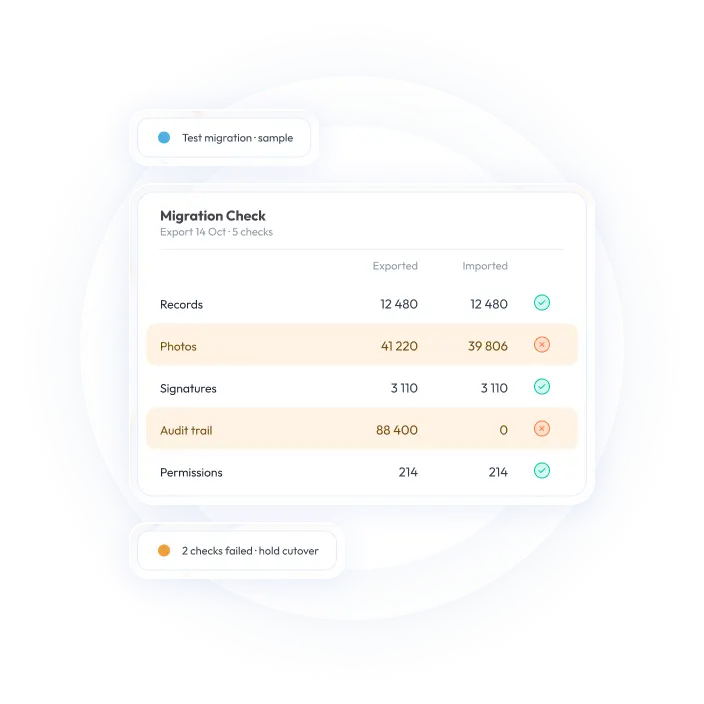
- Data migration
- User and location setup
- Workflow design
- Integrations
- Training
- Administrator enablement
- Project management
- Custom reporting
Some vendors include basic onboarding in the subscription, while others charge a separate implementation fee. A platform that appears inexpensive may require more internal labor if your team must configure everything independently.
Ask for a clear description of what is included before signing a contract. Also clarify whether implementation is a one-time cost or an ongoing professional-services charge.
Integrations and API access
Integrations can affect both the subscription price and implementation cost. Depending on the platform, you may need connections to:
- HR systems
- Identity providers
- Cloud infrastructure
- Ticketing tools
- Maintenance systems
- Business intelligence platforms
- Document-management systems
- Inspection or operational platforms
Some standard integrations may be included, while custom integrations, API access or advanced data synchronization may require a higher plan or a separate services fee.
The number of integrations matters, but the quality of the connection matters more. A basic export may be sufficient for one organization, while another may need real-time synchronization between systems.
Ask vendors whether integrations are included in the quoted price, limited by plan or priced according to implementation complexity.
<<cta>>
Support, training and service levels
Support can range from standard email assistance to a dedicated customer success manager and priority response times. Potential cost differences may relate to:
- Standard versus priority support
- Dedicated implementation specialists
- Live training
- Custom training materials
- Service-level agreements
- Account management
- Ongoing configuration support
- After-hours or regional support
Ask whether support is included in the subscription or priced separately. If compliance workflows are business-critical, compare service levels as part of the total cost rather than treating support as an afterthought.
Common compliance software pricing models
Understanding the pricing model is essential when comparing compliance software pricing. A plan that looks inexpensive under one model may cost more than expected when your users, locations or usage increase.
Per-user pricing
Per-user pricing is common when a platform is primarily used by compliance, security, audit or risk teams. It can be straightforward for a small group but may become more complex when large numbers of employees need limited access.
Check whether the vendor charges for every person who logs in or offers different roles for administrators, contributors, reviewers and read-only users. Also ask whether user licenses can be reassigned when employees change roles.
Per-site pricing
Per-site pricing is common for operational and safety compliance platforms. It can be easier to forecast for organizations with stable locations, but teams should confirm whether different site types are priced differently.
Ask how the vendor defines a site and whether temporary, inactive or seasonal locations are included in the calculation. If your organization is expanding, request an example of how the cost changes when new sites are added.
Tiered plans
Tiered plans group functionality into packages. Entry-level plans may cover core workflows, while higher tiers may add analytics, integrations, automation, permissions or support.
Compare the capabilities included in each tier rather than comparing plan names alone. Pay particular attention to limits on users, locations, evidence, storage, reports, integrations and data retention.
Usage-based pricing
Some vendors base pricing on the amount of activity processed. This may include evidence volume, monitored controls, audits, frameworks, integrations or storage.
Usage-based pricing can be flexible but requires a realistic estimate of future growth. Ask what happens if usage exceeds the plan limit and whether overage charges are automatic.
Custom enterprise pricing
Enterprise pricing is usually based on the organization’s structure and requirements. It may consider users, sites, business units, modules, integrations, security requirements and implementation services.
Custom pricing is not necessarily negative. It can be appropriate for complex organizations, but buyers should request a detailed breakdown so they can compare proposals accurately. Ask which parts of the quote are recurring subscription costs and which are one-time services.
Potential hidden costs to ask about
The subscription price is only one part of the total cost. Before choosing a platform, ask whether the following are included:
- Setup and implementation
- Data migration
- Custom configuration
- Template or control-library creation
- Additional locations
- Additional administrators
- External or occasional users
- Premium integrations
- API access
- Storage or evidence limits
- Advanced dashboards and reports
- Mobile or offline access
- Single sign-on
- Training
- Dedicated support
- Premium service levels
- Renewal increases
- Contract termination or data-export fees
Also ask how pricing changes if the organization adds users, sites, frameworks or integrations. A platform should remain financially predictable as the compliance program grows.
Do not assume that a feature is included simply because it appears on a vendor’s website. Ask for the included capabilities, limits, exclusions and additional fees in writing.
The five main types of compliance software
Compliance software is not one uniform category. The type of platform you choose is one of the biggest reasons prices vary. A focused operational platform and an enterprise GRC suite may both be called compliance software, but they support different workflows, users and levels of complexity.
1. Security and trust automation platforms
These tools are designed primarily for technology and SaaS companies working toward frameworks such as SOC 2, ISO 27001, HIPAA or PCI DSS. They typically automate evidence collection from cloud systems and continuously monitor controls for security and compliance teams.
Pricing may be influenced by the number of frameworks, connected systems, monitored controls, employees or evidence sources.
2. Enterprise GRC suites
Governance, risk and compliance platforms serve larger organizations managing complex programs across multiple business units or legal entities. They often combine enterprise risk management, internal audit, SOX controls, policy management and advanced risk analysis in one environment.
These platforms commonly use custom enterprise pricing based on modules, users, business entities, integrations, security requirements and implementation complexity. Because of their broader scope, they often require a larger implementation investment than a focused compliance platform.
3. Operational and safety compliance platforms
These systems focus on what happens at the frontline: site inspections, safety checks, quality assurance, OSHA or ISO-related workflows and corrective action tracking. They are commonly used in manufacturing, retail, hospitality, facilities and other physical operations.
Operational platforms more commonly use per-user or per-site pricing, although plan tiers and implementation services can also affect the total cost. This is the category where a platform such as monitorQA sits.
4. Regulatory change management tools
Common in highly regulated sectors such as financial services and legal, these platforms monitor changes to laws, rules and regulatory requirements across jurisdictions. They help teams understand what has changed and keep internal policies and controls aligned.
Pricing may depend on jurisdictions, regulatory content coverage, users, monitored obligations and the level of advisory or implementation support included.
5. AI governance and model risk software
This newer category is emerging as organizations introduce more AI systems and face additional governance requirements. These tools support model inventories, risk assessments, documentation and compliance with frameworks and regulations including the EU AI Act and NIST AI Risk Management Framework.
Cost may depend on the number of models, users, assessments, frameworks, evidence requirements and monitoring capabilities.
Many organizations ultimately need more than one category. A SaaS business, for example, might use a security compliance platform for SOC 2 while relying on a separate operational system for warehouse safety. The important part is matching the software to the compliance problem you actually need to solve rather than choosing a broad platform simply because it appears to cover everything.
Compliance software versus GRC software
The two terms are often used interchangeably, but there is a practical difference in scope. GRC software usually sits at the enterprise level, bringing governance, risk, policy management and compliance into one broader framework. It is typically designed for larger organizations with complex structures, multiple business units and more sophisticated risk-management requirements.
Compliance management software is often more focused. While the term can overlap with GRC, it commonly refers to tools built to help teams meet and demonstrate compliance with a defined set of standards, regulations or internal requirements - whether that is SOC 2, OSHA, ISO or company-specific procedures - without the full enterprise risk-management layer.
For a smaller company trying to achieve SOC 2 in support of a sales or procurement requirement, for example, a dedicated security compliance platform may be a better fit than a full-scale enterprise GRC suite. That narrower scope may also result in a simpler implementation and a more predictable cost structure.
Which compliance software features are worth paying for?
The most expensive platform is not automatically the best option. The right features are the ones that reduce manual work, improve visibility or address a compliance requirement your organization genuinely needs.
Automated evidence collection
The platform should connect with the systems where compliance evidence already exists, whether that means cloud infrastructure, HR applications, ticketing tools or mobile inspection software used at physical locations. Automating collection can reduce manual preparation and create a clearer, timestamped record for audits and reviews.
This capability may justify additional cost when teams spend substantial time collecting screenshots, checking documents or requesting evidence from multiple departments. Ask how many systems can be connected and whether premium connectors cost extra.
Cross-framework mapping
Where standards overlap, the software should help teams avoid repeating the same work. A single control or policy may support requirements across multiple frameworks, such as ISO 27001 and SOC 2. Strong platforms can map that evidence across both rather than forcing teams to maintain duplicate records.
Cross-framework mapping is most valuable when your organization manages several standards or expects its compliance program to expand. If you manage only one simple framework, an advanced mapping module may not be necessary.
Centralized policy management
Policies should be managed in one controlled location with clear version history and employee acknowledgement tracking. This makes it easier to show not only which policy was in effect, but also who reviewed and accepted it.
Before paying for a policy module, confirm whether it includes version control, attestations, reminders, approvals and reporting or only document storage.
Automated remediation workflows
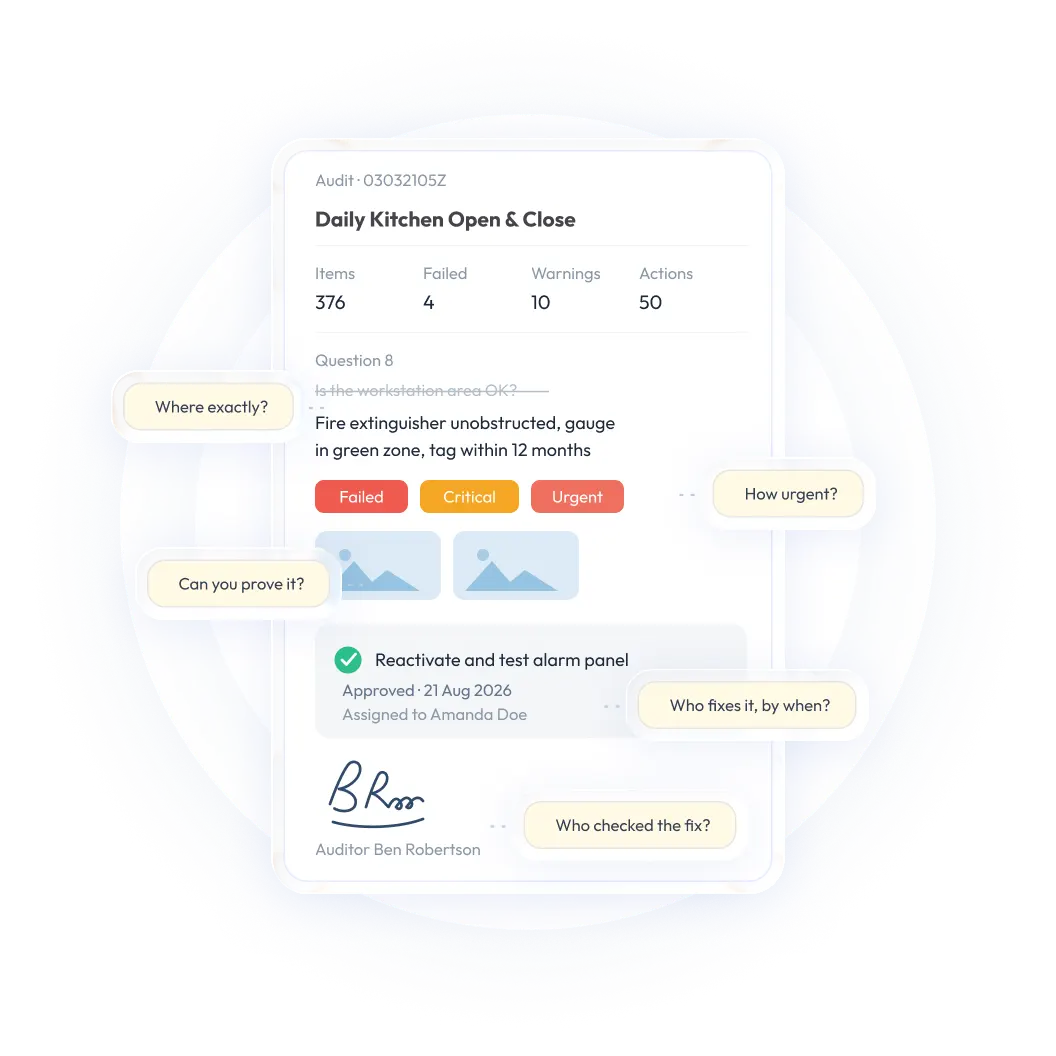
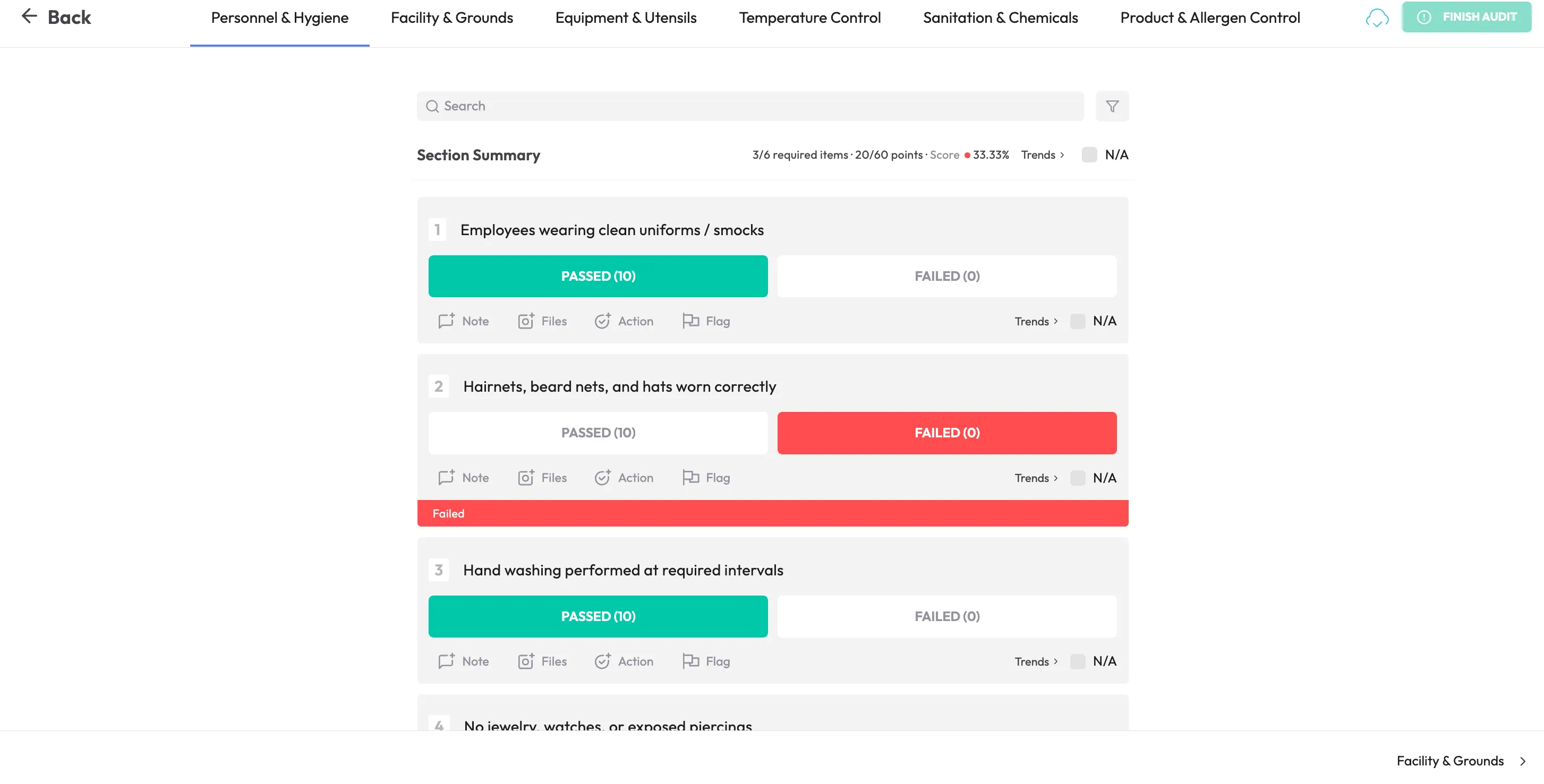
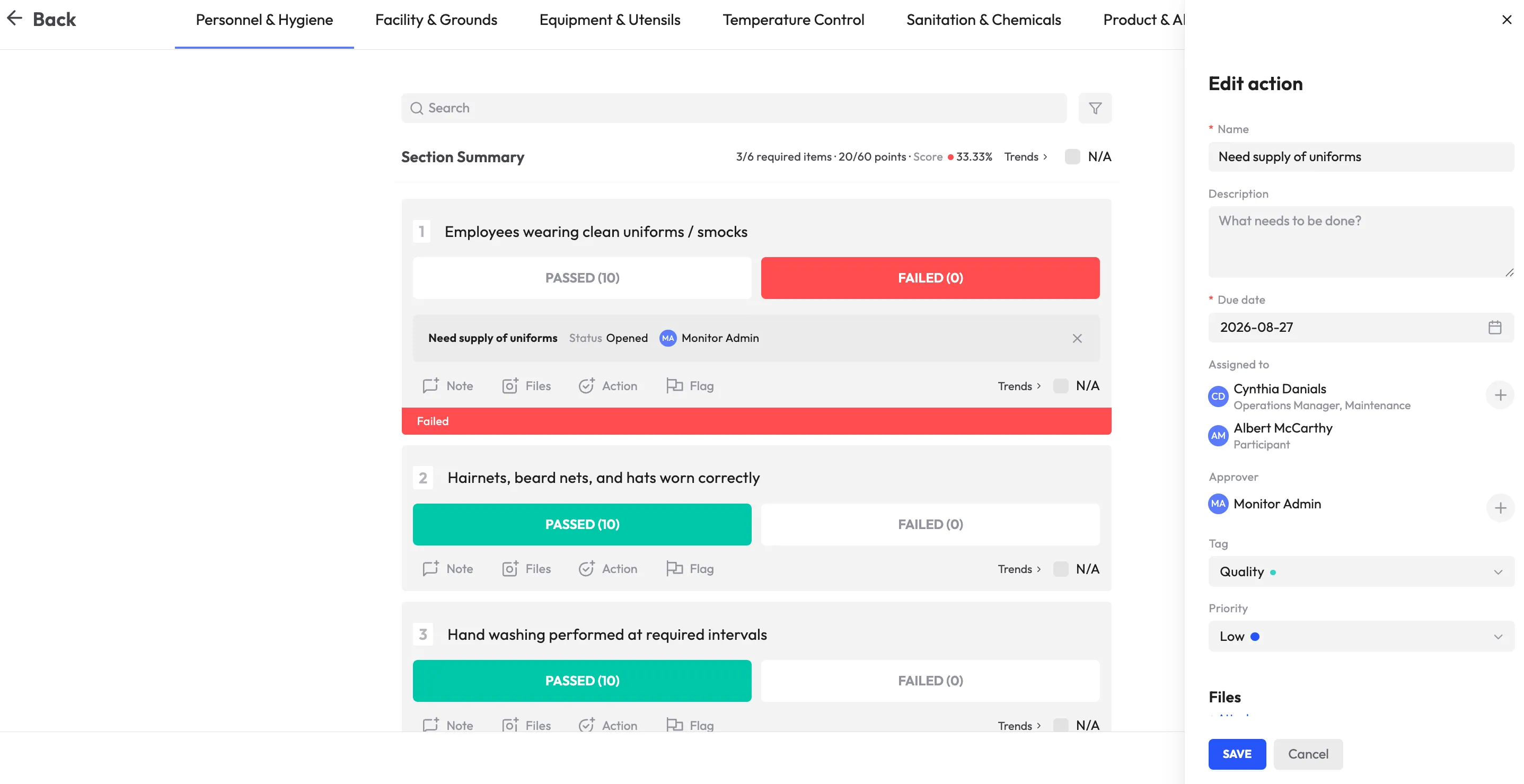
When a control fails or a compliance issue is identified, the platform should turn that gap into an assigned action with a responsible owner, a due date and a defined path to closure. Remediation should be tracked until the issue has been properly resolved rather than left as an open note.
This feature can provide significant value when multiple teams or locations are responsible for follow-up. Ask whether corrective actions are included in the base plan and whether reminders, escalation and verification require a higher tier.
Continuous monitoring
Compliance should not depend entirely on periodic reviews. More advanced platforms monitor selected controls continuously and alert teams when configurations, processes or other indicators drift out of compliance.
Continuous monitoring may be worth the additional cost when the time between reviews creates meaningful risk. It may be less valuable for a small organization with a stable, low-volume compliance program. Evaluate the controls you actually need to monitor rather than paying for broad functionality you will not use.
<<cta>>
AI-assisted insights
Some platforms now use AI to support tasks such as drafting questionnaire responses, summarizing evidence or identifying unusual patterns. These features can save time but should be treated as assistance rather than unquestioned output, particularly where accuracy and compliance evidence are critical.
Ask whether AI capabilities are included in the subscription or priced as an add-on. Also clarify what data is processed, how it is protected and what review controls are available.
Legacy tracking versus modern compliance management software
How to compare compliance software pricing
Before choosing a platform, compare vendors against your actual compliance program rather than selecting the product with the longest feature list or the lowest advertised starting price.
- Identify the type of compliance problem you need to solve. Are you focused on security and data controls, enterprise governance, regulatory change or operational compliance? The answer will determine which category and pricing model is relevant.
- List your users, locations and business units. Include administrators, auditors, reviewers, employees, contractors and occasional users who may need access.
- Define the frameworks and standards that matter. Whether that includes SOC 2, ISO 27001, HIPAA, OSHA or internal procedures, identify what the platform must support now and in the future.
- Separate essential features from optional features. Decide which capabilities are required for your current workflow and which would be useful only as the program matures.
- Review integrations and API requirements. Focus on the systems your team actually depends on rather than the size of a vendor’s integration catalog.
- Follow the remediation workflow from start to finish. Ask to see what happens when a control fails or a gap is identified, including assignment, reminders, escalation and closure.
- Confirm implementation and migration costs. Ask whether configuration, data migration, training and project management are included.
- Ask how pricing changes as the program grows. Request examples for additional users, sites, frameworks, evidence volume and integrations.
- Review contract terms. Check renewal increases, minimum commitments, cancellation, data export, retention and overage charges.
- Request a written total-cost estimate. Ask the vendor to separate recurring subscription fees from one-time services and optional add-ons.
- Compare the cost with your current manual effort. Include staff time spent collecting evidence, preparing reports, maintaining spreadsheets, following up on gaps and preparing for audits.
How to calculate the total cost of compliance software
A simple total-cost framework can help you compare proposals consistently:
Estimated first-year cost = subscription fees + implementation and migration + integrations and configuration + training and support + expected add-ons or usage charges
For later years, remove one-time implementation expenses but account for renewal increases, additional users, new locations, expanded frameworks and changing support requirements.
This calculation does not need to be exact to be useful. The goal is to make differences between proposals visible and avoid selecting a platform based only on its starting subscription price.
Implementation best practices
The cost and value of compliance software are closely connected to implementation. A focused rollout can reduce unnecessary configuration work and improve adoption.
- Set the scope before implementation begins. Avoid trying to roll out every framework or compliance requirement at once. Start with the areas that deliver the clearest immediate value.
- Bring the right teams into the process early. IT, HR, legal, security and operations may all have responsibilities within the same program. Their input should shape both platform selection and rollout.
- Start with standard templates before customizing heavily. Use workflows and controls designed around common frameworks as a baseline, then customize only where your organization has a clear reason to do so.
- Plan data migration carefully. Decide which historical records need to be migrated, which should be archived and how users, locations, controls and findings will map to the new system.
- Confirm ownership of configuration work. Clarify which tasks your team will complete and which the vendor will handle as part of onboarding or professional services.
- Manage compliance as an ongoing discipline. The goal should be to maintain healthy controls throughout the year, not scramble when an audit approaches. Regularly review dashboards, open gaps and remediation activity.
- Review the business case after launch. Measure time saved, evidence retrieval, overdue actions, audit preparation and visibility to determine whether the platform is delivering the expected value.
monitorQA pricing and current plan details
If you are evaluating an operational compliance platform for inspections, safety workflows and corrective action tracking, monitorQA is one option to compare. The platform is designed for teams managing operational compliance across locations, with capabilities such as mobile inspections, evidence capture, reporting and corrective action management.
Because the right plan depends on your users, locations, workflows and requirements, visit the monitorQA pricing page for current plan details. You can also book a demo and request guidance based on your organization’s specific needs.