Manufacturing Inspection Software
Manufacturing Inspection Software for Better Quality Control
Achieve perfectly engineered production with real-time data and robust inspections.


Manufacturing Inspection Software
Keep Your Production Line Humming
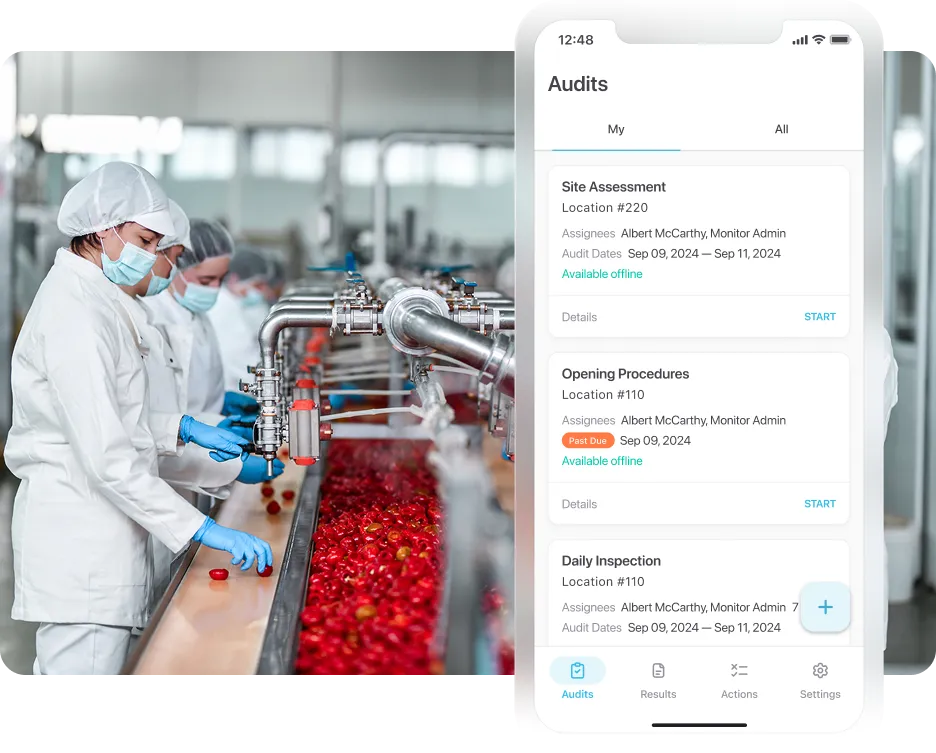
Keep your factory running like a well-oiled machine. With detailed inspections and mobile audits, you can catch defects early and manufacture quality from start to finish.

Spot-On Quality :
Perform detailed factory walkthroughs and production line checks.
Perform detailed factory walkthroughs and production line checks.
Mobile Audits :
Complete inspections on the go for constant care and quality control.
Complete inspections on the go for constant care and quality control.

Stay Ahead of Disruptions
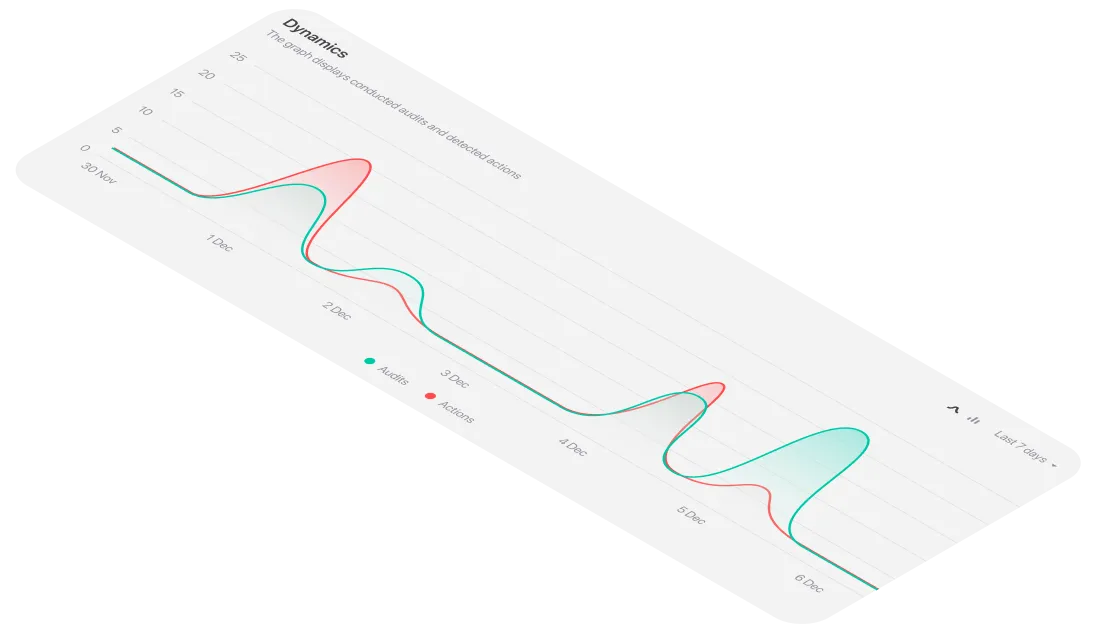
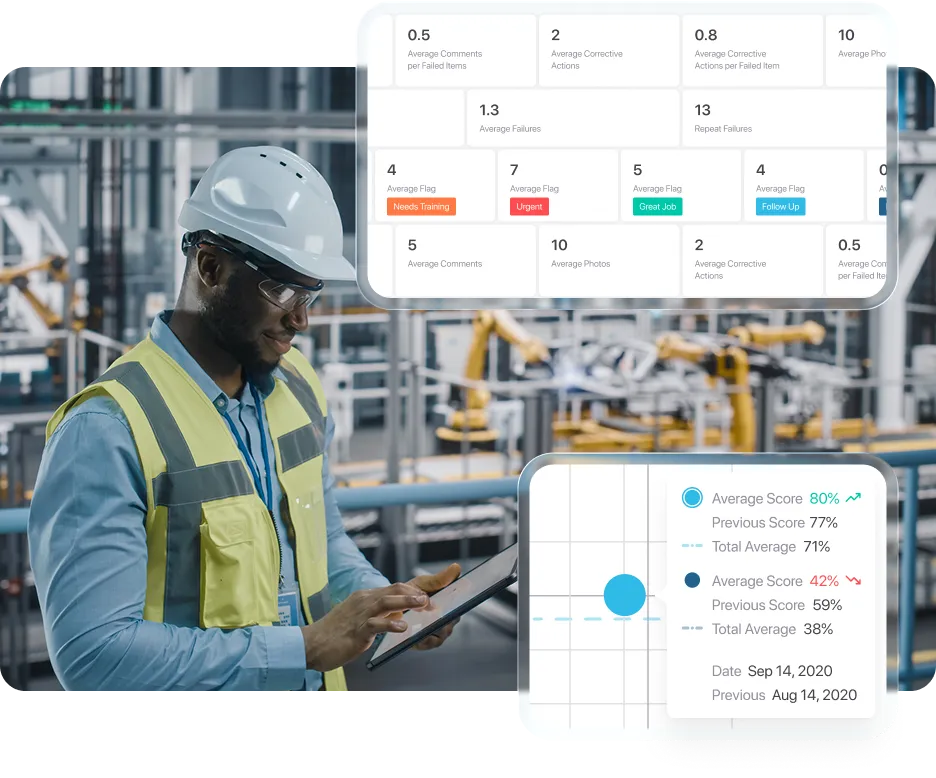
Don’t let minor issues turn into major headaches. Use powerful dashboards to track trends and analyze data so your production line never skips a beat.
Real-Time Dashboards :
Monitor metrics and spot trends to halt disruptions.
Monitor metrics and spot trends to halt disruptions.
Instant Alerts :
Get timely notifications about potential issues and eliminate downtime.
Get timely notifications about potential issues and eliminate downtime.
Empower Your Staff to Uphold Quality
Safety First, Always
Make safety a priority with regular checks and an easy-to-use mobile app. Empower your team to identify and report safety concerns quickly.
Make safety a priority with regular checks and an easy-to-use mobile app. Empower your team to identify and report safety concerns quickly.
Quick Safety Checks :
Assign corrective actions to fix safety issues immediately.
Assign corrective actions to fix safety issues immediately.
User-Friendly App :
Simplify safety with an intuitive interface that everyone can use.
Simplify safety with an intuitive interface that everyone can use.

Tackle Problem Areas Head-On
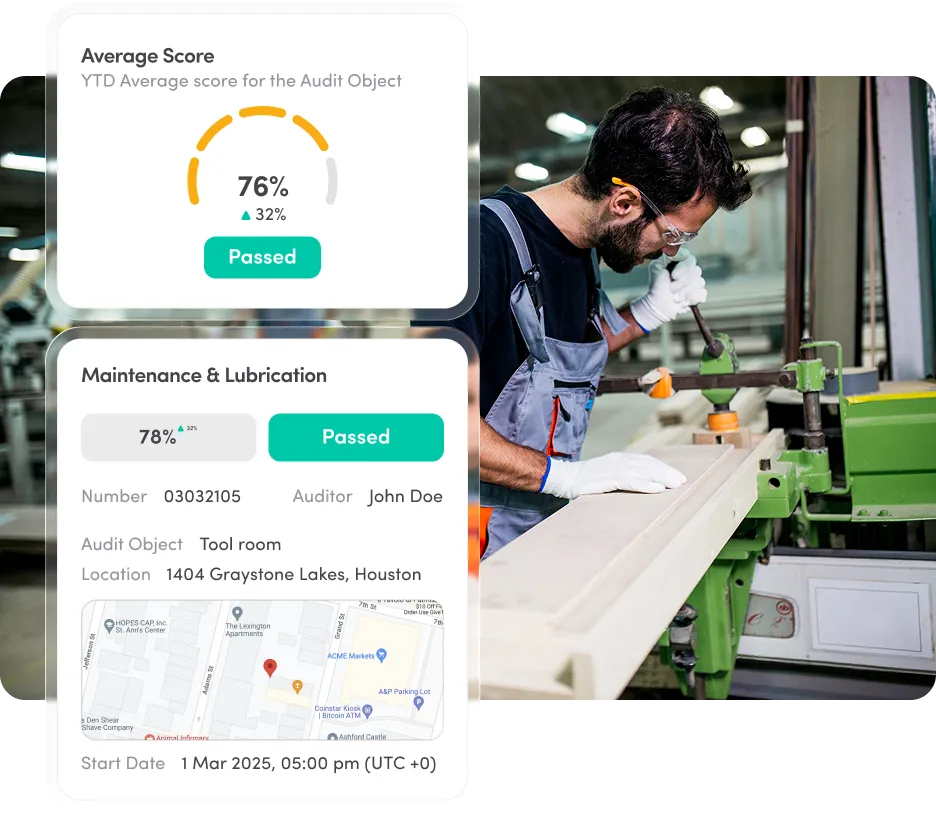
Identify trouble spots in management, maintenance, safety, and compliance. Allocate resources where they’re needed most and fix issues swiftly.
Targeted Solutions :
Focus training and maintenance on critical areas.
Focus training and maintenance on critical areas.
Regular Audits :
Stay compliant and efficient with proactive audits and checklists.
Stay compliant and efficient with proactive audits and checklists.
Fine-Tune Your Decisions with Data
Assemble actionable insights with data. With detailed reports and dashboards, you can oversee everything and make informed decisions quickly.
Insightful Reports :
Drill into safety and quality metrics to craft your strategy.
Drill into safety and quality metrics to craft your strategy.
Proactive Tracking :
Supervise the shop floor and prevent significant issues.
Supervise the shop floor and prevent significant issues.


In manufacturing, maintaining consistent quality can feel like an uphill battle. Paperwork overload, time-consuming inspections, and catching defects after the fact were all part of the daily grind. monitorQA’s user-friendly app and real-time data capture during inspections empower my team to identify and fix issues proactively, leading to a significant decrease in defects.
William C.
Quality Control Manager
Free Resources to Get You Started
Use our ready-made checklists or customize them according to your specific requirements.
Or send us your existing QA checklists, and we’ll convert them into our system for free, helping you transition smoothly!
Or send us your existing QA checklists, and we’ll convert them into our system for free, helping you transition smoothly!

Your burning questions, clearly answered.
What is manufacturing inspection software and how does it support quality control?

Manufacturing inspection software digitizes the checklists, audits and walkthroughs teams use to confirm that production, equipment and safety requirements are being met. Inspectors record results on a phone or tablet with photos, notes and signatures, failed items are routed to someone for correction and managers see results by line or site. It supports quality control by making inspections consistent and problems visible sooner. monitorQA provides this inspection, audit and follow-up layer.
What should a production line inspection checklist include?
A production line inspection checklist should cover line setup and pre-start verification, in-process checks at set intervals, finished-product checks, equipment condition, housekeeping and safety items such as machine guards and PPE. Each item needs a clear pass/fail criterion so different inspectors reach the same result. In monitorQA, teams build these checklists without coding, using scoring by question or section and skip logic or start from the free manufacturing quality control checklist.
How do you standardize quality inspections across multiple plants and shifts?
Standardize by using one master inspection template with the same questions, scoring and pass/fail criteria at every plant and shift and allow local additions only where a site genuinely differs. Central control matters when a customer specification or standard changes. monitorQA is cloud-based so you can update templates globally, apply weighted scoring to critical items and compare results by location, region or group.
How do you manage non-conformances and corrective actions (CAPA) in manufacturing?
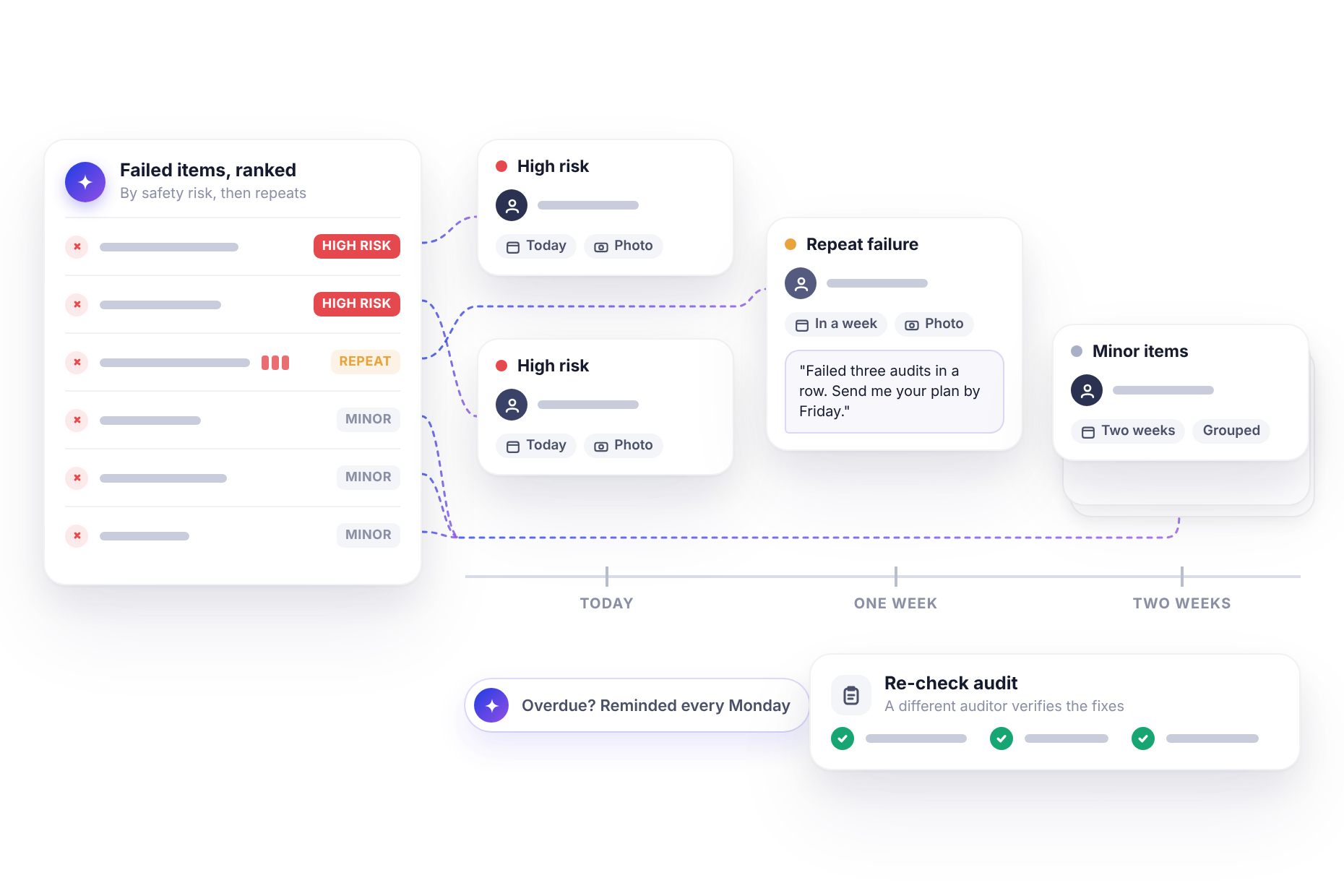
Manage a non-conformance by recording it, assigning one owner and verifying the fix worked before closing it. In monitorQA, a failed inspection item can become a corrective action with a priority, deadline, photos and annotations and managers can approve or reject completion. Teams can also track open actions by location or due date.
How do you document and track manufacturing defects found during inspections?
Document a defect at the moment it is found: what it is, where it occurred, how severe it is and a photo. Then assign an owner and track it to closure so similar defects can be compared over time. monitorQA lets inspectors attach and annotate photos and add notes during the inspection, and issues can be logged separately and linked to corrective actions. Defects are identified by your inspectors; the software records and tracks them.
Does manufacturing inspection software replace our MES, ERP or SPC system?
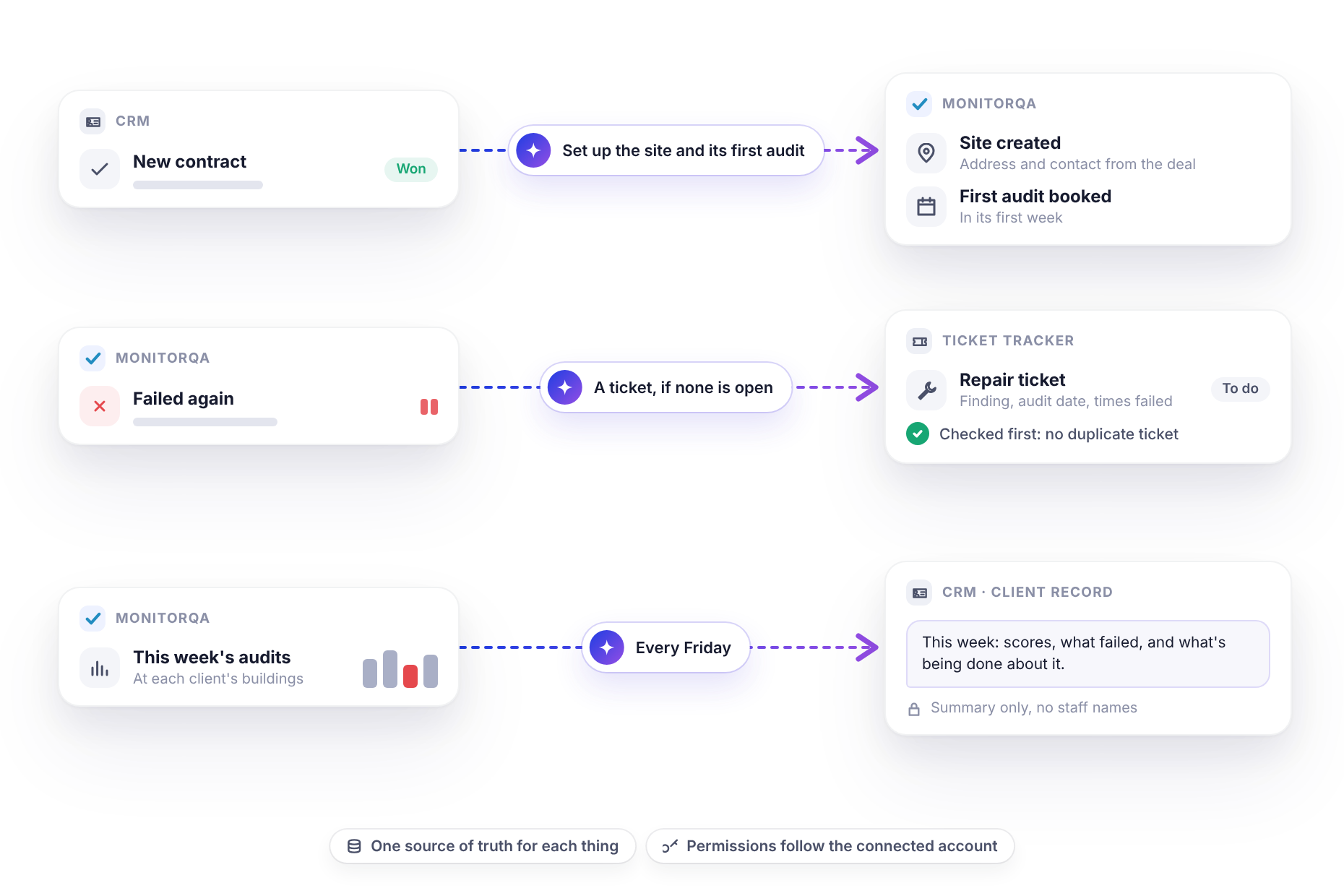
No. Manufacturing quality control software like monitorQA works alongside those systems rather than replacing them. An MES runs production, an ERP manages planning and inventory, a LIMS handles lab data, and SPC tools analyze process measurements statistically. monitorQA covers inspections, audits, issue documentation and corrective action follow-up, with reports exportable as PDF, XLS or TXT and API support for connecting to existing systems. A demo can confirm how it fits your stack.
How do you identify recurring quality issues across production lines and plants?
Identify recurring issues by comparing inspection results over time and across lines, shifts and sites, looking for the same failed items, repeat corrective actions and overdue follow-ups. Patterns usually appear only when results are stored in one place. In monitorQA, teams can filter issues by date, location or audit template, drill into dashboards and review scores by section to spot weak areas. It analyzes inspection results; it is not a statistical process control tool.
What inspection records do ISO 9001 and customer audits expect, and how can software help?
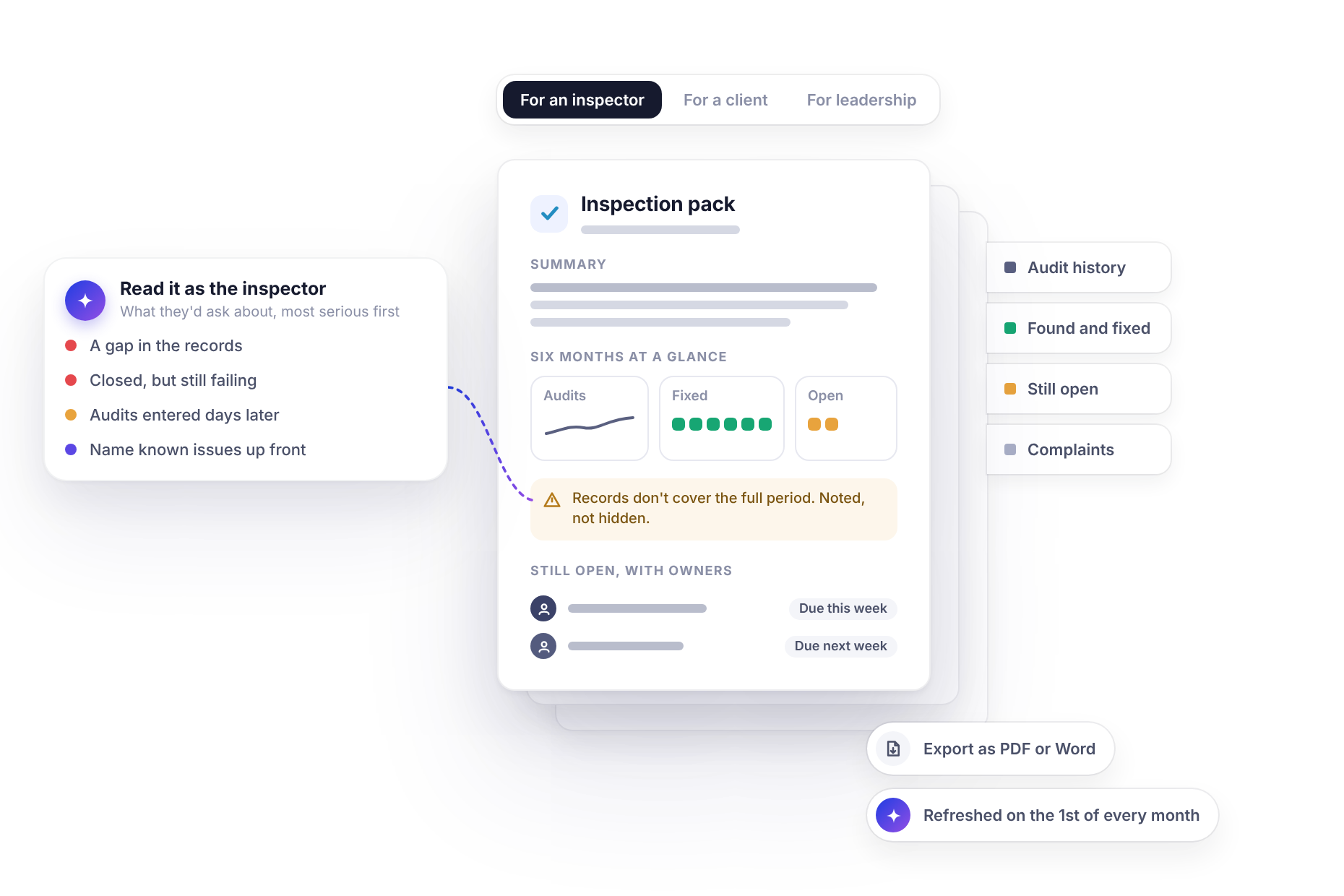
Auditors typically want evidence that inspections happened as planned: who performed them, when, what was found, what was done about failures and how closure was verified. Digital records are easier to retrieve than paper files. monitorQA produces scored, brandable inspection reports with photos and notes, downloadable as PDF, XLS or TXT and its self-inspection mode supports mock audits before external reviews. The free ISO 9001 gap analysis checklist is a useful starting point.
How do you run equipment, machinery and workplace safety inspections in a plant?
Run them as scheduled, recurring checklists tied to each asset or area: machine guarding, emergency stops, lubrication, PPE, emergency exits and housekeeping, with a clear pass/fail result and a required follow-up for anything that fails. Scheduling and reminders keep inspections from slipping. monitorQA lets teams schedule audits in advance, send automated reminders, capture photo evidence and assign corrective actions to fix hazards. It records inspections and follow-up; it does not replace a maintenance management system.
How do we move from paper checklists and spreadsheets to digital inspections?
Start with one high-volume or high-risk inspection, such as a daily line check and pilot it on one line before expanding. Reuse your existing forms so inspectors see familiar questions. monitorQA converts your current checklists into digital templates for free and requires no coding. Food processor Taylor Farms reported cutting audit time by more than half after moving off Excel-based inspections.
Can inspectors complete audits on the plant floor without Wi-Fi or cell service?
Yes, as long as the inspection app supports offline mode. Plants often have dead zones in cold storage, metal-heavy production halls and remote warehouses, so inspections can’t depend on a live connection. monitorQA’s iOS and Android app lets inspectors complete audits and save data without a connection, then syncs automatically when the device is back online so completed work isn’t lost.