

An inspection does not end when the checklist is completed. Identifying a failed valve, damaged guardrail or unsafe condition is only useful if the issue is assigned, corrected and properly closed out. Paper forms may capture the finding but they do little to make sure the follow-up actually happens.
That is the gap inspection management software is designed to close. It helps teams move from identifying a problem to assigning responsibility, tracking corrective action and confirming that the issue has been resolved.
This guide explains how inspection management software works in practice, which features distinguish a complete platform from a simple digital checklist, how it fits alongside audit software and quality management systems and what to look for when evaluating a solution.
What is inspection management software and how does it work?
Inspection management software is a digital system for managing the full inspection process, from building checklists and collecting field data to assigning corrective actions and monitoring results in real time.
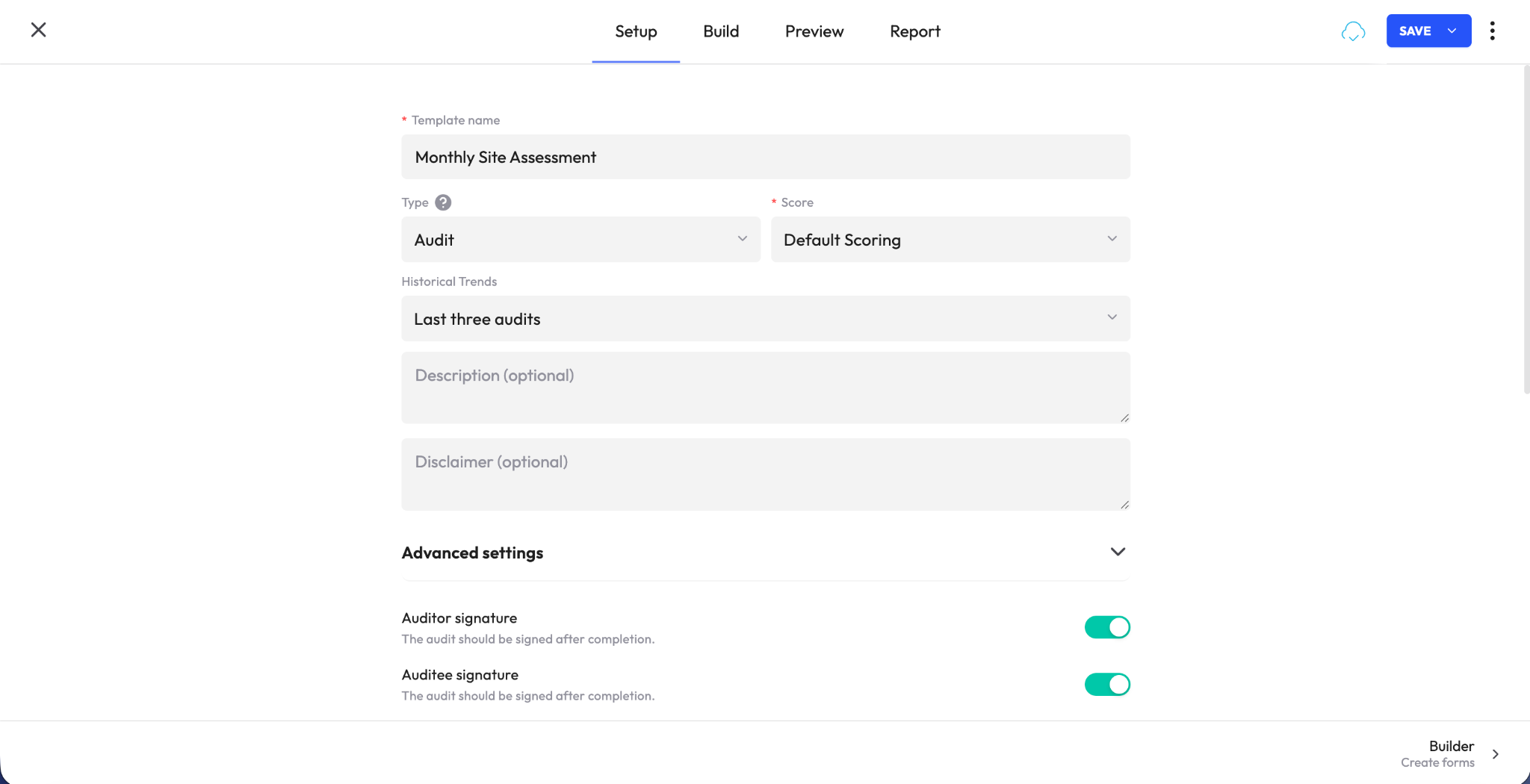
What separates it from a basic forms app is what happens after the inspection is submitted. A forms tool may replace paper with a digital version of the same document. Inspection management software goes further by turning failed items into follow-up work, notifying the appropriate owner, setting expectations for resolution and keeping the issue visible until it is closed.
That makes it an operational system rather than simply a digital checklist. Organizations use these platforms across manufacturing, construction, retail, hospitality, logistics, facilities management and other environments where equipment, locations or processes need to be checked consistently against defined standards.
Why teams are replacing paper and generic digital forms
1. Inspection data becomes easier to see and compare. When results are stored in one system, managers can review performance across sites, teams or locations without piecing together separate binders, spreadsheets or files. Trends that were once difficult to spot become much more visible.
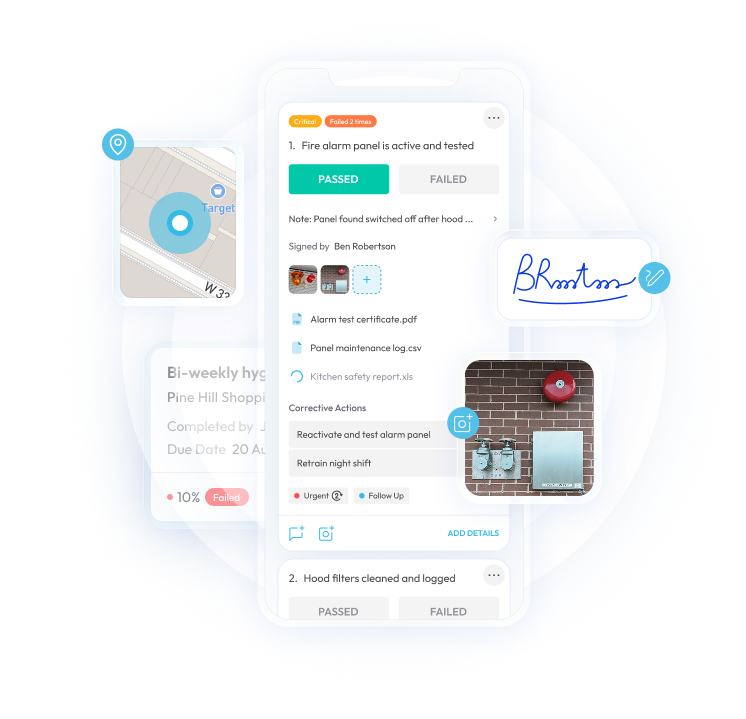
2. Accountability becomes part of the process. Features such as digital signatures, location data and required photo evidence can help verify that inspections were completed properly and make it harder for steps to be skipped or rushed.
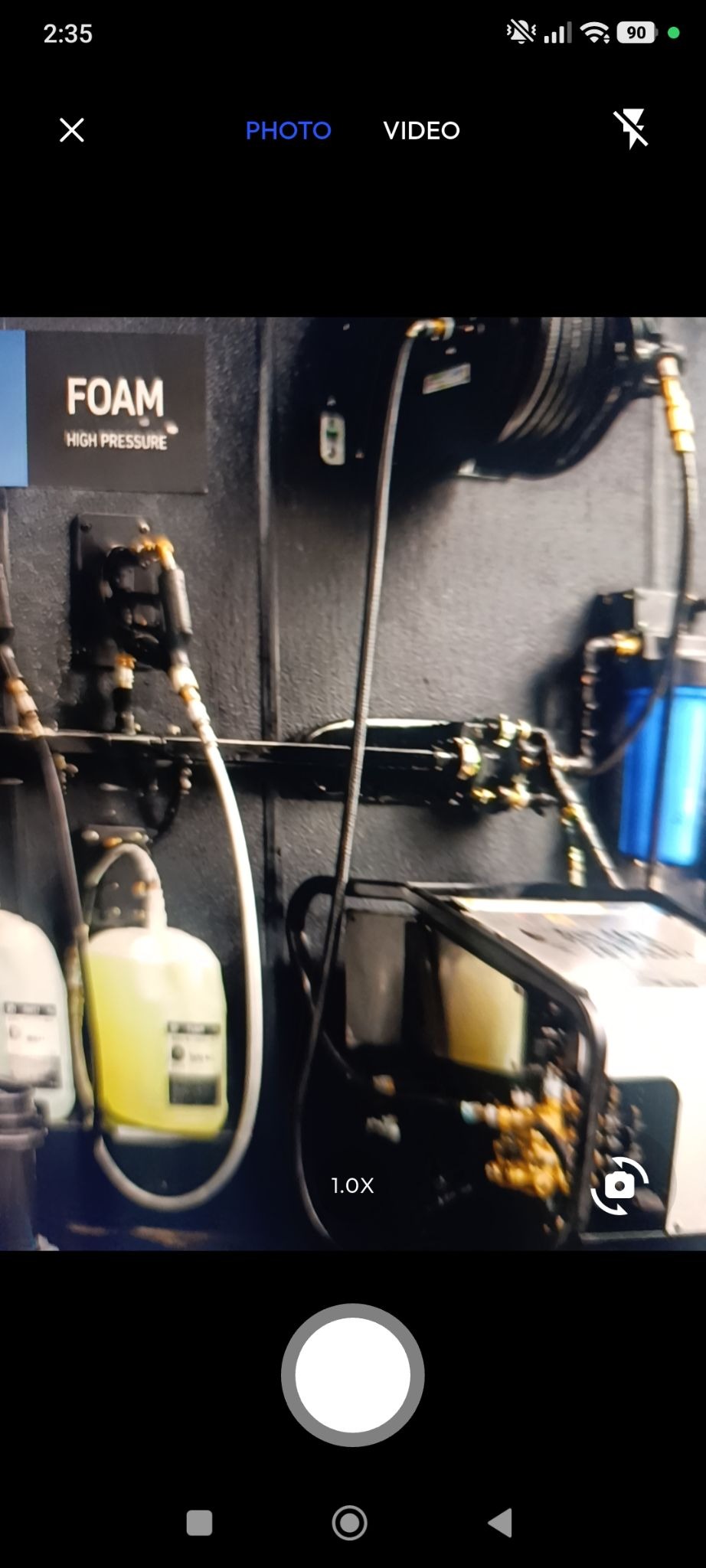
3. Issues move into action faster. A failed inspection item no longer has to wait in a notebook or inbox for someone to notice it. The system can assign the follow-up immediately, notify the right person and keep the issue open until it’s addressed.
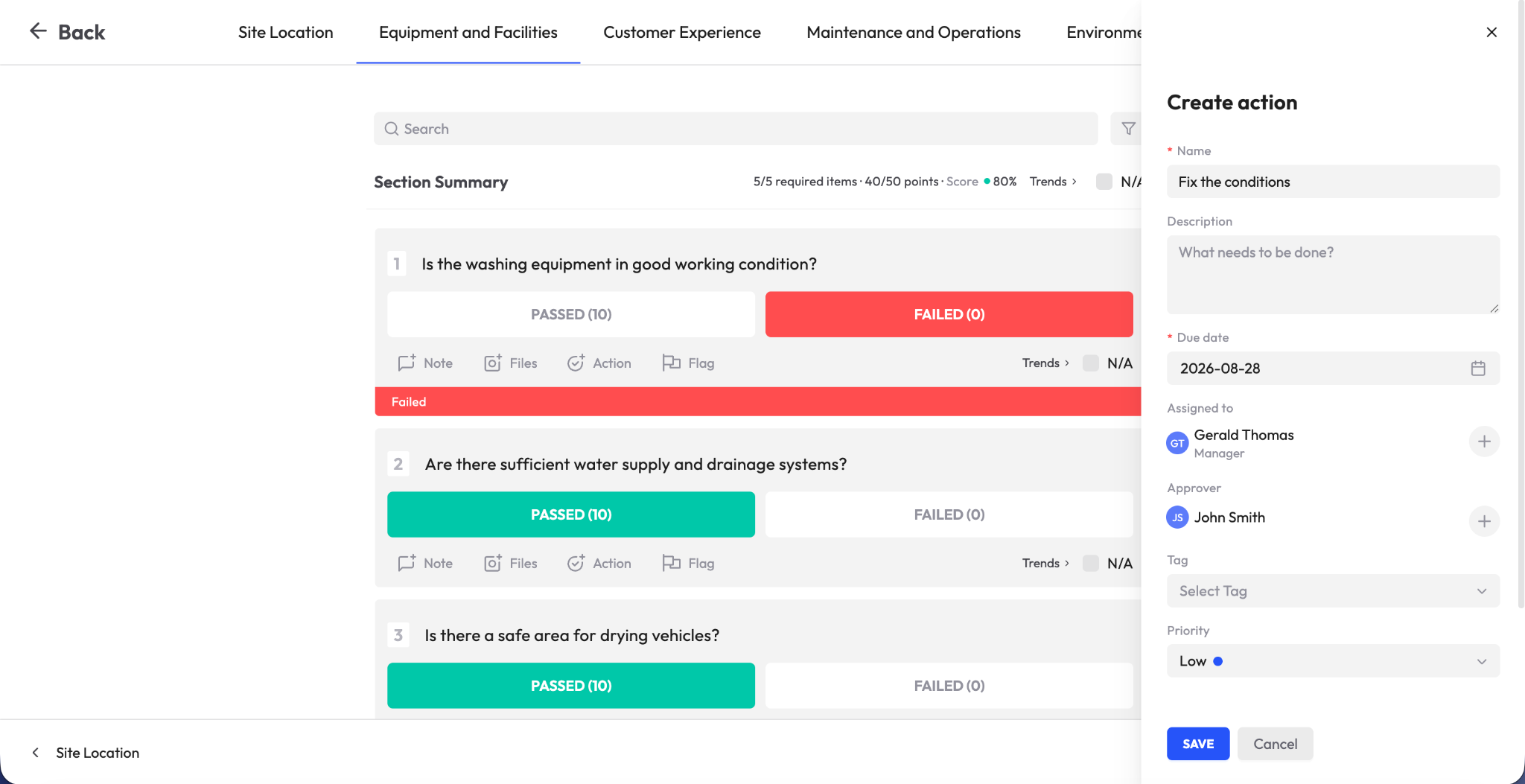
4. Audit preparation becomes far less disruptive. With a searchable, timestamped history of inspections, findings and corrective actions, teams can retrieve the evidence they need without reconstructing events from scattered records or memory.
Key features to look for in inspection management software
Mobile inspections with offline access
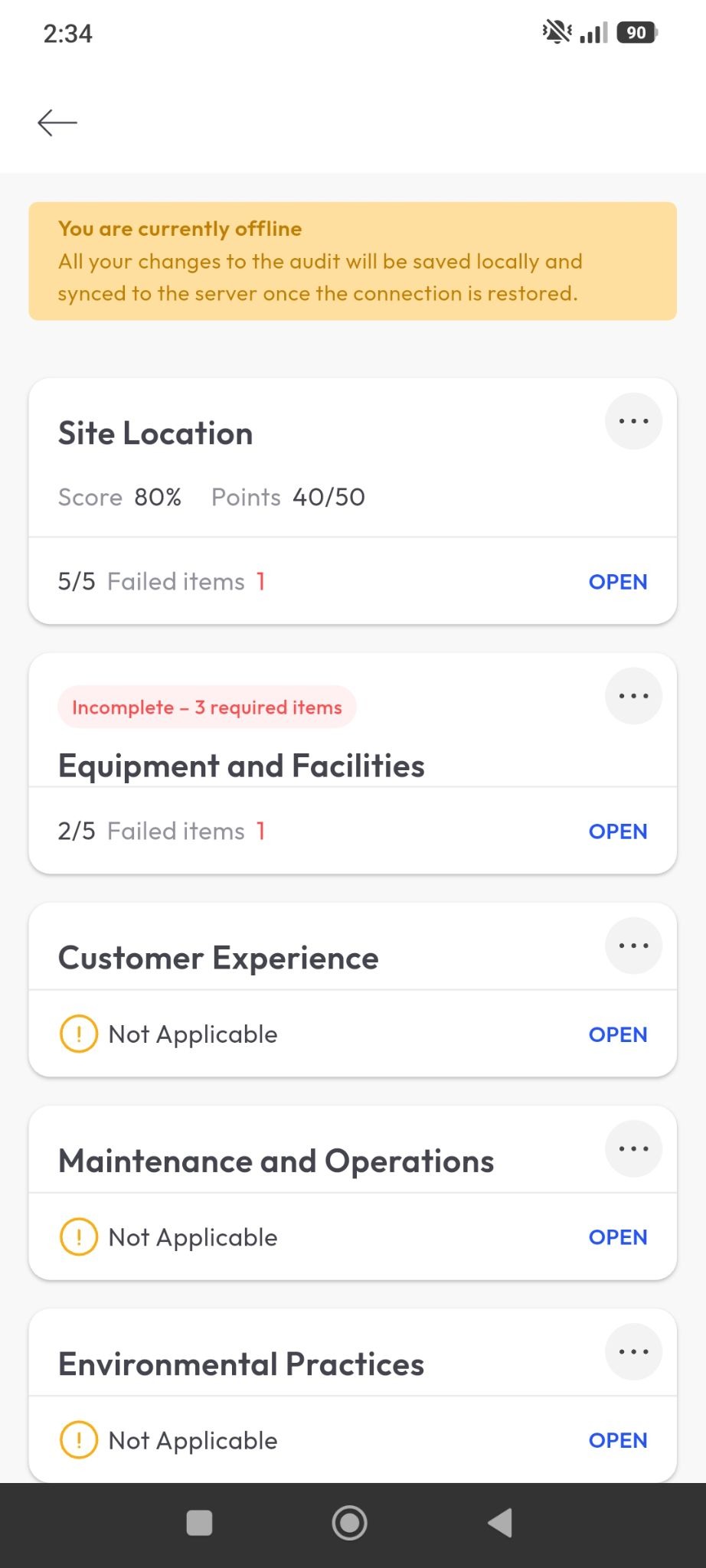
Inspections often take place in environments where connectivity is unreliable, from factory floors and construction sites to basements, warehouses and remote facilities. A capable platform should let inspectors complete their work offline and synchronize the data automatically once a connection is restored, without losing progress or delaying the inspection.
Flexible checklists with conditional logic
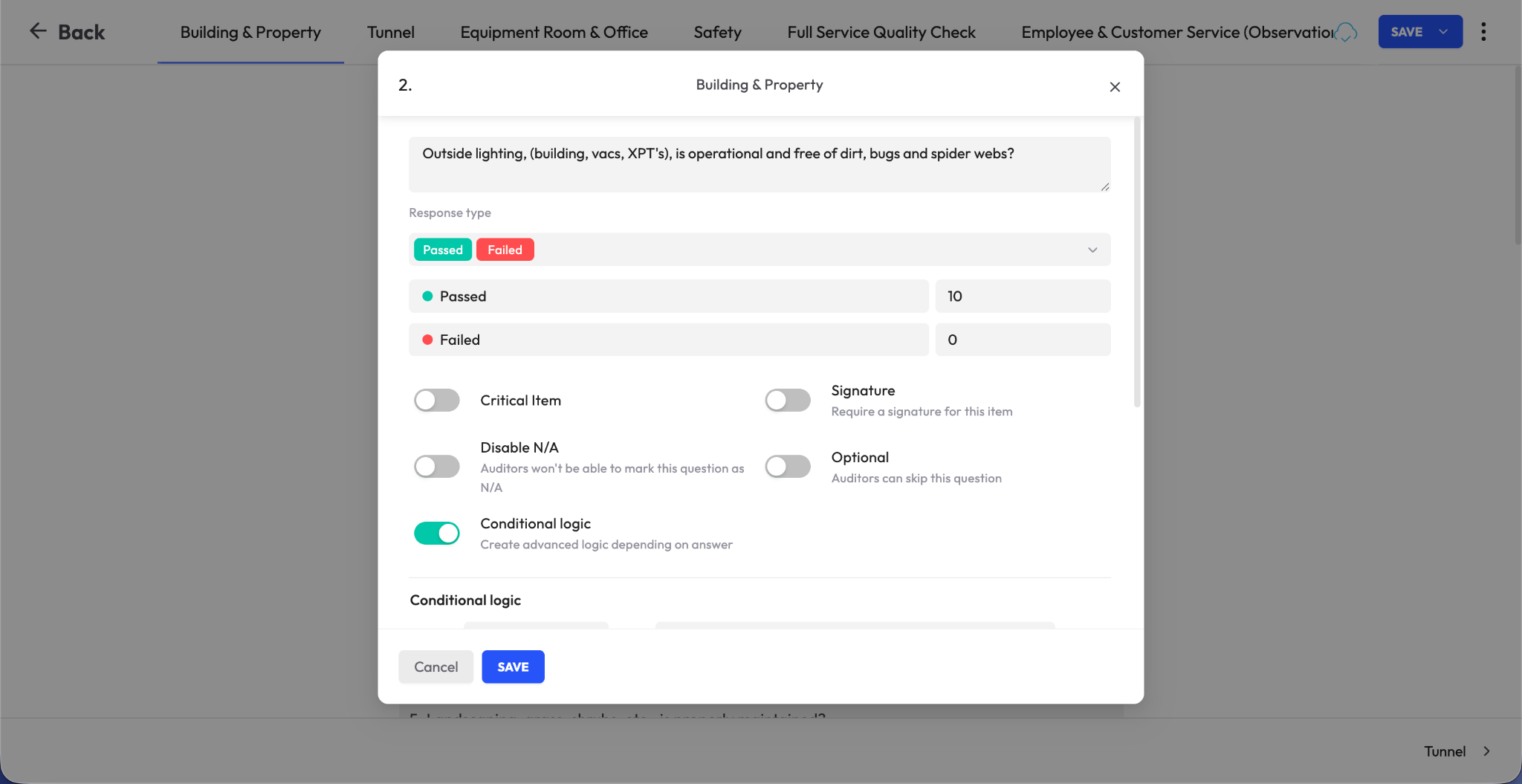
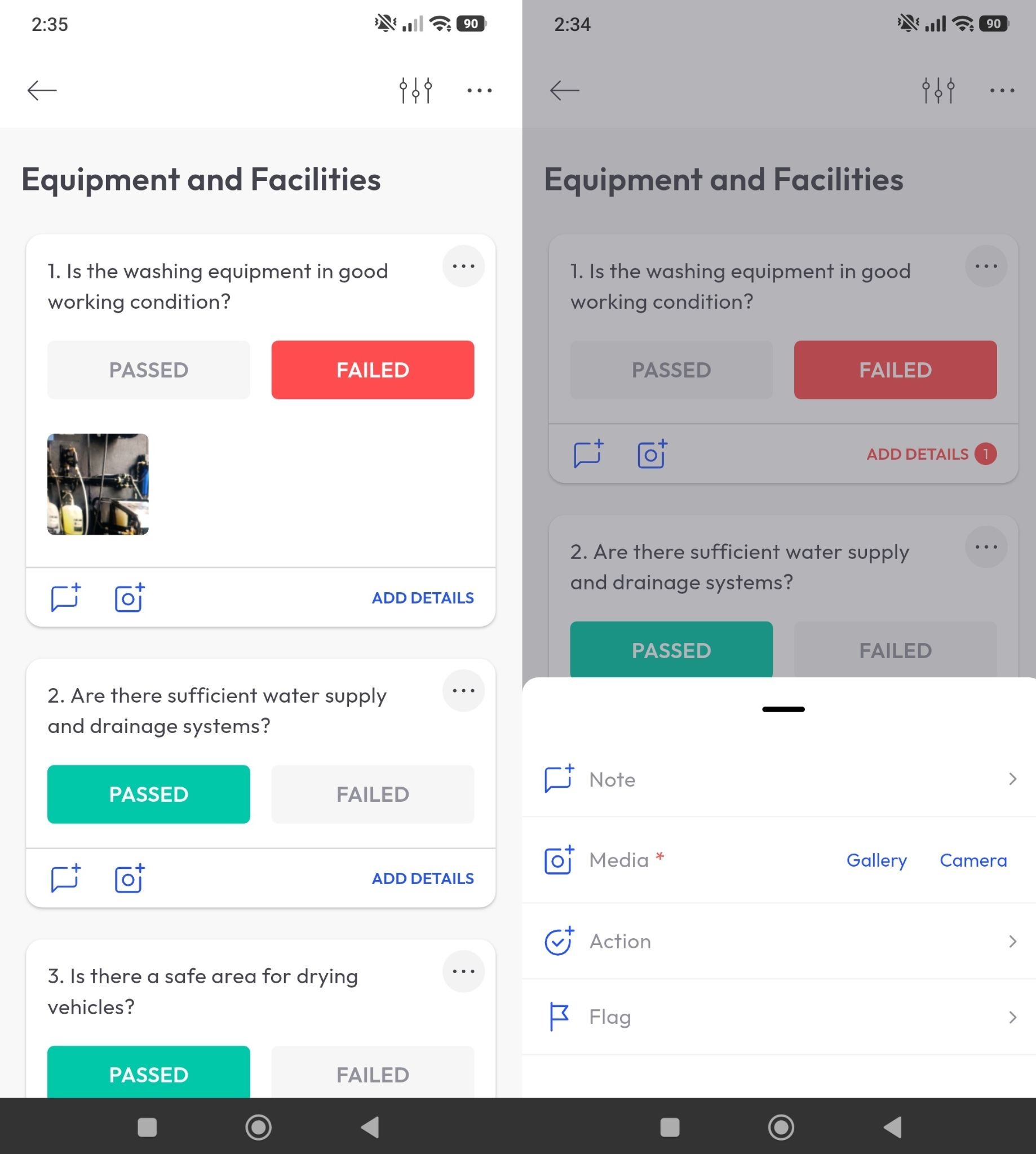
Digital checklists should do more than reproduce a paper form on a screen. Conditional logic allows the workflow to adapt based on the inspector’s response. For example, selecting “Fail” can trigger additional questions, require a photo or request further detail before the inspection can continue. This helps teams capture the information they need while the inspector is still on site.
Automated corrective action tracking
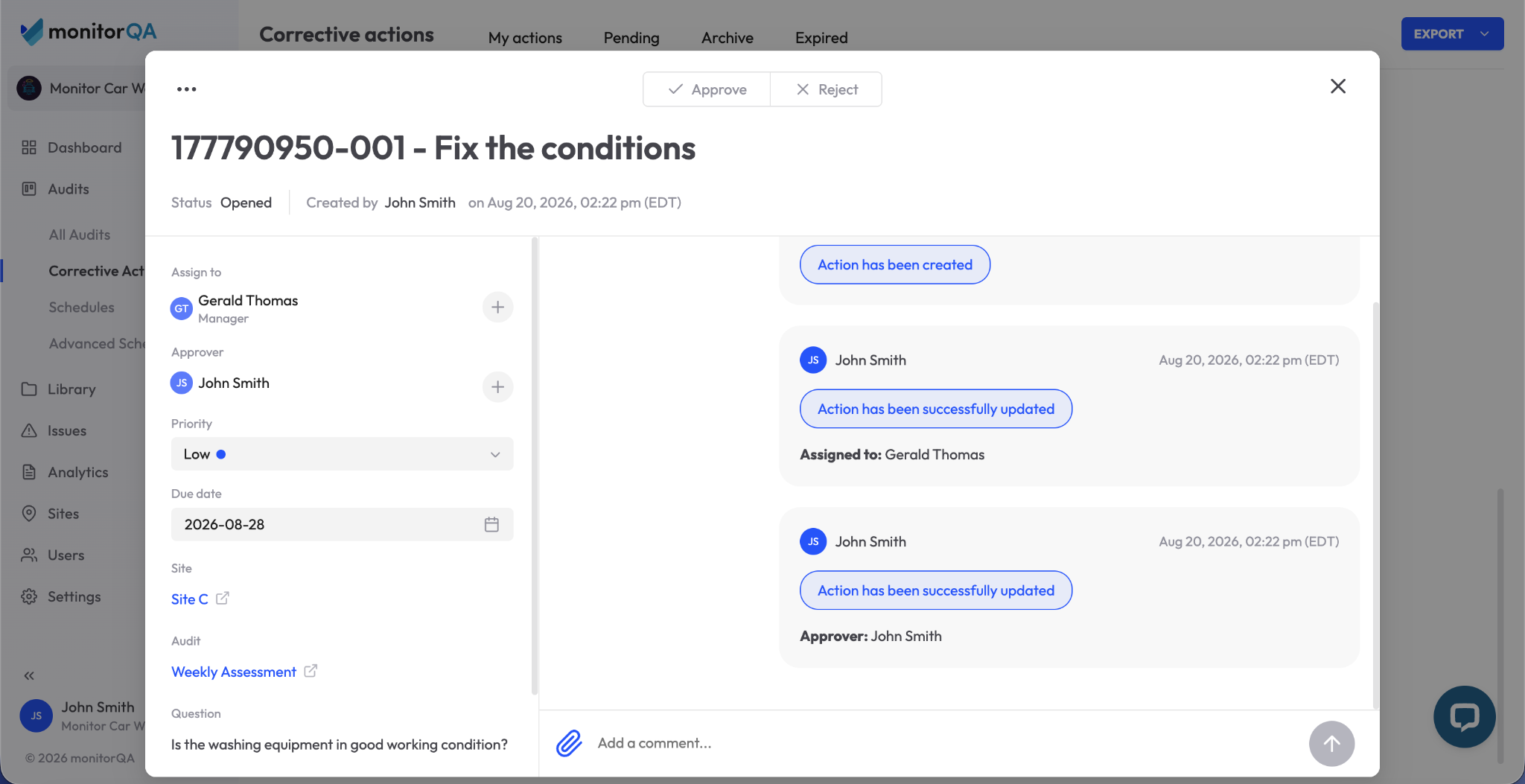
A failed inspection item should lead directly to follow-up. The platform should be able to create a corrective action, assign it to a specific owner, establish a due date and track progress through verification and closure. Without that workflow, failed items risk becoming little more than highlighted entries in a completed report.
Real-time dashboards and analytics
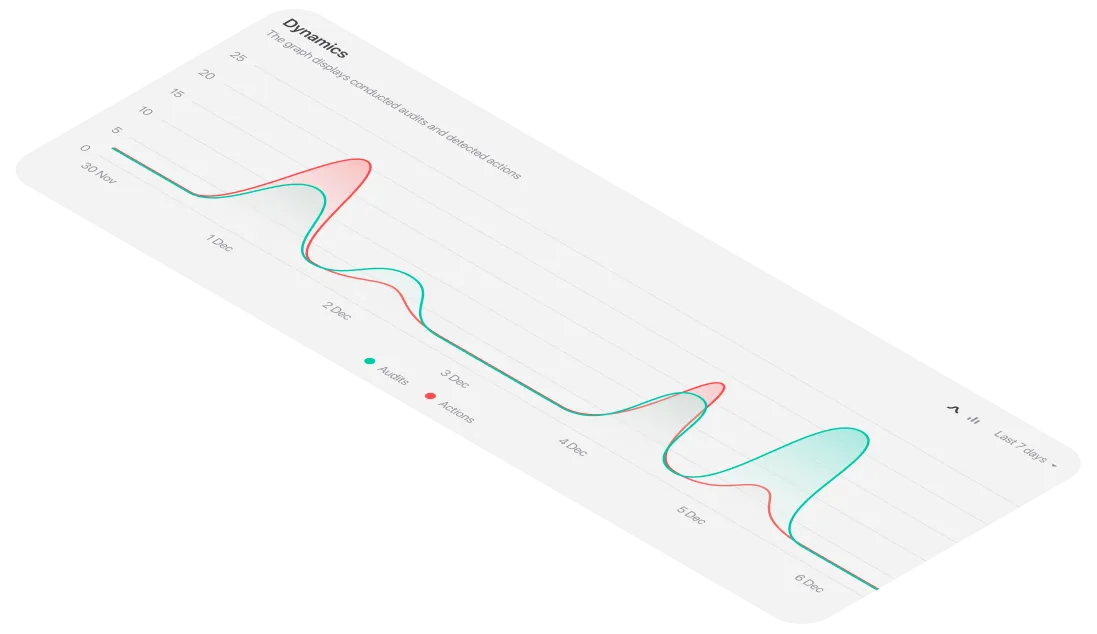
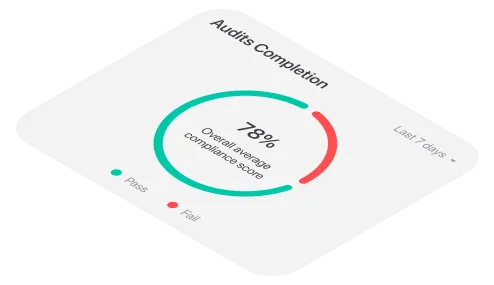
Inspection data becomes more valuable when teams can see patterns as they develop. Dashboards should make it easy to identify recurring failures, higher-risk locations, overdue actions and trends across inspectors, sites or inspection types instead of relying solely on static reports reviewed after the fact.
AI and computer vision support
Some newer inspection platforms are introducing AI and computer vision to assist with tasks such as identifying visible defects or assembly inconsistencies from images. These capabilities are best treated as an additional layer of support rather than a substitute for trained inspectors. For compliance-critical use cases in particular, organizations should understand how the technology has been validated and what level of accuracy it can reliably deliver.
Inspection management software vs. paper and generic forms
How inspection software differs from QMS and audit software
These terms are often used together, but they describe different layers of quality and compliance management.
- A quality management system (QMS) is the broader framework an organization uses to manage quality policies, procedures, documentation, controls and continuous improvement. In many companies, it serves as the central system of record for the overall quality program.
- Inspection management software is more focused on execution. It supports the day-to-day work of conducting inspections, completing checklists, capturing evidence in the field and turning failed items into corrective actions.
- Audit management software typically covers a wider audit lifecycle, including planning, scheduling, execution, findings and follow-up across quality, safety and compliance programs.
In practice, these systems often work together rather than compete with one another. Inspection software can serve as the frontline layer where operational data is captured, while a QMS or audit platform provides broader governance, planning and enterprise-level reporting.
How to select the right inspection management platform
- Start with your existing inspection process. Before comparing platforms, identify where the workflow is breaking down today. Whether the problem is data collection, reporting or corrective action follow-up, the goal is to solve a specific operational issue rather than accumulate features.
- Put offline functionality to a real-world test. An "offline mode" claim is not enough. Test the platform in the same low-connectivity conditions your inspectors are likely to encounter in the field.
- Look closely at the checklist builder. Make sure it can handle more than basic yes/no questions. Conditional logic, required fields and mandatory photo evidence for failed items can make a significant difference in how useful inspections are in practice.
- Trace a failed item through the full CAPA process. Ask the vendor to demonstrate what happens after an issue is identified: how it is assigned, what happens when it becomes overdue and how closure and verification are documented.
- Bring frontline inspectors into the evaluation. They are the people who will use the system most often. A polished management dashboard will not compensate for a mobile experience that is slow, confusing or cumbersome in the field.
- Review reporting and export options carefully. The platform should produce clear, audit-ready reports without requiring teams to clean up formatting or rebuild reports manually before they can be shared.
- Scrutinize AI claims. If a vendor offers capabilities such as computer-vision defect detection, ask what the model has been tested and validated against, how accuracy is measured and what happens when the system produces false positives.
Best practices for implementing inspection management software
- Standardize the process before moving it into software. Digitizing a poor paper-based workflow simply preserves the same problems in a new format. Use implementation as an opportunity to simplify checklists, remove unnecessary steps and bring inspection criteria into line with relevant ISO, OSHA or internal standards.
- Include frontline users in the pilot. Inspectors can quickly identify friction that may be invisible to administrators or project teams. Their input should help shape the workflow and mobile experience before the platform is rolled out more broadly.
- Treat the pilot as a real operational test. Run it for a defined period under normal working conditions, with clear criteria for success. Evaluate not only the software itself but also the quality of vendor support, ease of configuration and how straightforward it is to retrieve or export your data.
- Look beyond individual inspection results. Single reports matter but recurring patterns often reveal more. Review trend data regularly to identify repeated failures, common problem areas and issues appearing across multiple locations or teams.
Frequently asked questions about inspection management software
What is inspection management software?
Inspection management software is a digital platform for managing the inspection process from start to finish. It typically supports checklist creation, mobile data capture, corrective-action workflows and reporting, giving organizations a more structured alternative to paper forms or general-purpose digital tools.
What is the difference between inspection software and a QMS?
A quality management system (QMS) covers the broader framework an organization uses to manage quality policies, processes, documentation and compliance. Inspection management software is more specialized, focusing on the day-to-day execution of inspections and the collection of field data. In many organizations, the inspection platform feeds data into or integrates with the wider QMS.
What is the difference between inspection software and audit software?
The two categories overlap but their scope is usually different. Audit management software tends to support the broader audit process, including planning, scheduling, evidence management and compliance tracking. Inspection software is generally more focused on execution in the field: completing checklists, capturing evidence, recording findings and initiating corrective actions.
Does inspection software work for OSHA and safety compliance?
Yes. Inspection platforms are commonly used as part of EHS programs to document safety inspections, equipment checks, workplace observations and identified hazards. The resulting records can help organizations maintain the documentation needed to support their OSHA compliance processes.
Can inspection management software work offline?
Many modern platforms offer offline functionality, allowing inspectors to complete checklists, record findings and capture photos without an active connection. Once connectivity is restored, the data can be synchronized with the central system. This is particularly useful in remote facilities, basements, construction sites and other areas where reliable coverage cannot be assumed.
Should we build our own inspection tool in-house?
Building an internal solution is certainly possible but the initial development effort is only part of the cost. Maintenance, security, integrations, mobile compatibility and ongoing updates all require resources over time. For many organizations, a purpose-built inspection platform offers a faster path to implementation and a lower long-term operational burden.
What is conditional logic in a checklist?
Conditional logic changes what an inspector sees or is required to complete based on an earlier response. For example, marking an item as failed might automatically reveal follow-up questions, require a comment or make photo evidence mandatory. This helps ensure that exceptions are documented consistently rather than simply recorded and left without context.
How does AI improve inspection software?
Some inspection platforms use AI-assisted capabilities such as computer vision to help identify visible defects, anomalies or assembly issues. These tools can provide an additional layer of review but their usefulness depends heavily on how well they have been trained and validated for the specific inspection scenario. For compliance-critical work, AI is best treated as a tool that supports trained human judgment rather than replaces it.
.png)
.png)
.png)