

By the time most teams start migrating audit data, the decision to switch is already made. The vendor's been chosen, the contract's signed and everyone's mentally moved on to ‘the new system’. Which is exactly when the real risk shows up - not in the decision to switch but in the week someone tries to pull up a corrective action from 8 months ago and it's nowhere to be found.
This guide isn't about whether to switch audit management software. That decision is behind you. It's about the part almost nobody plans for carefully enough: getting your historical records, templates, permissions and workflows across intact so the new platform starts strong instead of starting with gaps nobody notices until an auditor does.
If you're already committed to a move and searching for the right questions to ask before migrating audit software, here's the practical list - covering data export, historical records, templates, permissions, integrations, reporting continuity, cleanup, retraining, testing and rollout along with a checklist you can actually use.
Start with what you're moving, not just where
Before any technical conversation, get a precise inventory of what actually needs to travel. This sounds obvious and is routinely skipped, because ‘just export everything’ feels like a plan until you're staring at a spreadsheet of thousands of records and realize nobody defined what ‘everything’ includes.
Ask: What counts as historical data and how far back does it need to go? Regulatory retention requirements vary by industry and record type; some findings need to be retrievable for years, others don't. Confirm the retention window before you migrate, not after, because re-importing data you skipped the first time is far harder than including it up front.
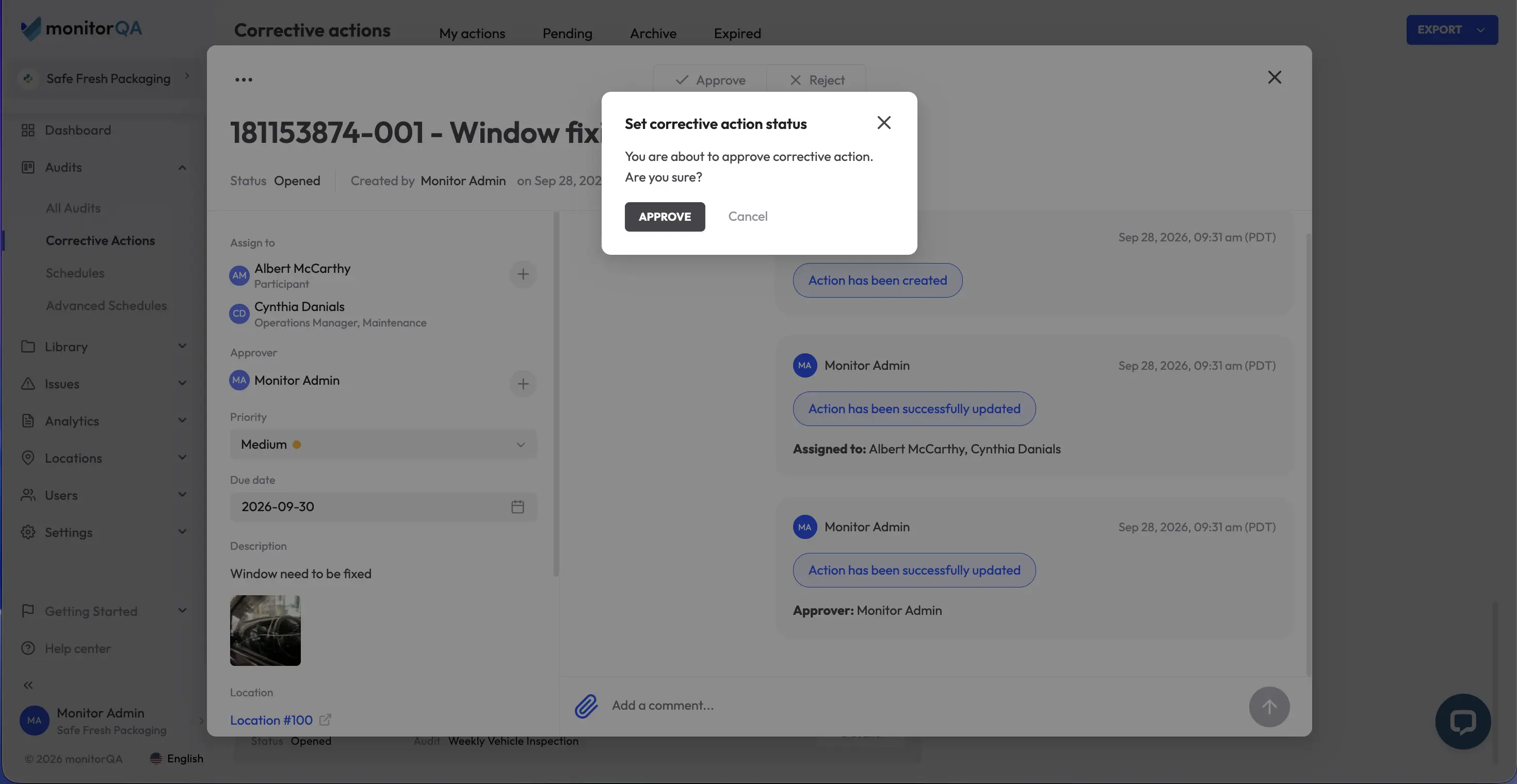
Ask: Which records are still active versus fully closed? Open corrective actions, in-progress audits and pending approvals need to migrate as live records that someone can still act on in the new system, not as static archive entries. Closed audits from 3 years ago have a different bar; they mainly need to remain searchable and exportable, not functionally active.
Ask: What format is the data currently in, and what does the new platform actually accept? A vendor's word that they ‘support CSV import’ doesn't guarantee your specific field structure, attachment types or nested data (like photos tied to individual checklist items) will map cleanly. Get a straight answer on this before migration day, not during it.
Historical records: the part most teams underestimate
Audit software migration data loss most often happens here, quietly, in the records nobody thought to double-check because they weren't part of active workflows anymore.
Ask: Will historical audit reports remain fully readable or just technically present? There's a real difference between a PDF export sitting in a folder and a record that's still searchable, filterable and linked to its original checklist and corrective actions inside the new system. If your organization ever needs to defend a compliance decision from 18 months ago, ‘we have a PDF somewhere’ is a weaker position than ‘here's the fully linked record’.
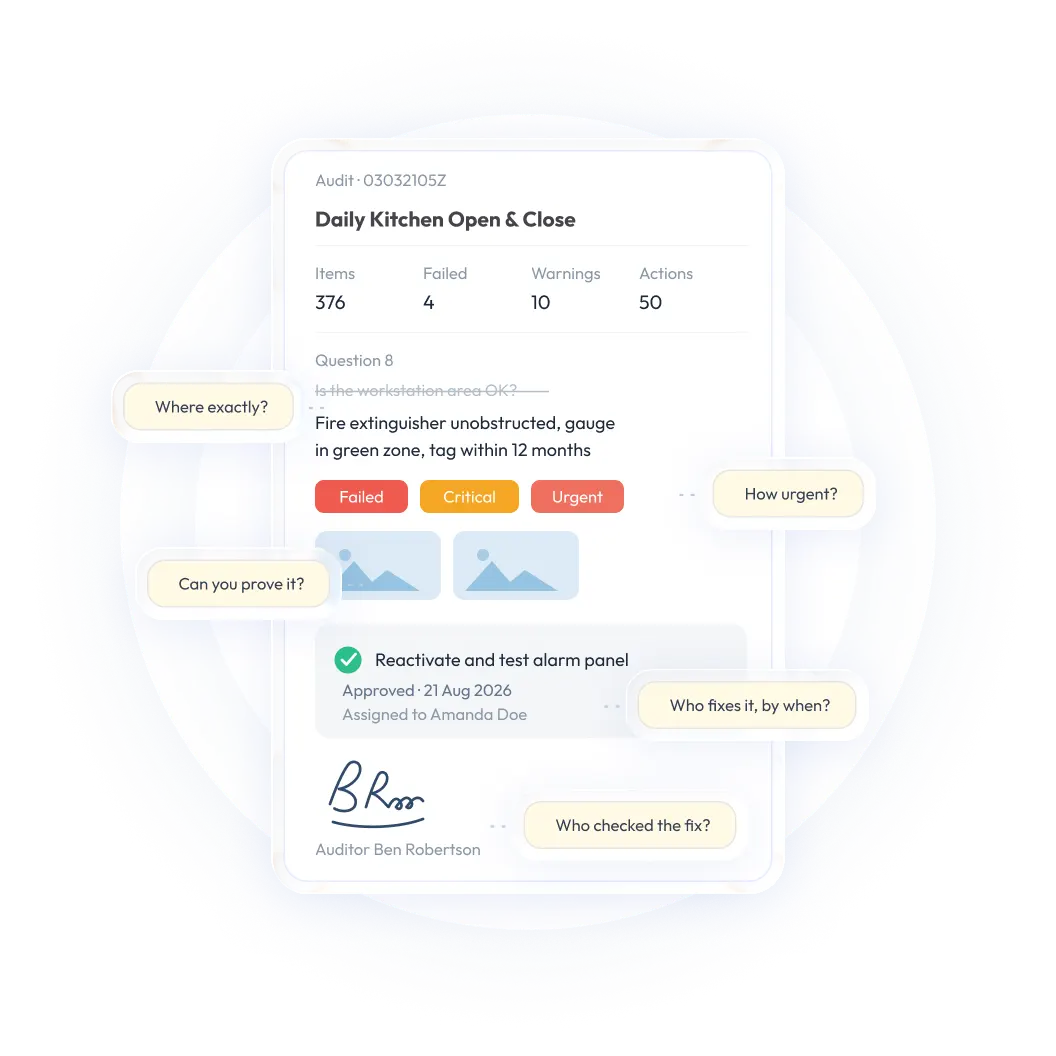
Ask: Are photos, signatures and annotations preserved with their original context? These details are often what makes an audit record defensible in the first place; a photo detached from its checklist item or a signature that's lost its timestamp has lost much of its evidentiary value even if the file itself still technically exists.
Ask: What happens to audit trails - who did what and when? If your new platform can't preserve the original creation dates, edit history and approval chains, you've technically kept the data but lost the proof of process behind it. For regulated industries especially, this detail can matter more than the record itself.
<<cta>>
Templates: rebuild deliberately, don't just copy
Migrating templates as-is feels efficient. It's often a mistake, because it carries forward every inconsistency your old system had accumulated over years of ad hoc edits.
Ask: Do we actually want our old templates recreated exactly or is this the moment to standardize? A migration is a rare, natural checkpoint to consolidate templates that drift across locations or teams into one clean, current version - the same standardization problem covered in keeping every site audit-ready. Skipping this step means you'll likely be migrating years of accumulated inconsistency straight into your new system.
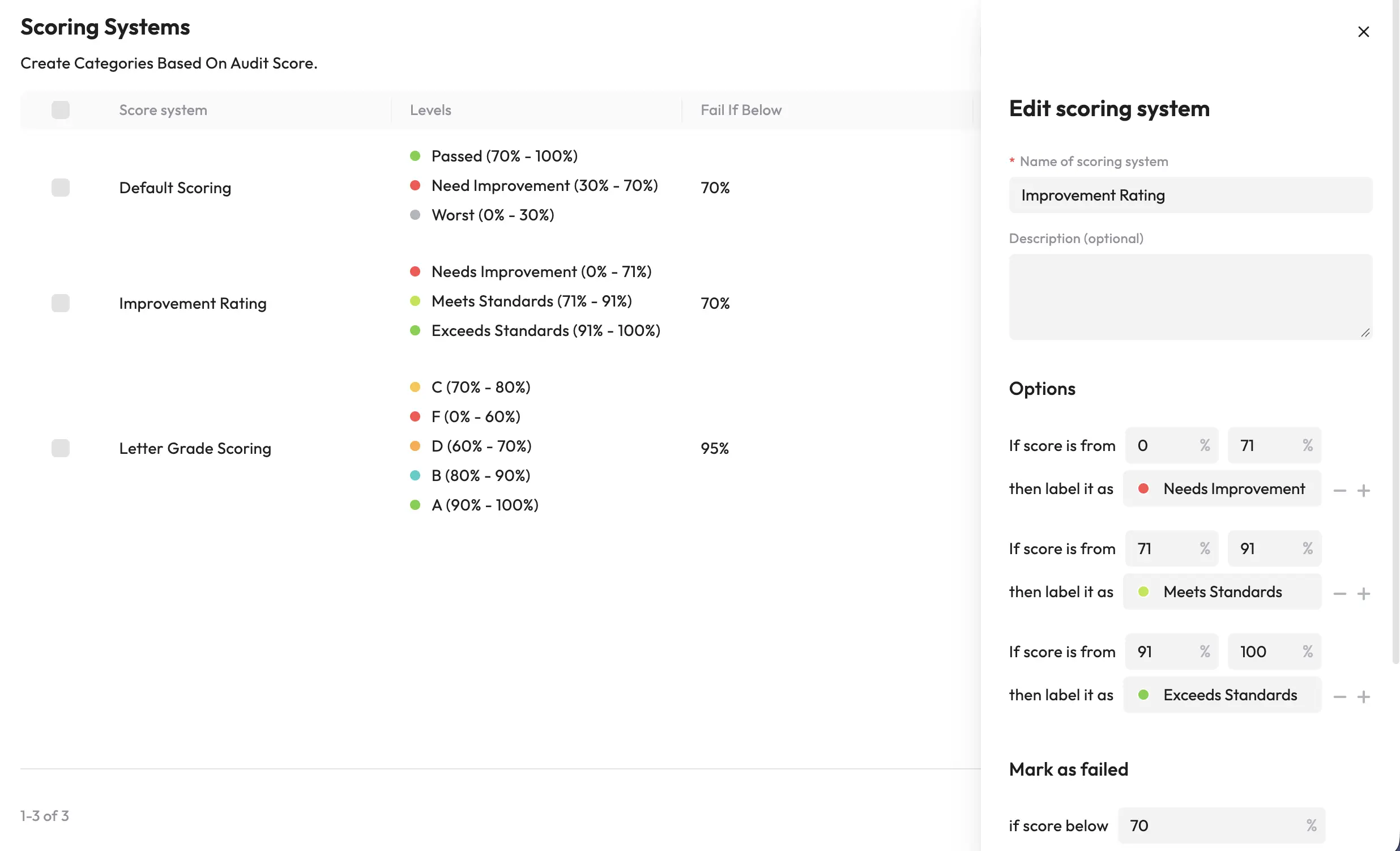
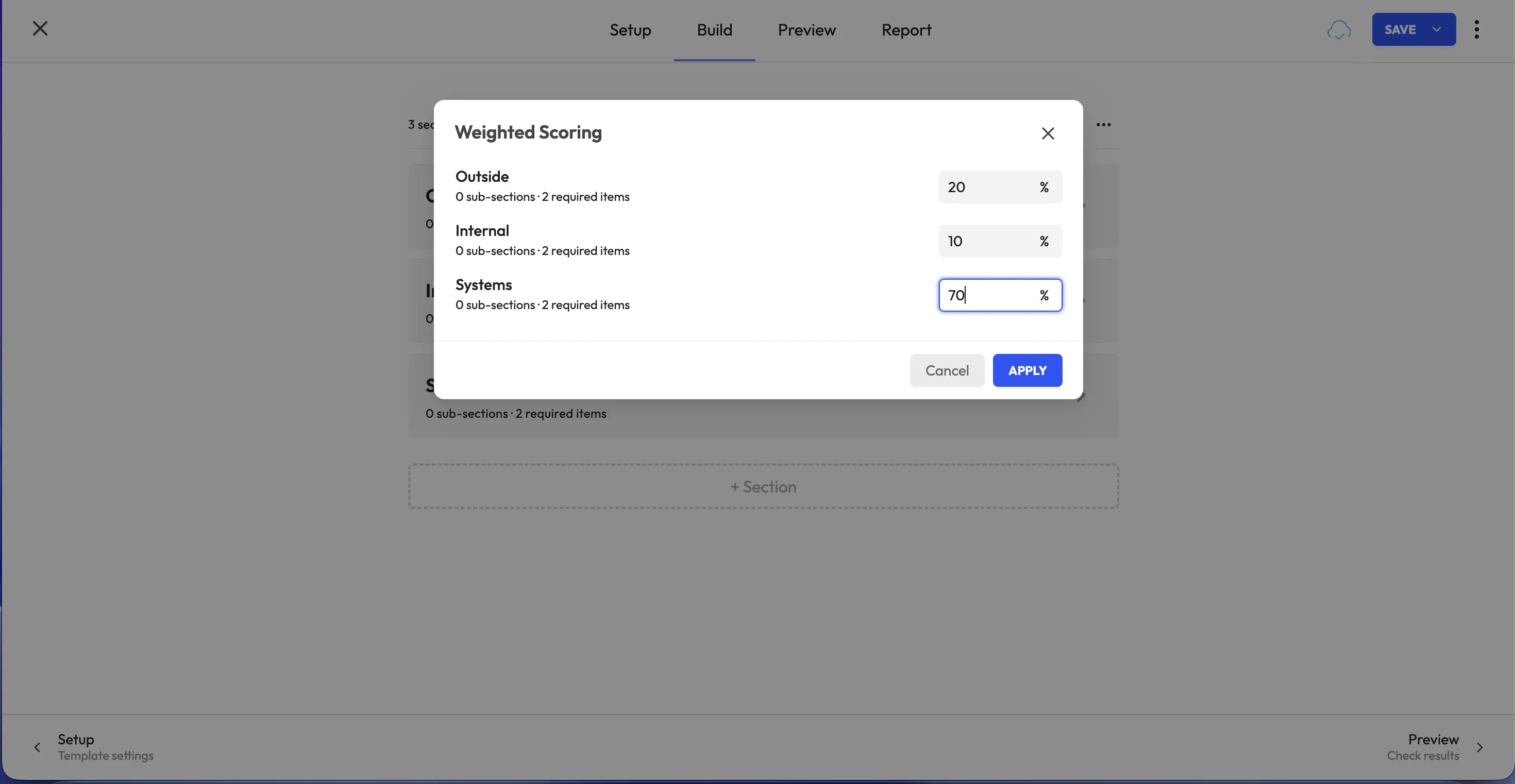
Ask: Which template logic actually survives the move? Conditional questions, scoring rules, required fields and photo requirements don't always translate directly between platforms. Get specific confirmation, item by item for your most-used templates, rather than assuming ‘checklist’ means the same thing in both systems.
User permissions: don't let this be an afterthought
Permissions rarely make anyone's top-of-mind list during a migration, and that's exactly why they cause problems usually discovered when someone either can't access something they need or can access something they shouldn't.
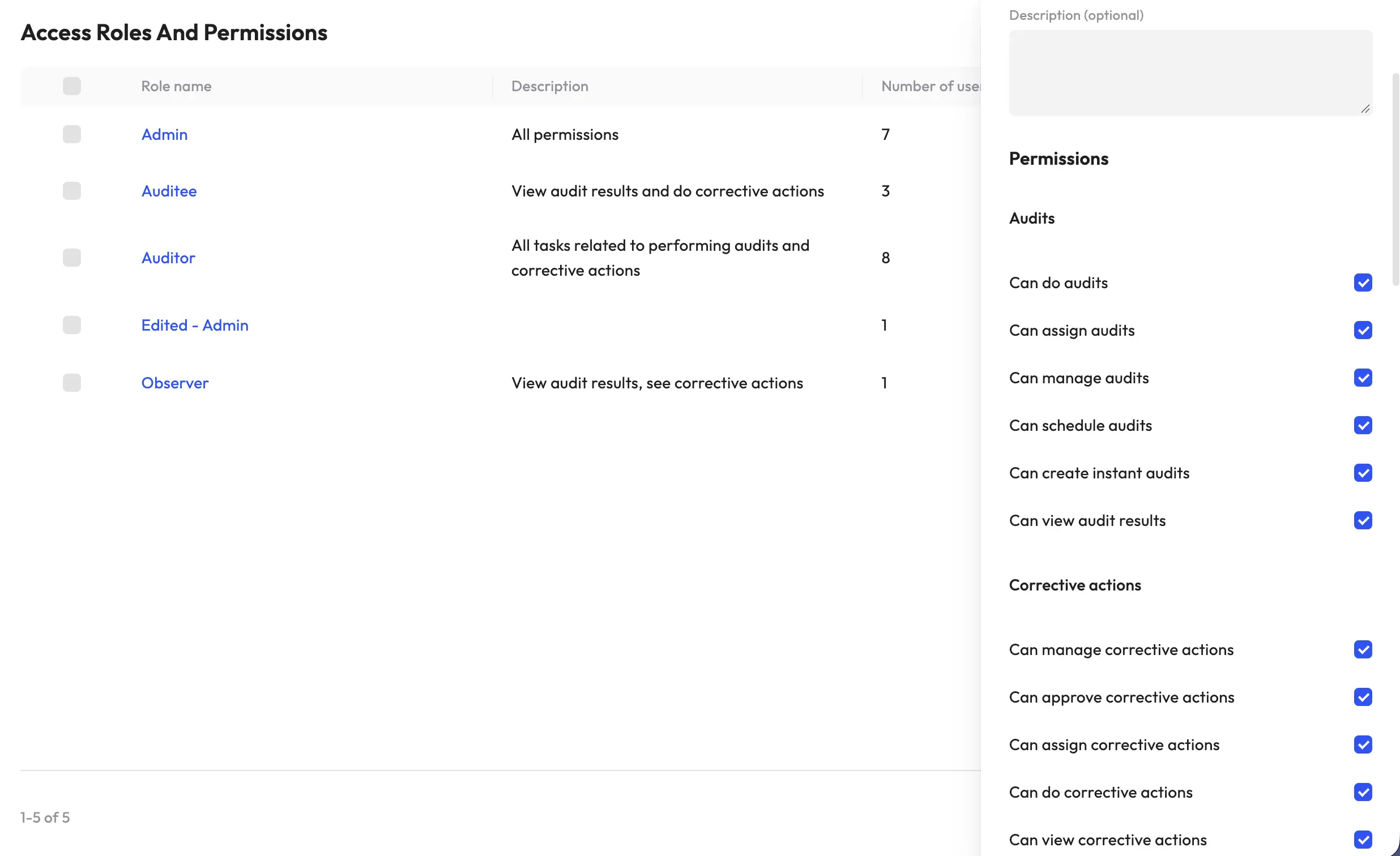
Ask: Does our new platform's permission model match how our organization is actually structured? Role-based access, regional hierarchies and approval chains vary significantly between platforms. Map out your current permission structure explicitly and confirm the new system can replicate it; don't assume a ‘manager’ role in the old system means the same access level in the new one.
Ask: Who owns cleaning up stale accounts and access before go-live? A migration is a natural moment to remove access for people who've left, tighten permissions that were left too broad and confirm every remaining user actually needs what they have. Carrying forward old, over-permissive access is a common way migrations quietly introduce new security gaps.
Integrations: confirm before you assume
If your current audit software connects to anything else - a corrective action tracker, an HR system, a reporting dashboard, a document management platform - those connections don't migrate automatically just because the underlying data does.
Ask: Which integrations are must-haves on day one, versus nice-to-haves that can wait? Trying to replicate every existing connection simultaneously with the data migration itself is a common way rollouts get delayed. Prioritize what's operationally essential and phase the rest.
Ask: Does the new platform support the same integration method, or does this require rebuilding from scratch? An API-based connection in your old system doesn't guarantee an equivalent, equally capable connection exists in the new one. Get this confirmed with the vendor directly, with specifics, not a general ‘yes, we integrate with that’.
Reporting continuity: protect your trend data
This is easy to overlook because reporting feels like a downstream concern, something you'll figure out once the data's in. But if your historical reporting doesn't carry forward cleanly, you lose the ability to see trends across the migration boundary, which is often exactly when leadership wants to see them most.
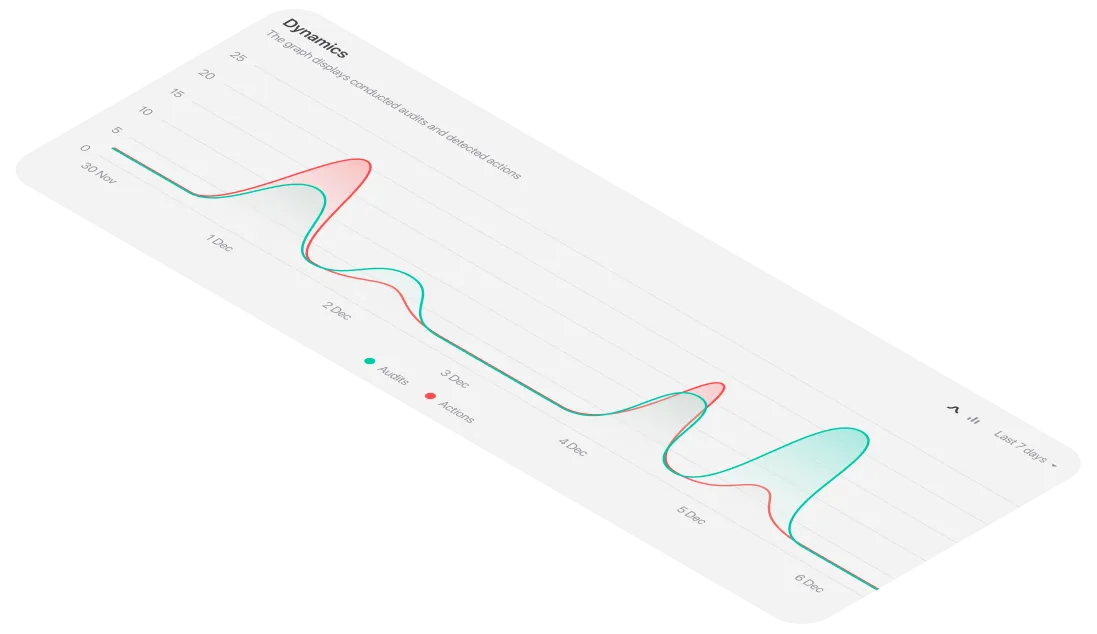
Ask: Can the new system generate the same trend reports using migrated historical data, or only data going forward? If your organization tracks recurring findings, completion rates or compliance trends over time, confirm the new platform can actually chart that continuity, not just store the old records separately from the new ones.
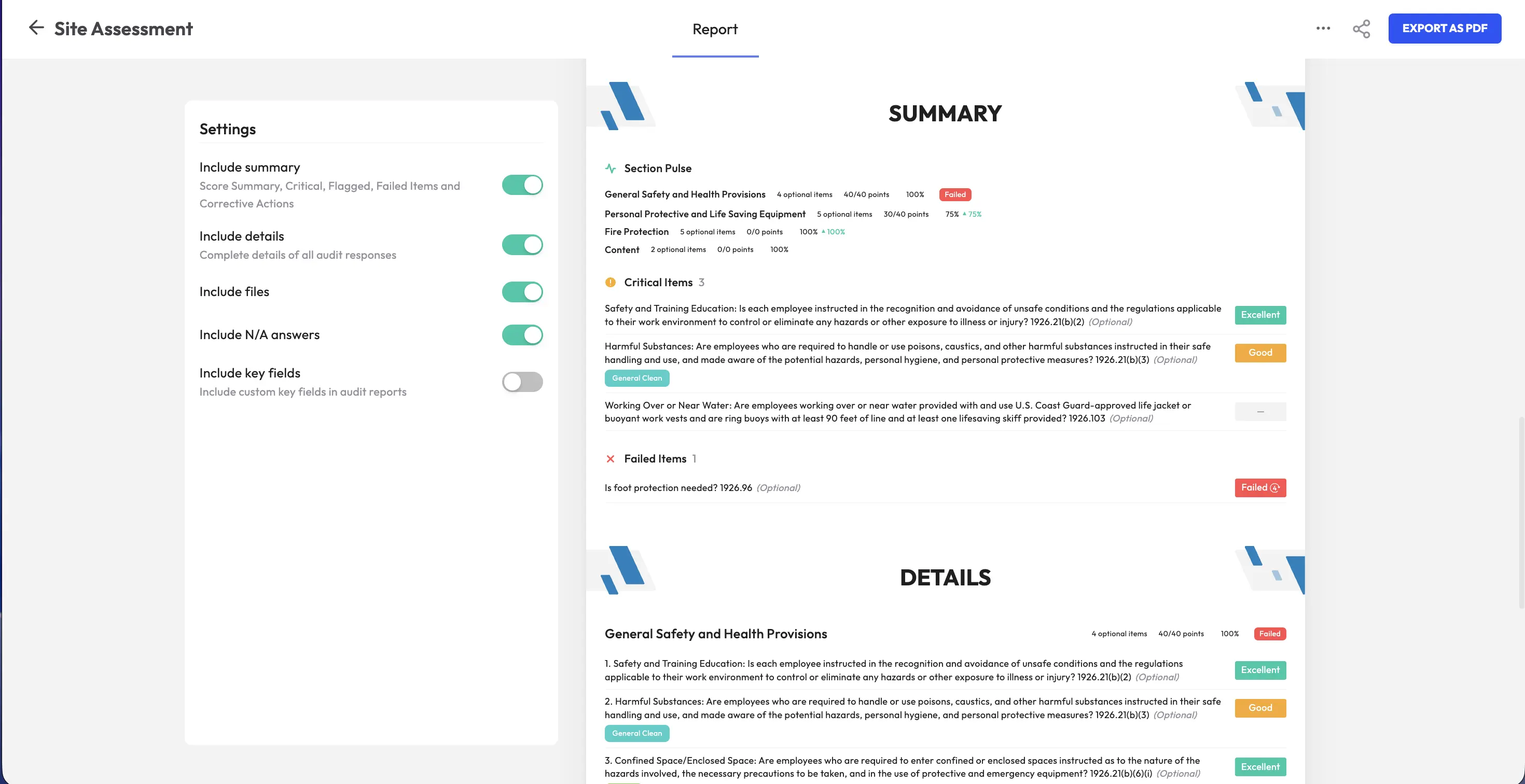
Ask: Do our standard report formats need to be rebuilt and who's responsible for that? If leadership is used to a specific dashboard or report layout, assign clear ownership for recreating it in the new system before go-live, rather than discovering the gap the first time someone asks for the monthly summary.
Data cleanup: the step that pays for itself
Migrating messy data into a new system doesn't fix the mess; it just gives it a new home. This is the point in the process most worth slowing down for, even though it's tempting to rush straight to the technical transfer.
Ask: Do we have duplicate records, abandoned drafts or outdated templates that shouldn't make the trip? A migration is the cleanest opportunity you'll get to leave behind years of accumulated clutter. Skipping this means paying the cleanup cost later, inside the new system, when it's harder to distinguish what's legitimately old from what's simply obsolete.
Ask: Are there inconsistent naming conventions, categories, or statuses that should be standardized before the move? If ‘closed’, ‘complete’ and ‘resolved’ have all been used interchangeably for the same status across different teams over the years, standardize that vocabulary before migration, not after, when it's tangled into thousands of already-imported records.
<<cta>>
Retraining: plan it as part of the migration, not after it
The best data migration in the world fails if the people using the new system daily don't know how to work in it. Retraining isn't a separate project that happens once the technical migration wraps up; it needs to be planned in parallel.
Ask: Who needs deep training versus a quick orientation? Power users building templates and managing permissions need substantially more depth than frontline staff who just need to complete an inspection and attach a photo. Segment your training plan accordingly rather than running one generic session for everyone.
Ask: How will we handle the overlap period, when some records exist in the old system and some in the new? Define a clear cutover point and communicate it explicitly so nobody is uncertain about which system is the current source of truth on any given day during the transition.
Testing: don't skip the dry run
Every migration should include a test phase before the real one. This is the single most common step skipped under deadline pressure and the one most likely to prevent a serious problem.
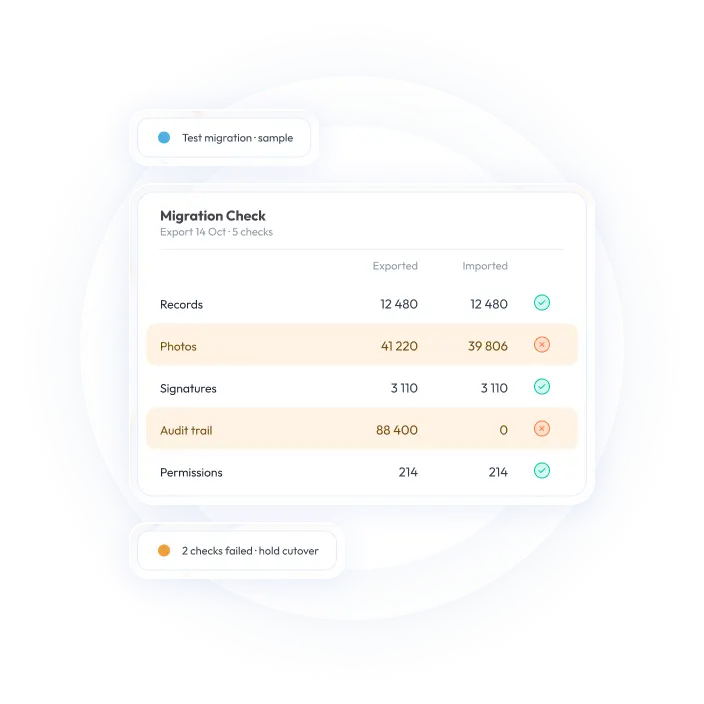
Ask: Have we migrated a representative sample first, and actually checked it against the source? Pick records that cover your most complex templates, oldest historical data and most permission-sensitive workflows, not just a handful of simple, recent, low-risk records that will pass regardless of whether the migration process actually works.
Ask: Who's responsible for validating the test migration, and what does ‘passed’ actually mean? Define specific, checkable criteria in advance - record counts matching, photos intact, permissions correct, reports generating properly, rather than a vague ‘looks good’ review that misses gaps until they surface in production weeks later.
Rollout planning: sequence it deliberately
A full-organization, all-at-once cutover is the riskiest way to migrate, even when the underlying data transfer itself is solid.
Ask: Can we roll out in phases, by location, department or record type, rather than all at once? A phased rollout lets you catch and fix issues on a small scale before they affect your entire organization and it gives frontline teams time to adjust without every location hitting problems simultaneously.
Ask: What's the rollback plan if something goes seriously wrong mid-migration? Confirm the old system will remain accessible, read-only, for a defined period after cutover so if a critical gap surfaces after go-live, you're not left with nowhere to turn for the source data.
<<cta>>
A practical pre-migration checklist
Common issues that disrupt a migration
Underestimating attachment volume. Photos and signatures often make up the bulk of data size and the most common migration failure point; plan extra time and testing specifically for these, not just the text records.
Treating templates as a copy-paste job. Carrying forward years of drift without cleaning it up just relocates the inconsistency problem into your new system, where it's harder to untangle later.
Skipping the test migration under deadline pressure. This is the step most often cut when timelines slip and it's the one most likely to catch a serious, otherwise-invisible problem before it affects live data.
No defined cutover point. Ambiguity about which system is authoritative during the transition period creates duplicate work and, worse, conflicting records that are hard to reconcile after the fact.
Losing integration functionality silently. A connection that quietly stops working after migration - rather than failing loudly - can go unnoticed for weeks, undermining data that downstream systems assume is current.
When switching audit management software, choose a partner who treats migration seriously
The quality of your migration often depends as much on the receiving platform's process as on your own preparation. If you're evaluating switching audit management software from SafetyCulture or another platform, it's worth directly asking any vendor you're considering how they specifically support historical data import, template rebuilding and permission mapping, rather than taking a general ‘we make it easy’ claim at face value.
For teams evaluating a move away from SafetyCulture specifically, monitorQA's SafetyCulture alternative comparison is a useful starting point for understanding what a transition actually involves, including how existing checklists, corrective actions and inspection history typically carry across so your team isn't starting from a blank slate on day one.
Whichever platform you land on, the questions in this guide apply regardless of vendor. A migration succeeds or fails less on the technical transfer itself and more on how carefully someone asked these questions beforehand and how honestly the answers were checked before go-live, not discovered after.