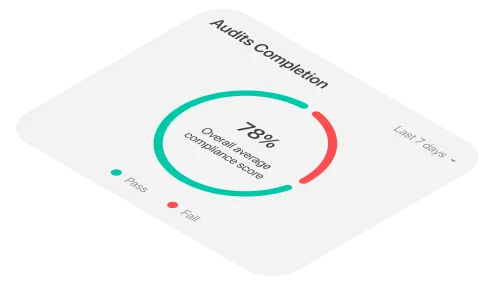
The monthly health and safety audit at a distribution warehouse comes back with nine failed items. The report goes to the site manager the same afternoon.
Two weeks later, three of the nine are fixed. Two are “being looked at.” Nobody’s quite sure about the other four. At the next audit, five of the same items fail again and now they’re repeat failures, which look a lot worse in a quarterly review than they did the first time.
Nobody ignored the report. It just never turned into a list of jobs with names next to them.
Where follow-up falls apart
Most audit programs are good at finding problems. The trouble starts after the report goes out and it usually comes down to a few gaps:
- The report isn’t a task list. A PDF of failed items tells people what’s wrong. It doesn’t tell anyone what to do, or by when.
- “The site” isn’t an owner. If a failure belongs to everyone at the warehouse, it belongs to no one.
- Nothing has a deadline. Without a due date, a broken racking clip competes with every other job on the list, and usually loses.
- Nobody checks the fix. An action marked done isn’t the same as a problem solved.
Corrective actions in monitorQA exist to close those gaps. The bottleneck is the time it takes to create good ones for every failure and keep track of them afterwards. That’s what an assistant can take over.
<<cta>>
Triage first
Not every failed item deserves the same response. With monitorQA connected to an assistant like Claude (the setup guide covers how), start by asking it to sort them:
“Go through the failed items in our lowest-scoring audit from last week. Rank them by safety risk and show how many audits in a row each one has failed.”
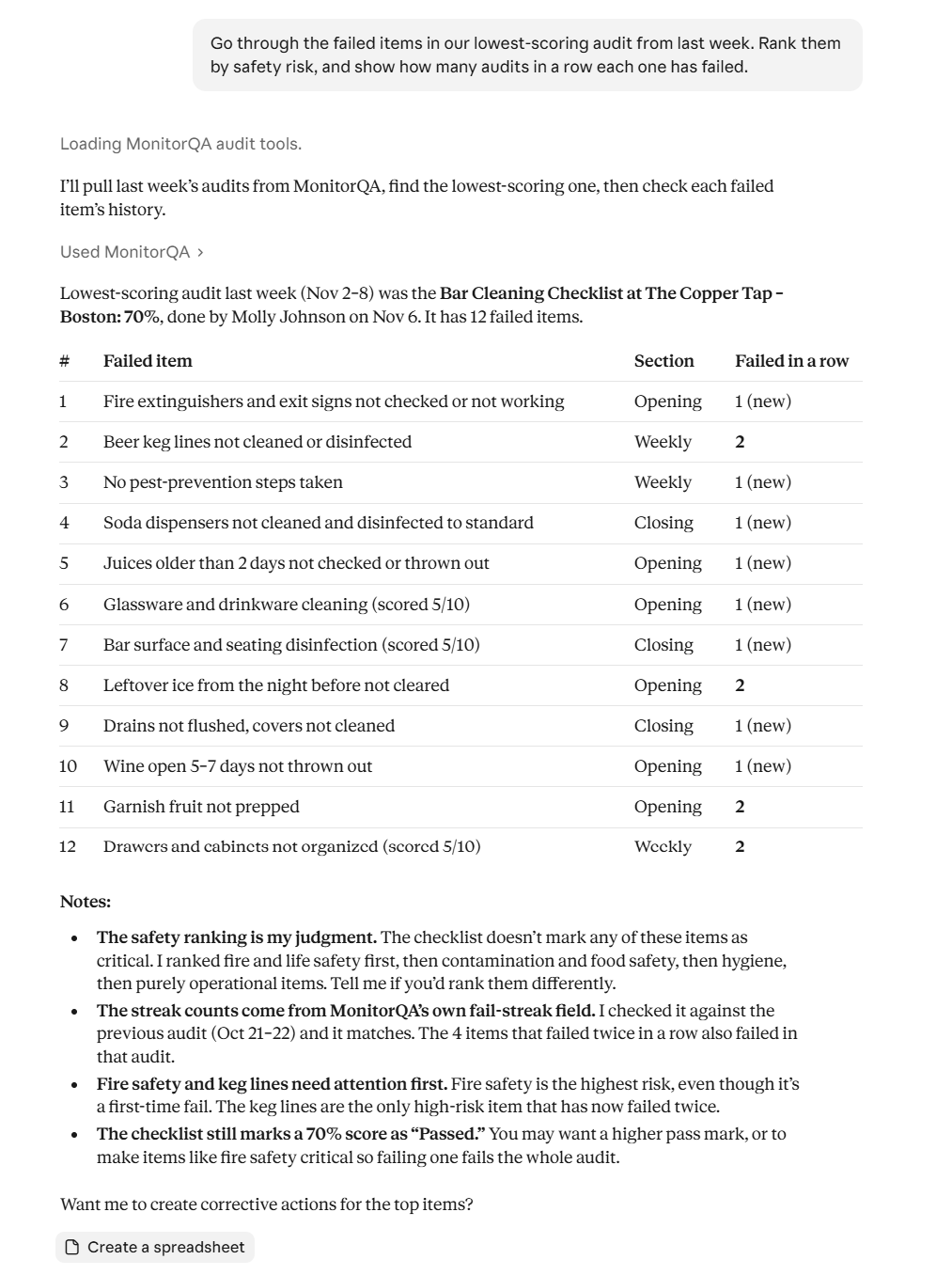
Two things come out of this. The blocked fire exit and the damaged racking need action today, whatever else happens. And the forklift checks, which look minor on their own, have now failed three audits running, so the last two fixes clearly didn’t stick.
It also tells you what doesn’t need its own action. Two faded floor markings and an old notice can be one job for the facilities team rather than three separate tasks cluttering everyone’s list. You decide how to group them; the assistant just makes the options visible.
Turn each failure into a job someone can do
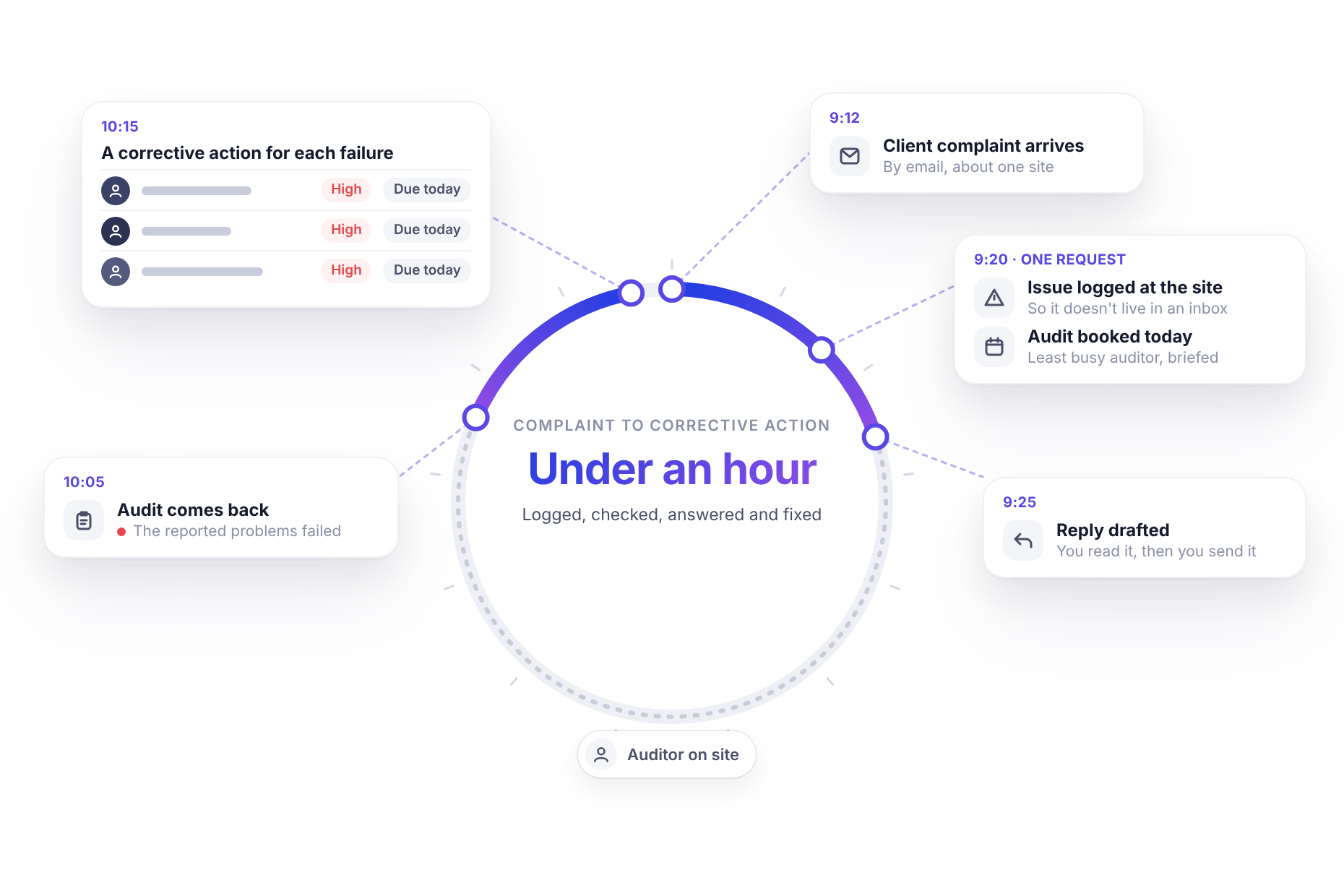
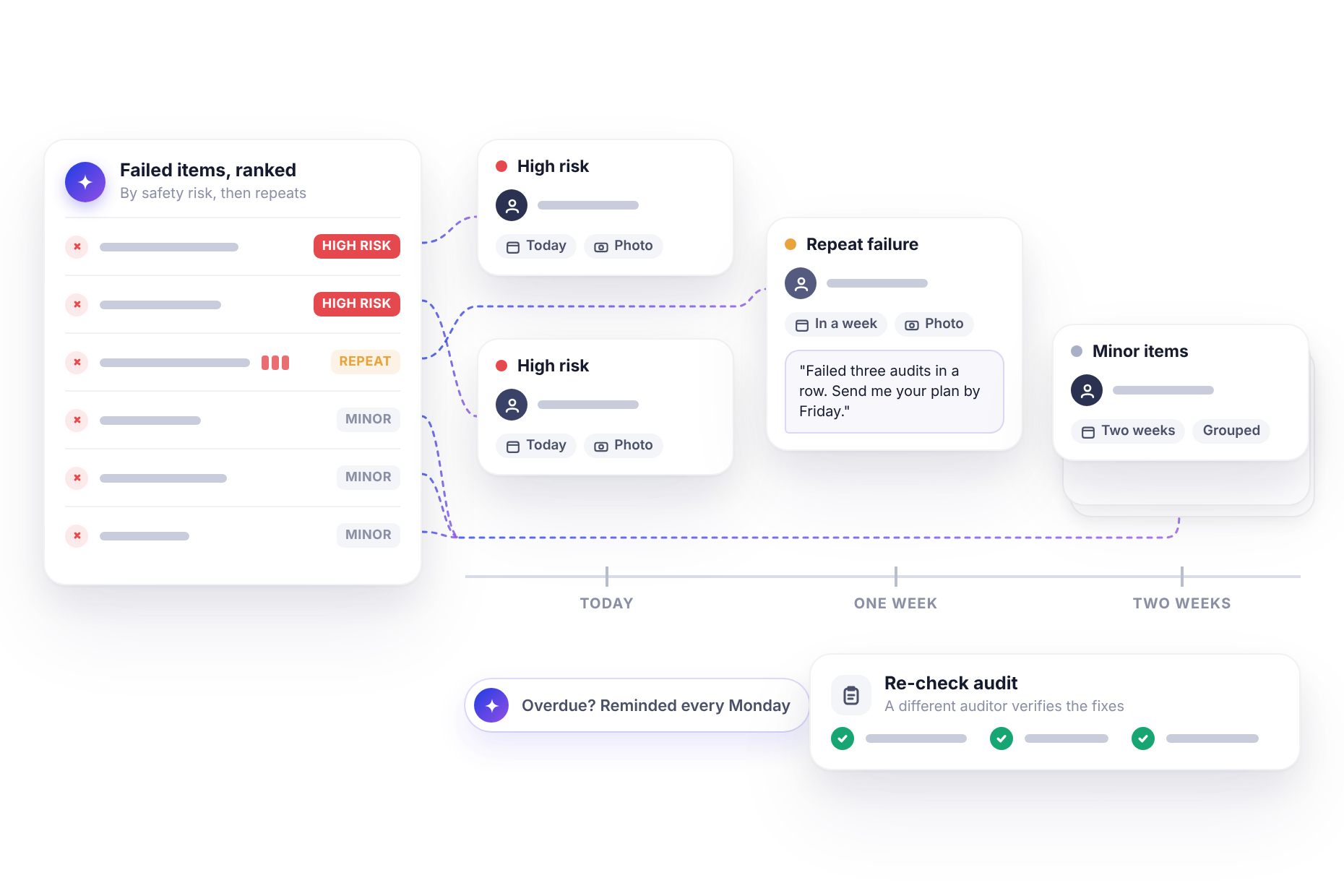
A useful corrective action answers five questions: what exactly needs doing, who’s doing it, by when, how urgent it is and how you’ll know it’s done. Ask for all five:
“Create corrective actions for those: high-risk items due today, repeat failures due in a week and group the minor ones into one action due in two weeks. In each description, name the audit, how many times it’s failed and ask for a photo when it’s fixed.”
Before creating anything, the assistant checks what’s already open at the site. If the fire exit already has an open action from last month, it asks whether to add a new one or chase the old one, and it asks who should own each action if you haven’t said.
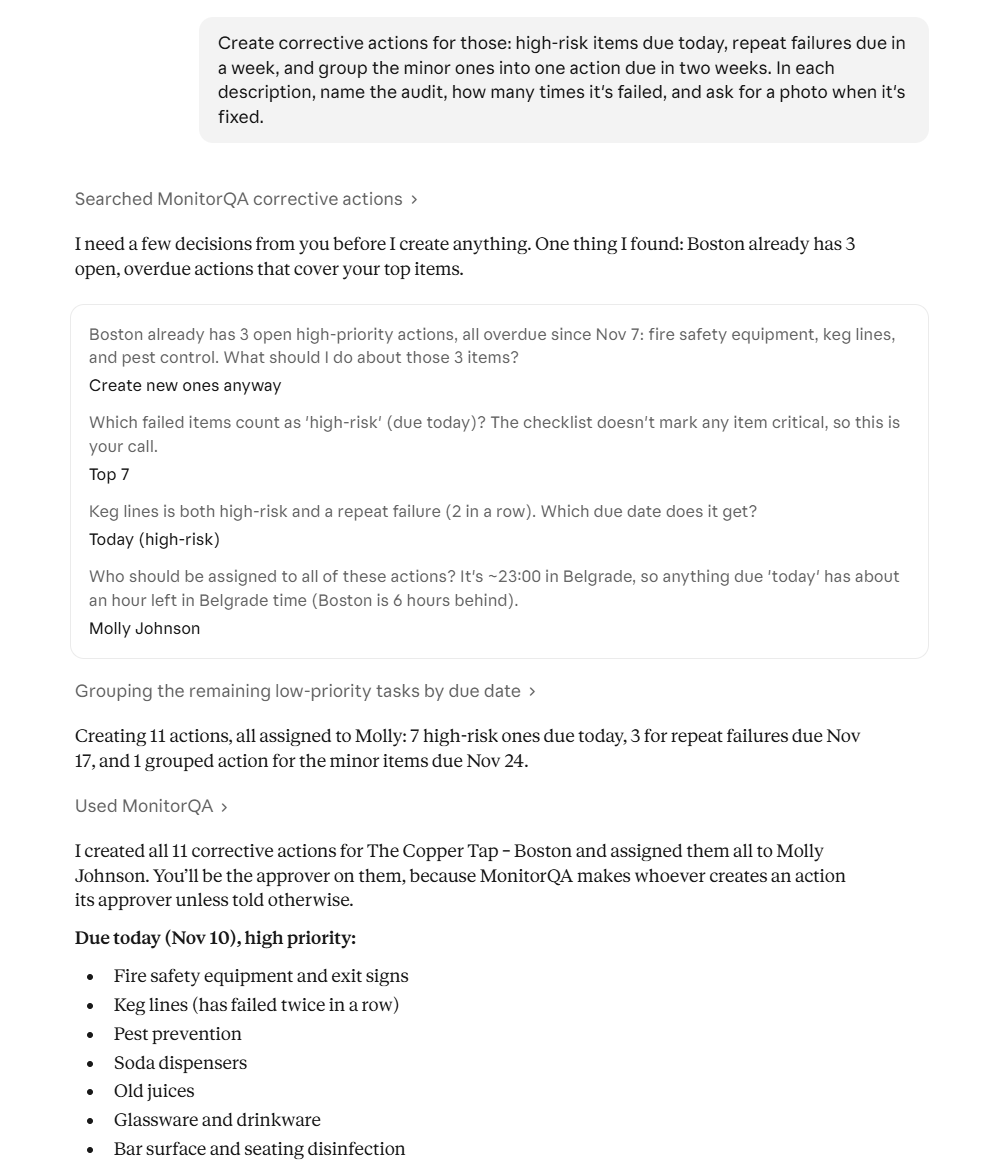
The descriptions do more work than they seem to. Corrective actions in monitorQA belong to the site rather than to a single audit question so the description is where the history lives.
“Failed in the last three monthly audits (Aug, Sept, Oct)” tells the owner this isn’t a fresh problem and tells anyone reading it later why it was marked high priority.
<<cta>>
Add weight where it’s needed
Some actions need more than a due date. The forklift checks have been “fixed” twice already. A short, direct comment from the operations manager changes how seriously that action gets taken:
Add a comment to the forklift checks action: “This has failed three audits in a row. Please send me your plan by Friday, including who signs off the daily checks.”
The comment sits on the action itself, visible to the owner and to anyone reviewing it later. It’s a lot harder to overlook than an email.
Chasing without the chasing
Creating actions is the easy half. Following them up is where most programs quietly give up, because checking dozens of actions across nine warehouses every week is nobody’s favorite task.
The assistant can do the checking:
“List all corrective actions that are overdue or due this week, across every warehouse. Add a short reminder comment to each overdue one, naming the original due date.”
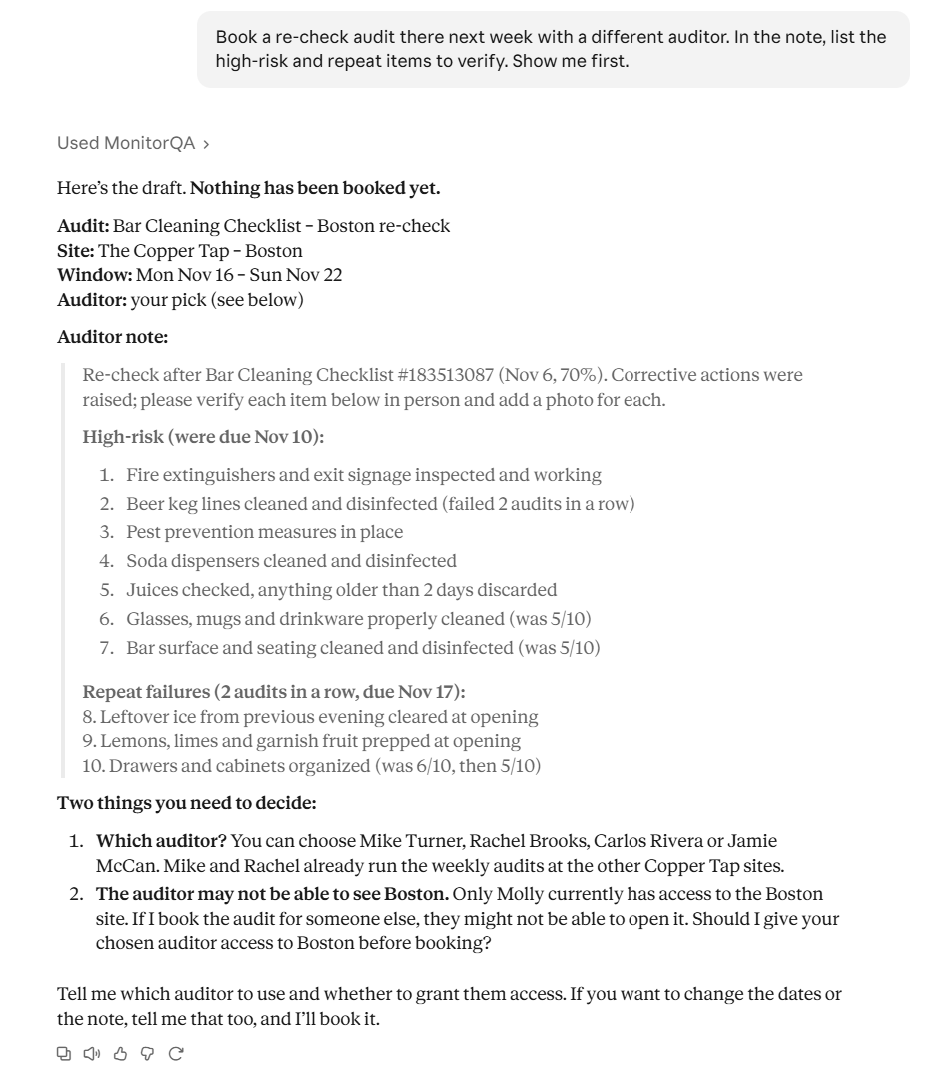
If your assistant supports scheduled tasks, this can run every Monday on its own (Stop checking dashboards covers how). Owners get a nudge on the action itself and you get one list instead of nine conversations.
<<cta>>
Prove the fix worked
An action marked complete means someone says it’s fixed. A passed audit means it actually is. For anything high risk or repeated, it’s worth checking.
The simplest way is a new, targeted audit at the site, with a note listing exactly what to re-check. When the owners mark their actions complete, ask for it:
“Book a re-check audit there next week with a different auditor. In the note, list the high-risk and repeat items to verify. Show me first.”
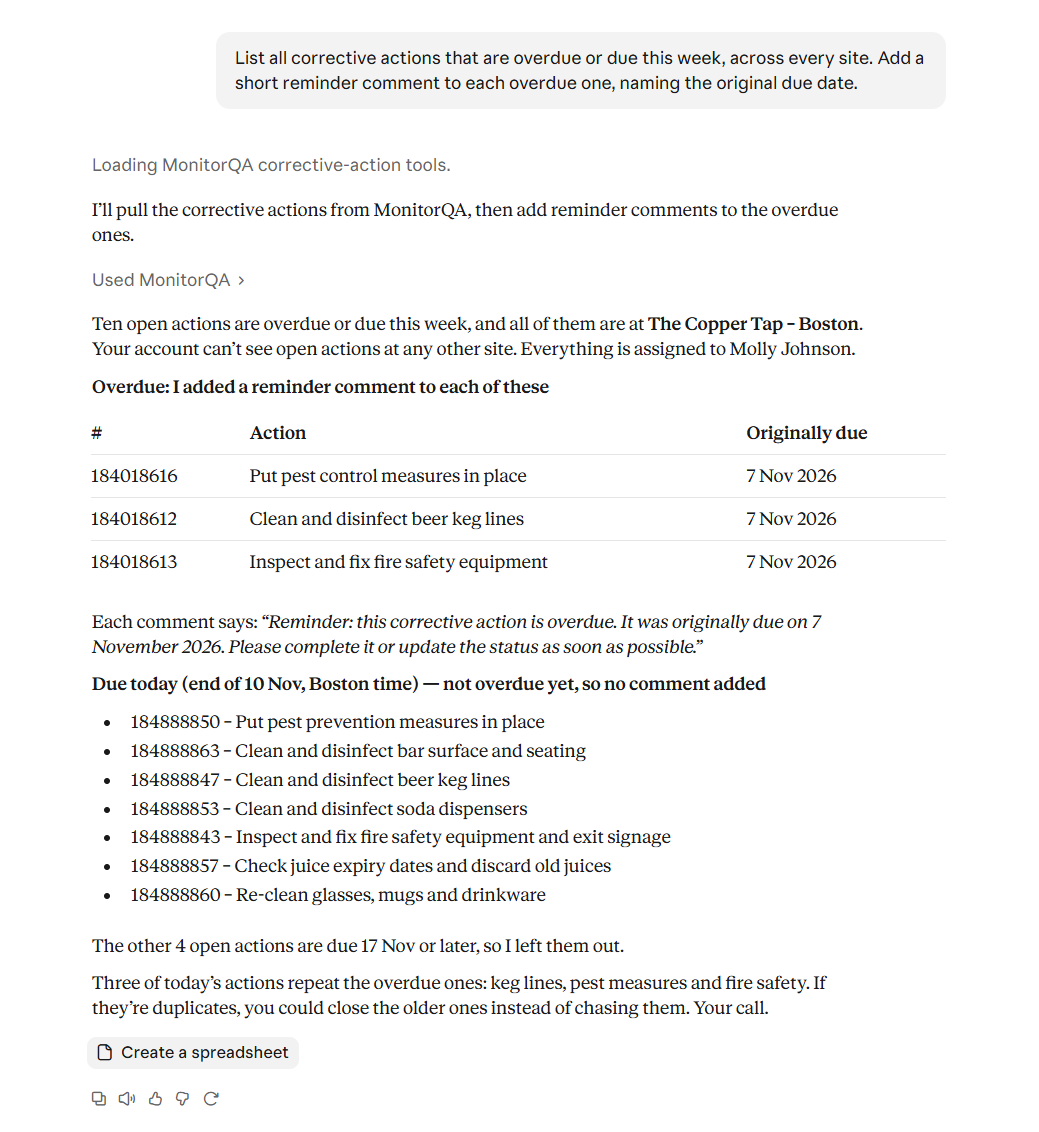
A different auditor matters here. Someone who didn’t find the problem the first time is a fairer judge of whether it’s gone. Pick someone who can already see the site; if they can’t, the preview will say so (Nothing overdue, nobody overloaded covers access).
Then watch the next regular audit. If the forklift question passes for the first time in four months, the action did its job. If it fails again, the fix needs rethinking, not another reminder. (The failures your averages hide covers spotting repeats like this.)
Count the gap
Here’s a simple test to run today. Ask the assistant how many items failed across all of last month’s audits and how many of them have a corrective action with an owner and a due date.
The difference between those two numbers is the work that’s currently falling through the cracks. Close it for one month and the next round of audits will show whether it made a difference.