A facilities audit at a client’s office building finds a leaking pipe under the second-floor kitchen sink and a fire door that doesn’t close properly. Both failed last month too. The audit is done, the score is recorded, and the report is in monitorQA.
But the people who fix pipes and doors work from the engineering team’s ticket system, not from audit reports. And the account manager who meets this client next week works from the CRM, where there’s no sign that their building has scored under 70% two months running.
So someone copies the findings into a ticket. Or forgets to. Someone emails the account manager a summary. Or doesn’t. The audit did its job and the information still didn’t reach the people who needed it.
Audits don’t live on their own
For most organizations, audit results matter well beyond the audit team. A few handoffs come up again and again:
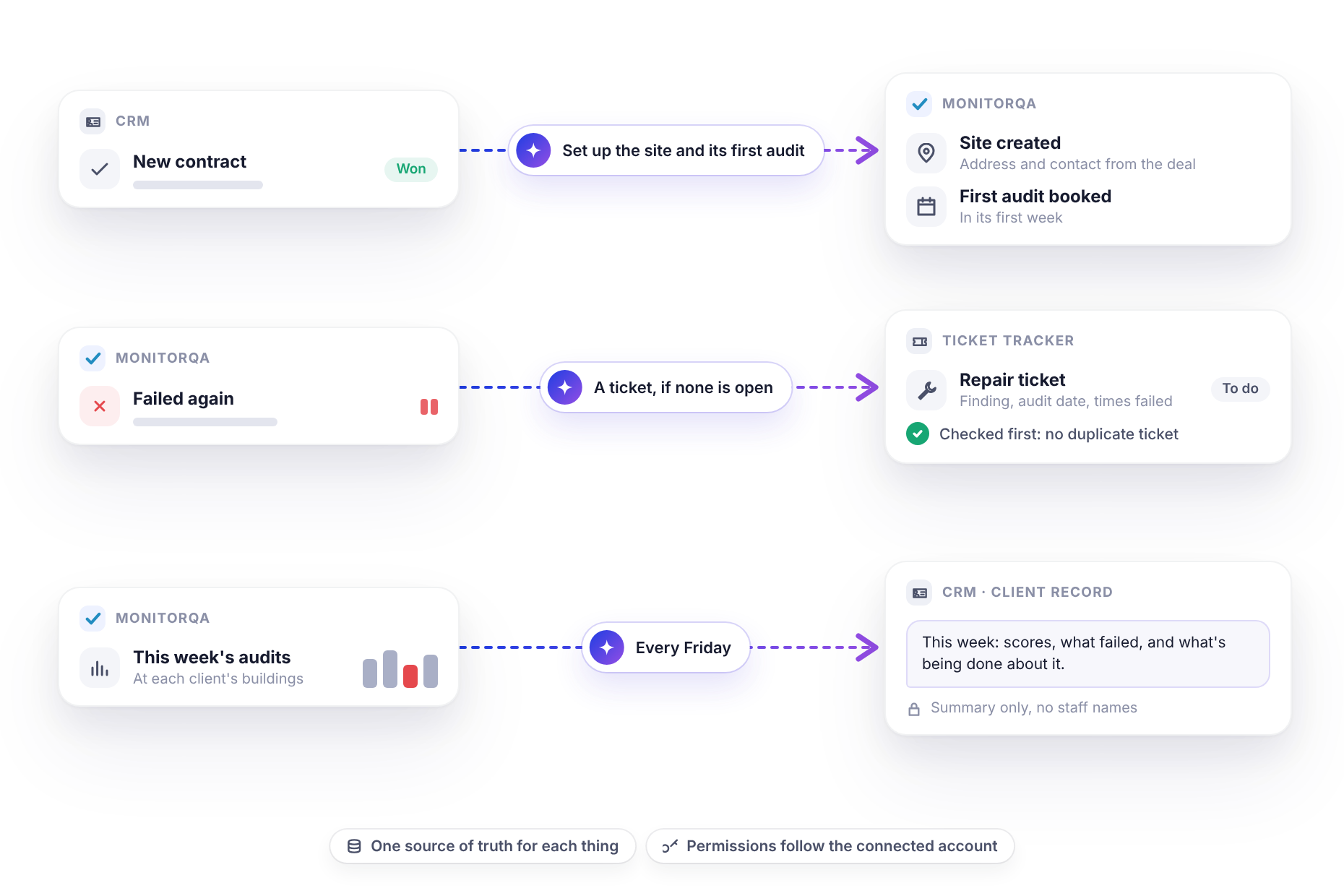
- Sales to operations. A new contract is won and the site needs to exist in your audit system with its first inspection booked.
- Operations to maintenance. A failed item needs a repair and the people who repair things work in their own tool.
- Operations to account management. A client’s results need to reach whoever owns the relationship, before the next review meeting.
The usual options are copying things by hand or a custom integration project that sits on the IT roadmap for a year. There’s now a third option.
<<cta>>
The assistant in the middle
An AI assistant like Claude can connect to monitorQA and to your other tools at the same time, each through its own connector. (The setup guide covers connecting monitorQA and email; your other tools are connected the same way, if a connector exists for them. Claude has connectors for CRMs such as HubSpot, Salesforce and Zoho CRM and for ticketing tools such as Jira and Linear.) Once they’re connected, the assistant can read from one and write to another, following instructions in plain language.
monitorQA stays the record of what was audited, what failed and what was fixed. The assistant just makes sure the right parts of that record reach the right place.
Here’s what that looks like for a commercial facilities company that looks after 40 client buildings.
A new contract becomes a site and its first audit
The sales team marks a deal as won in the CRM. Instead of an email to operations asking someone to set it up:
“A new contract was marked won in the CRM today: Harbor Point Offices. Create the site in monitorQA using the address and contact from the CRM record, assign it to the Central region and book an onboarding facilities audit in its first week, assigned to the Central auditor.”
The assistant reads the deal, creates the site with its time zone, puts the address and client contact in the site notes (monitorQA sites don’t have a separate address field), adds it to the Central region and books the first audit. As with any change, ask to see it before it’s created.
The site’s first audit is on the calendar before the client’s first day and nobody had to retype an address.
A repeat failure becomes a maintenance ticket
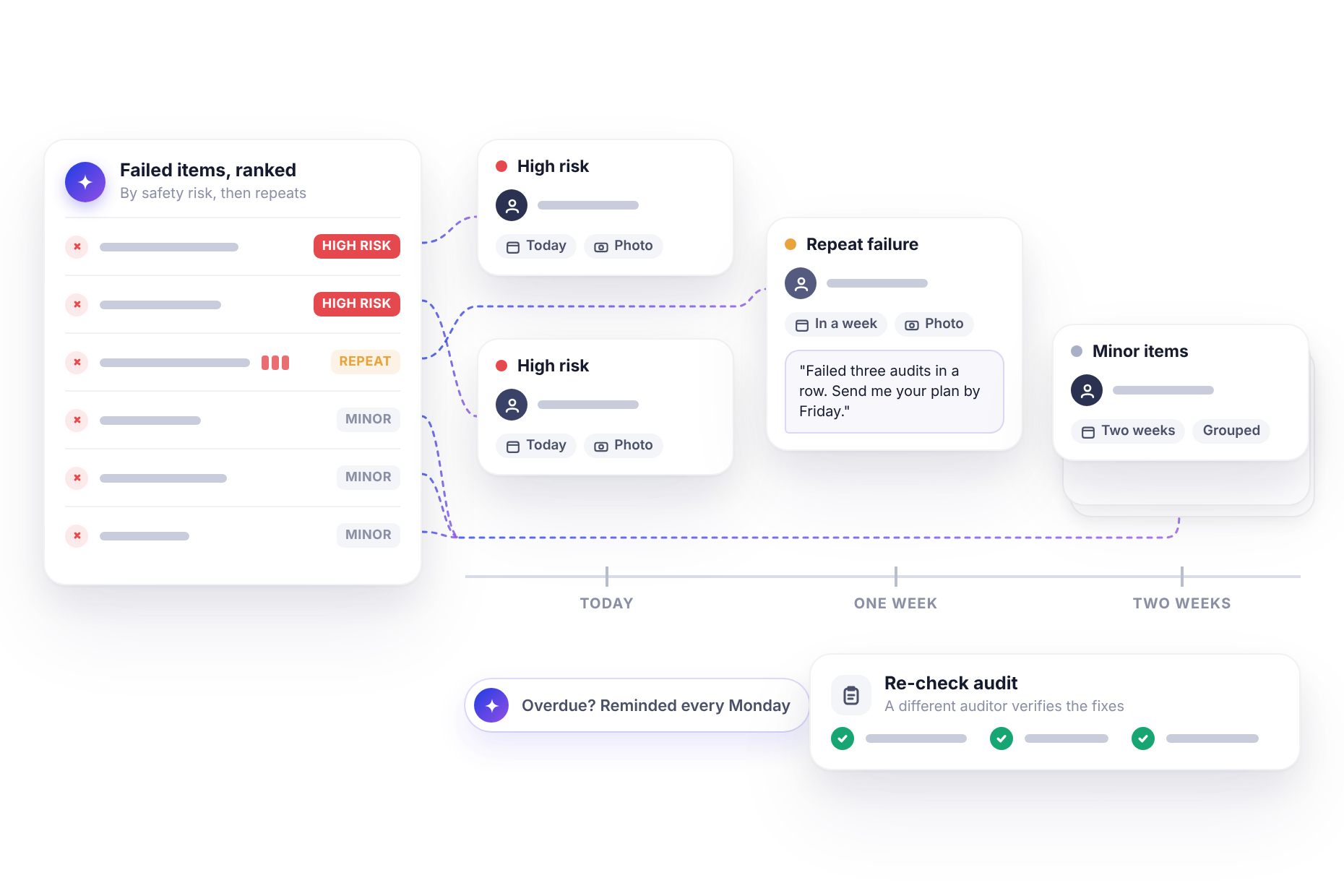
For the leaking pipe and the fire door, the fix belongs to engineering. The first step is working out which failures deserve a ticket at all. Repeat failures are a good rule and monitorQA already tracks how many audits in a row each item has failed:
“Which failed items from last week’s audits also failed the audit before? Draft a ticket for each: site, finding, audit date and how many times in a row it has failed.”
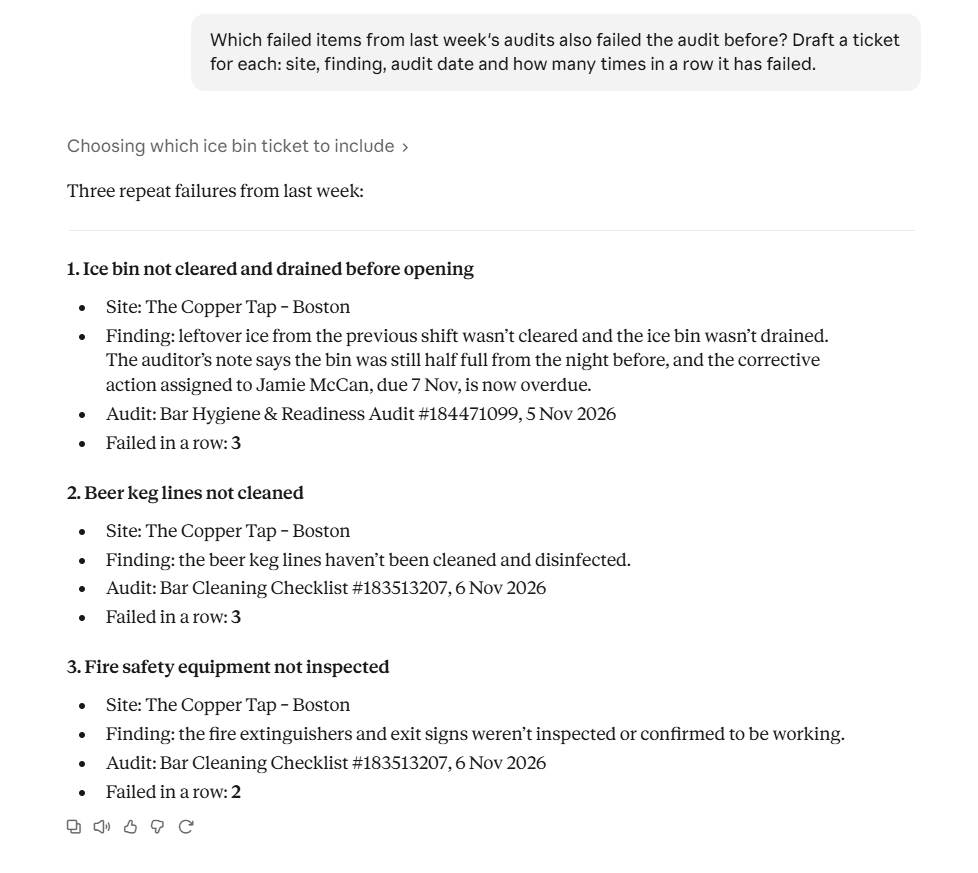
With a ticketing tool connected too, the same request can create the tickets directly:
“For the Lakeview Tower audit completed today, create a ticket in the engineering tracker for each item that also failed last month. Include the finding, any notes from the audit, the audit date and how many times it has failed. Check first that there isn’t already an open ticket for the same item.”
That last instruction, checking for an existing ticket, saves a lot of noise. Without it, a problem that fails every month gets a new ticket every month.
It’s also worth deciding where the fix is tracked. Some teams keep a corrective action in monitorQA for the site manager and a ticket for engineering, with each pointing to the other. Others let the ticket be the only task. Either works, as long as everyone knows which one to close.
<<cta>>
Results reach the client record
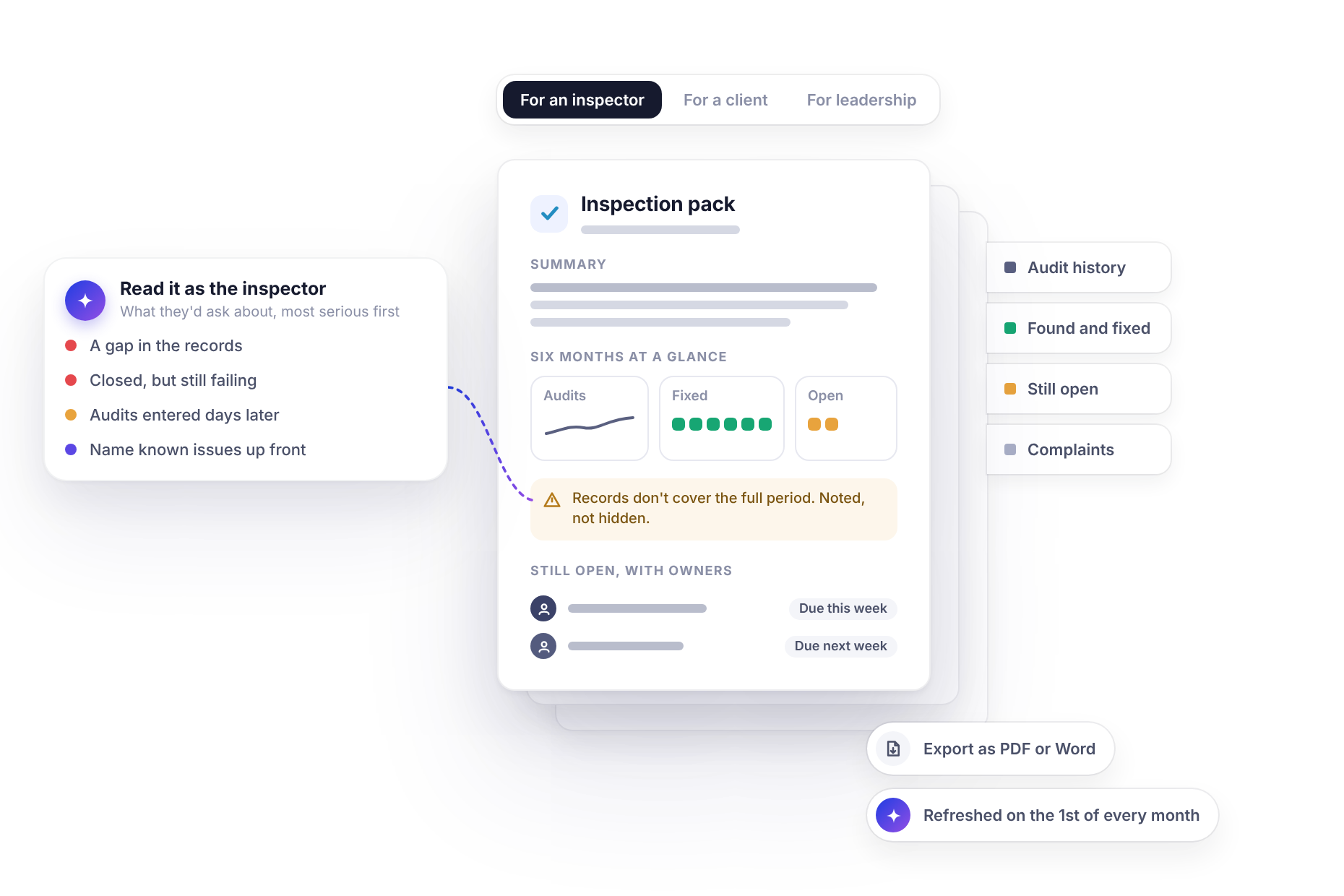
The account manager doesn’t need every audit. They need to know how their client’s buildings are doing before they pick up the phone. If your CRM’s connector can add notes to a record, this can arrive every week:
“Every Friday, add a short note to each client’s CRM record summarizing that week’s audits at their buildings: scores, anything that failed and what’s being done about it. Skip clients with no audits that week.”
When the account manager walks into next week’s review, they already know about the fire door and they know it’s being fixed. That’s a very different meeting from the one where the client brings it up first.
Keeping things in step
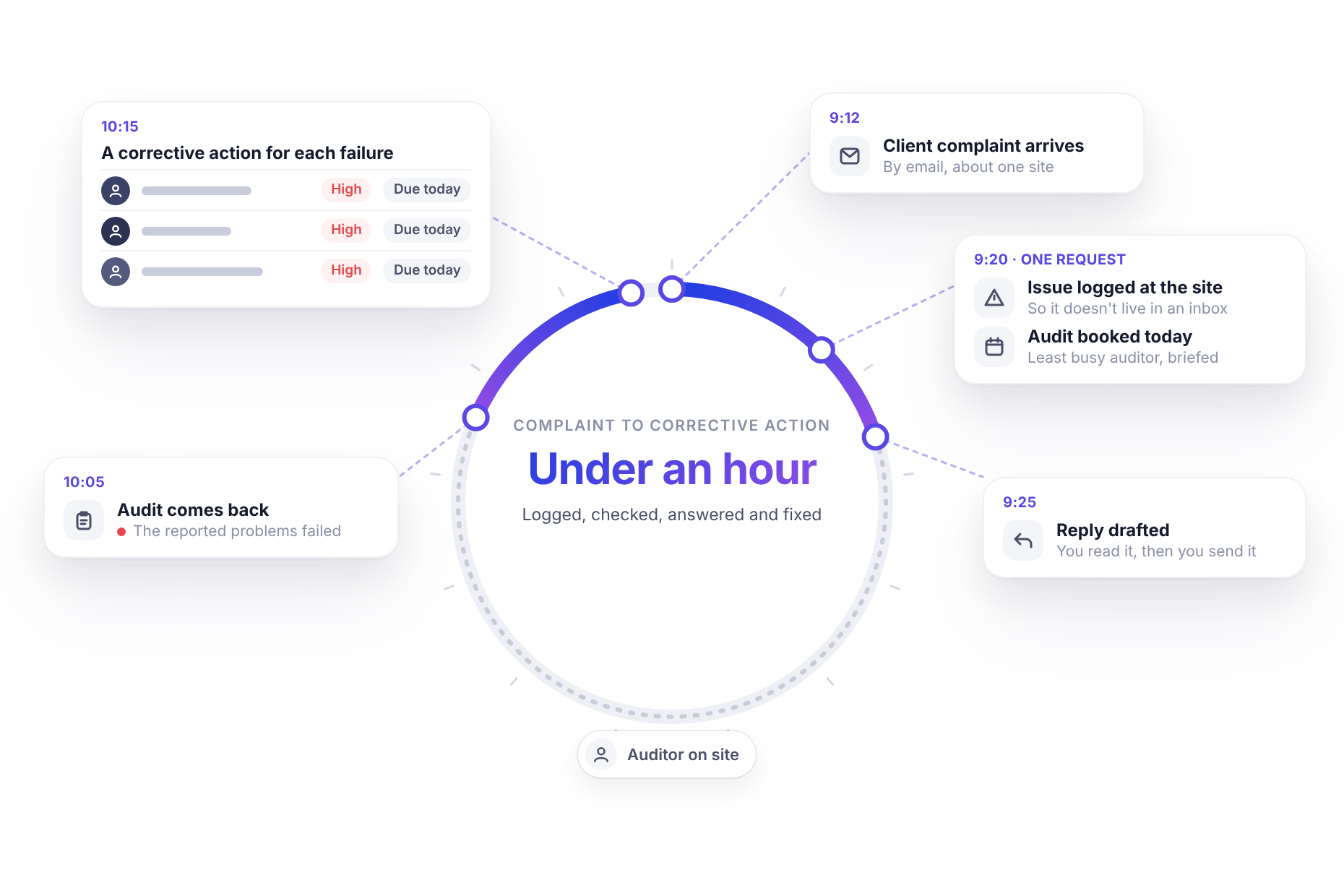
None of this happens the instant something changes. The assistant works on request or on a schedule, so the usual pattern is a regular check: every hour for anything time-sensitive, daily or weekly for summaries. In practice, “within the hour” is fast enough for nearly everything that moves between these systems. If something needs to happen faster, that’s usually a phone call anyway.
Email is the one second system that’s already proven with monitorQA. CRM and ticketing tools need their own connectors, so check that yours has one and what it can do (reading records, creating tickets, adding notes) and try the flow by hand before you put it on a schedule.
Decide the rules before you automate
Connecting systems is easy to start and easy to make messy. A few decisions up front keep it clean:
- One source of truth for each thing. Audit results live in monitorQA. Repairs live in the ticket system. Client relationships live in the CRM. The assistant copies summaries and references between them, not whole records.
- No duplicates. Ask the assistant to check for an existing ticket or note before creating a new one.
- Think about who reads what. A CRM note may be seen by sales, finance and the client’s account team. Keep staff names and internal comments out of it if they don’t belong there.
- Permissions follow the person. The assistant works with the access of the account connected to each tool. If that account can’t create tickets, neither can the assistant.
<<cta>>
Start with the handoff you copy by hand most often
Every organization has one: the findings someone pastes into a ticket every Monday, the summary someone emails to account managers every month. Pick that one.
Run it through the assistant once by hand, check the result in both systems, then put it on a schedule. Once one handoff runs on its own, you’ll quickly spot the next one worth connecting.