

Here's a scenario that plays out in more organizations than anyone likes to admit: leadership asks for a current view of the company's top risks. Someone pulls together a spreadsheet. It's mostly accurate, if you don't count the risk that got closed in March but never removed, the 3 risks two different departments logged separately because neither knew the other had already flagged it, and the corrective action from last year's audit that's still marked ‘in progress’ because nobody ever circled back to check.
This isn't a story about a badly run risk program. It's what happens to almost any risk process once it outgrows the tools tracking it. And it's usually the moment someone starts Googling how to choose risk management software only to run into a wall of vendor comparison pages that read like they were written for a different question entirely.
That's the gap this guide is meant to close. Not a feature checklist, not a top 10 vendor ranking - a practical way to figure out what you actually need before a single sales call so you're evaluating platforms against your own risk process instead of against whatever the vendor decided to demo first.
Why risk management software means ten different things
Here's the first trap: the category is enormous and it's not one product. Search results for risk management software will surface enterprise risk management (ERM) suites built for board-level reporting, GRC platforms designed around formal compliance frameworks, cybersecurity risk tools focused on vulnerabilities and technical controls and operational risk platforms built for inspections, incidents and corrective actions on the ground.
A tool that's excellent for cyber risk teams tracking NIST or ISO 27001 controls will feel wildly over-engineered, or oddly incomplete, for a facilities manager trying to track hazard findings across twelve retail locations. None of these platforms are wrong. They're just answering different questions. The mistake most buyers make isn't picking a bad vendor; it's picking a vendor whose category never matched their problem in the first place.
Before you look at a single demo, get clear on which of these your organization actually needs:
- Enterprise risk management (ERM): strategic, financial and operational risk at the portfolio level, usually feeding board reporting.
- GRC and compliance: risks tied tightly to formal controls, policies and regulatory frameworks.
- Cybersecurity and IT risk: vulnerabilities, technical controls and third-party technology exposure.
- Operational, safety, and quality risk: risk arising from day-to-day execution - inspections, incidents, equipment, people, suppliers - verified across physical locations.
If your risk exposure mostly comes from what happens on the shop floor, in the field or across multiple physical sites, that last category is usually where the real value lives and it's the one most enterprise-focused buyer's guides gloss over.
<<cta>>
Start with your process, not with a feature list
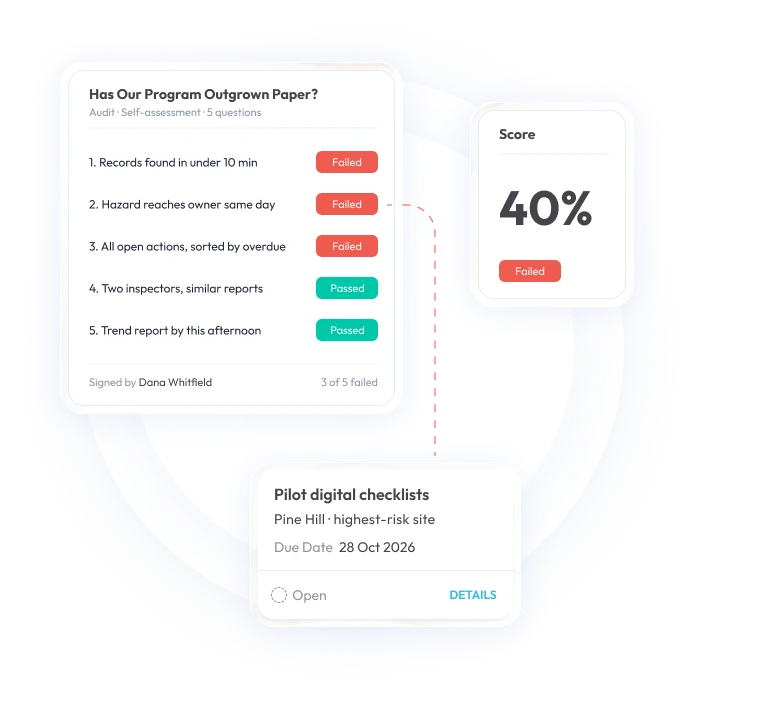
The single biggest mistake in software selection is opening with a demo instead of a diagnosis. Before you compare platforms, map your current risk process end to end: how a risk gets identified, who assesses it, how it's assigned, what ‘closed’ actually means and where the process currently breaks down.
Vague goals like ‘improve risk visibility’ don't produce a useful evaluation. Specific problem statements do. ‘We can't see overdue corrective actions across our 12 locations’. ‘Two departments score the same risk category completely differently’. ‘Inspection findings never make it into our risk register at all’. Write these down before you talk to a single vendor. They'll do more to filter out the wrong fit than any spec sheet.
Once you have your problem list, sort your requirements into 3 tiers: must-have, important and nice-to-have. This step alone prevents an impressive but ultimately irrelevant feature from steering the whole decision, which happens more often than buyers expect because demos are designed to impress, not to match your actual workflow.
The risk register: check whether it's a working tool or just a list
Nearly every platform will claim to offer a risk register. The real question is whether it's a structured, living management tool or just a table dressed up with a nicer interface.
A working register tracks more than a risk description. It should carry likelihood, impact, inherent and residual rating, category, owner, treatment plan, review date and status with full history of how that risk has changed over time. Ask a vendor to show you a specific risk's timeline: has its rating moved since the last assessment? Can it escalate automatically once it crosses a defined tolerance threshold? Can a user see exactly what evidence justifies its current score?
If the answer to those questions is a vague ‘yes, that's possible with configuration’, treat that as a caution flag. A register that only stores static entries is a database. A register that shows movement, ownership and evidence is a management tool and that difference is the whole point of moving off spreadsheets in the first place.
Assessments: consistency without killing adoption
Risk assessments only create value if results are comparable, which means your scoring methodology has to be consistent across teams, locations and time. But rigid, jargon-heavy assessment tools tend to backfire: if a site supervisor can't understand the scoring model without training, they'll either avoid using it or fill it out carelessly and either way your data quality suffers.
Look for configurable likelihood and impact scales, plain-language guidance built into the interface, defined reassessment schedules and a clear record of what changed between reviews. The best platforms make it obvious, at a glance, when an assessment is overdue and escalate it automatically rather than relying on someone remembering to chase it down.
Corrective actions: the step where most risk programs actually fail
This is worth dwelling on because it's the part of the process most buyer's guides treat as an afterthought and it's usually where real risk exposure quietly persists behind a ‘closed’ status.
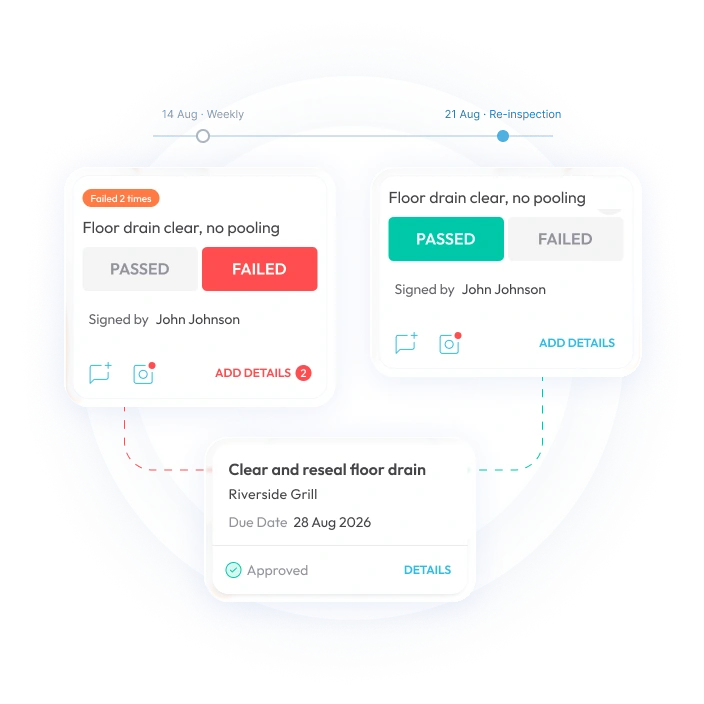
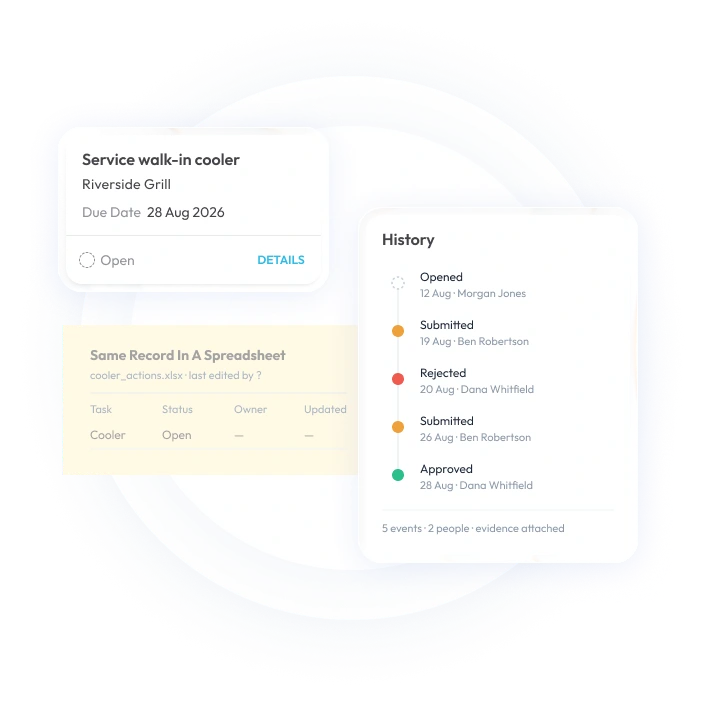
A finding on its own changes nothing. What actually reduces risk is the full loop: someone identifies an issue, it's assigned to a named owner with a deadline, that owner documents what they did about it, a supervisor verifies the fix actually worked, and - critically - the underlying risk gets reassessed if exposure is still elevated. Skip the verification step and you end up with a system full of ‘completed’ corrective actions attached to problems that never actually went away.
Here's what that full loop looks like in practice:
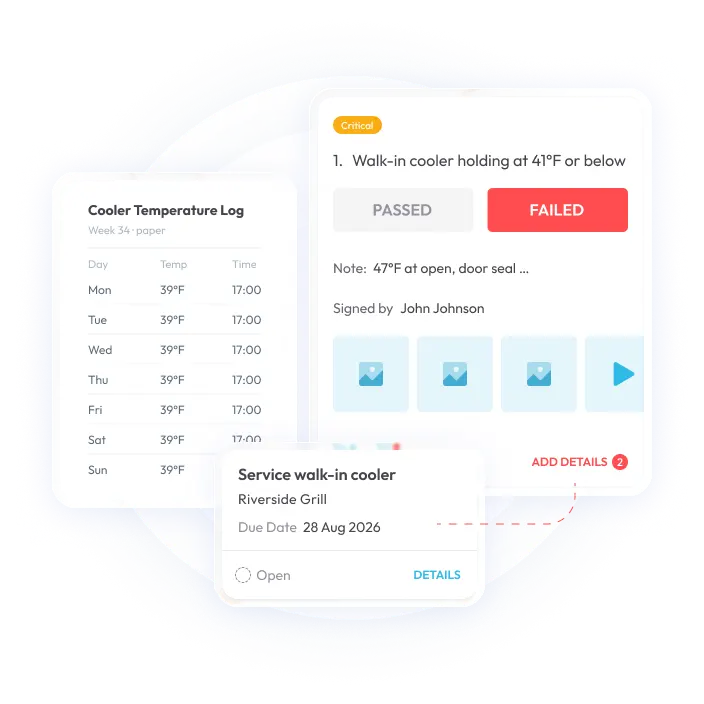
- A worker flags a hazard during a mobile inspection and attaches a photo.
- The finding is logged and assigned to an owner with a priority and due date.
- The owner completes the fix and documents it with evidence.
- A supervisor verifies the fix actually resolved the issue, not just that a task got marked done.
- If exposure is still elevated, the related risk gets reassessed rather than quietly closed.
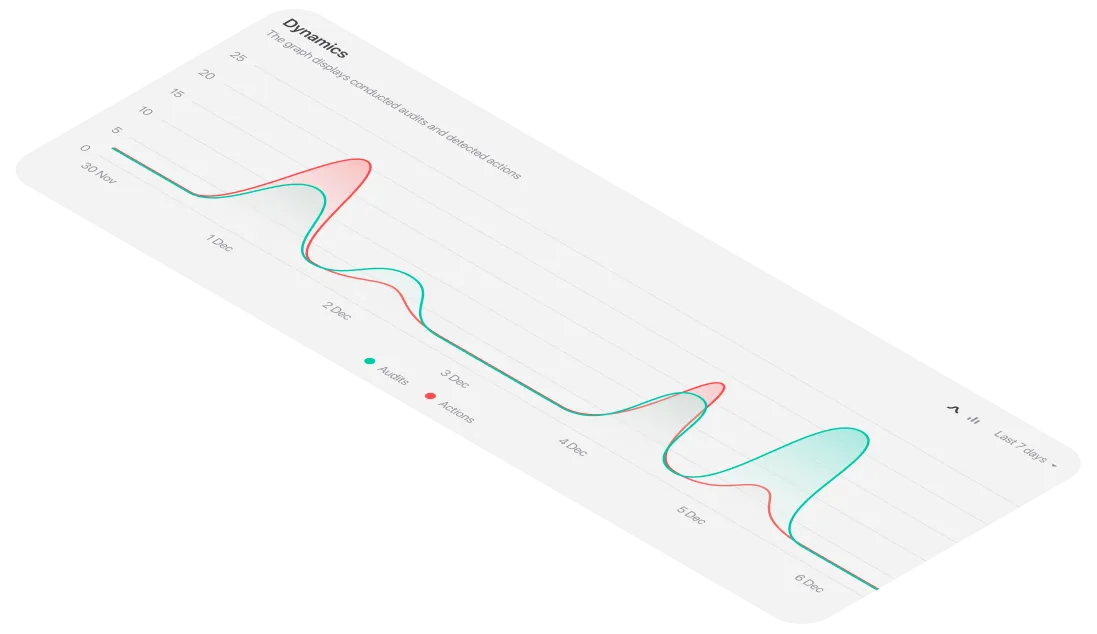
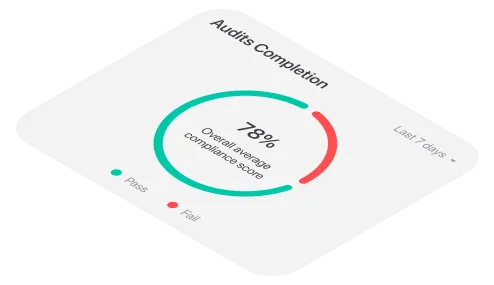
- Leadership sees the status and the recurrence pattern on a live dashboard, not in a quarterly summary.
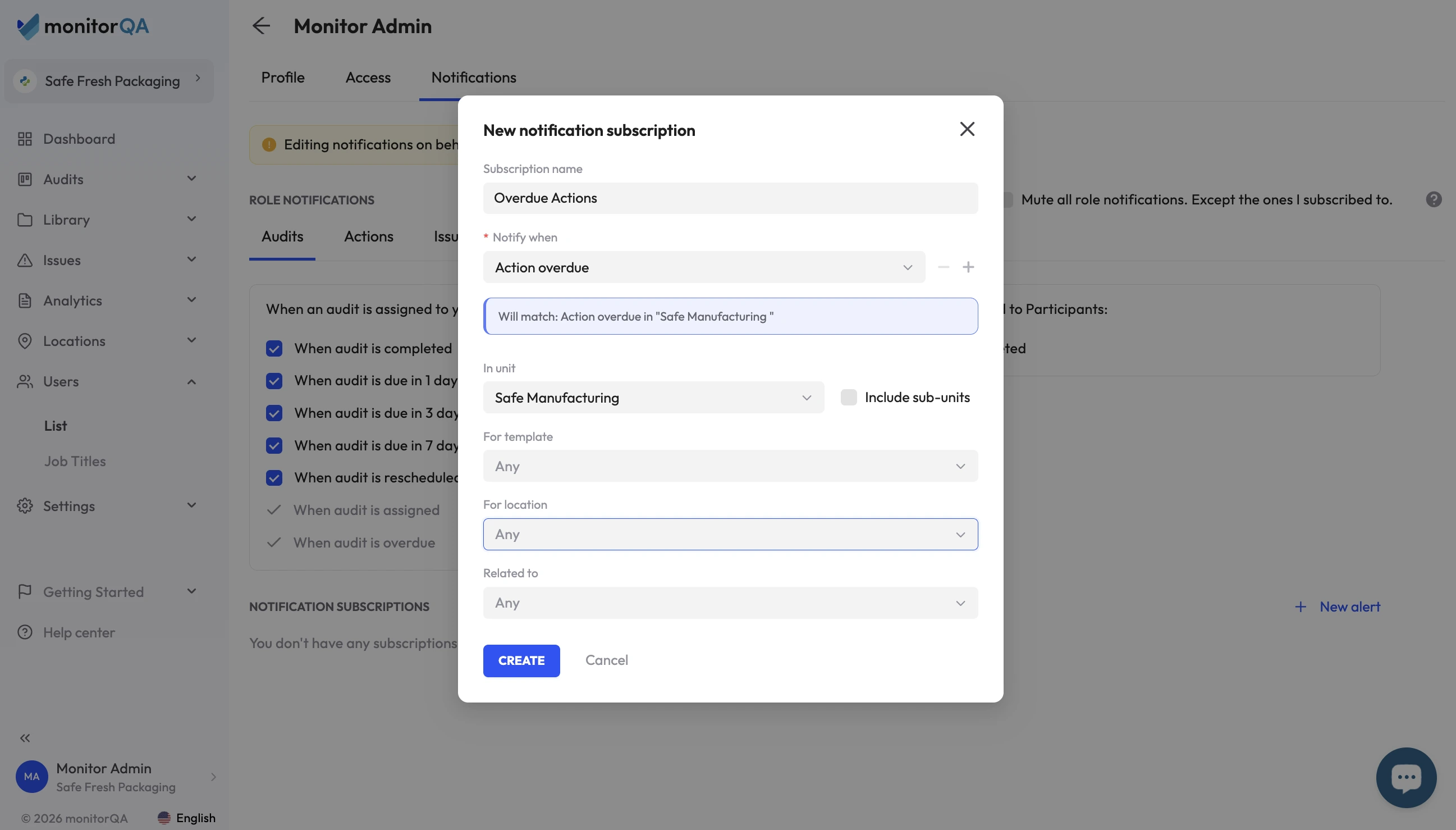
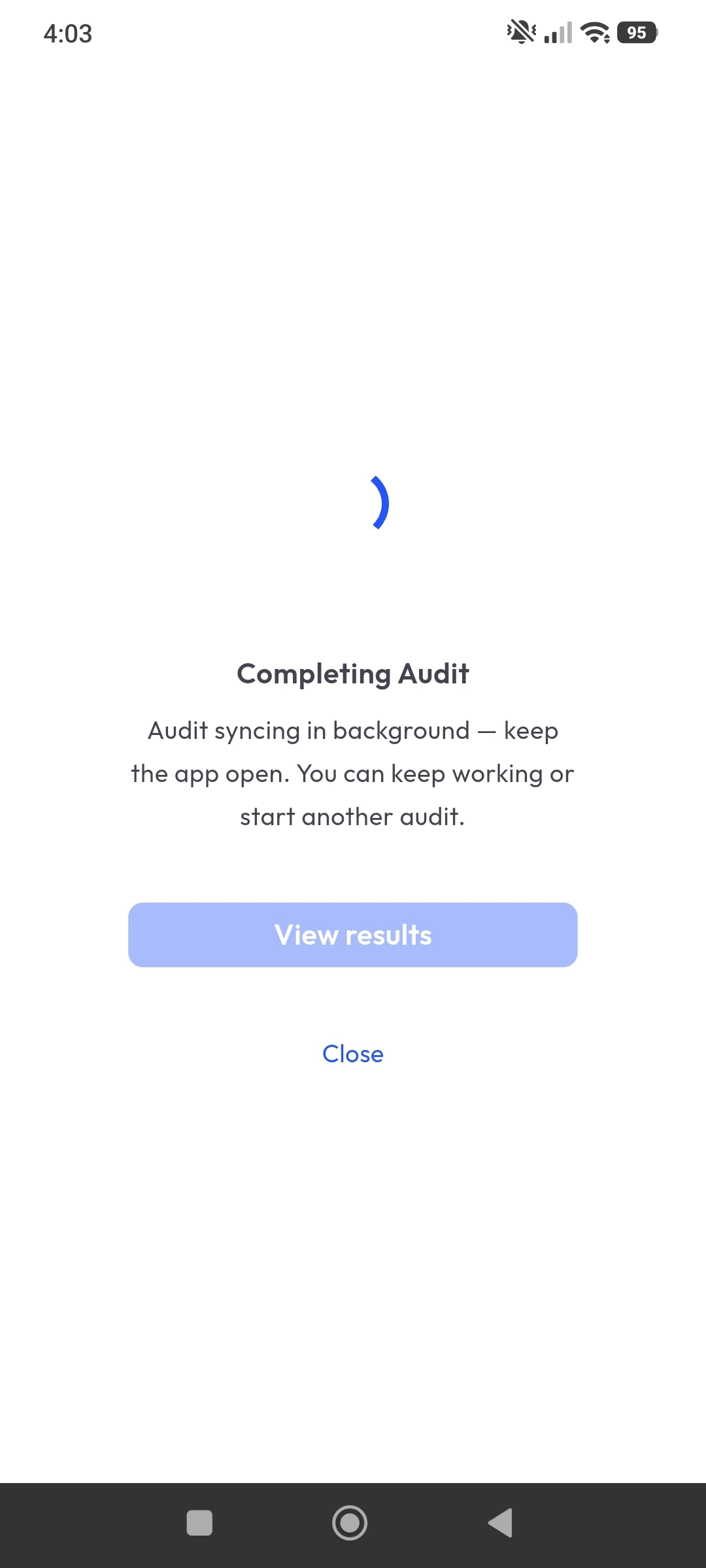
This is precisely the workflow that operational platforms like monitorQA's safety inspection software are built around - connecting mobile inspections, issue and corrective-action tracking and reporting so a hazard identified in the field doesn't just get logged, it gets followed through to a verified resolution, with the whole chain visible to whoever needs to see it.
Reporting: ask what's actually feeding the dashboard
Almost every vendor will show you a polished dashboard. Fewer will be upfront about how current the data behind it actually is. A dashboard is only as real-time as its inputs if half your teams are still filling out paper forms that get manually entered a week later, ‘real-time visibility’ is marketing language, not a description of your Tuesday.
Ask directly: how frequently do records update? Is that automated or does someone have to manually sync it? What happens to data captured offline in the field before it syncs back? And just as important - does the dashboard actually serve different audiences differently? An executive needs a concise portfolio view; a site manager needs the specific list of what's overdue at their location. If every user sees the same generic report, someone in that chain isn't getting what they actually need to act.
Audit integration: don't let risk and audit live in separate systems
Risk management and audit management are related but they're not the same thing. Risk management prioritizes exposure, while audits and inspections test whether the controls meant to reduce that exposure are actually working. The mistake many organizations make is buying (or building) these as two disconnected systems, which means nobody can easily answer the question that matters most: does this recurring inspection finding indicate a real control weakness, or is it just noise?
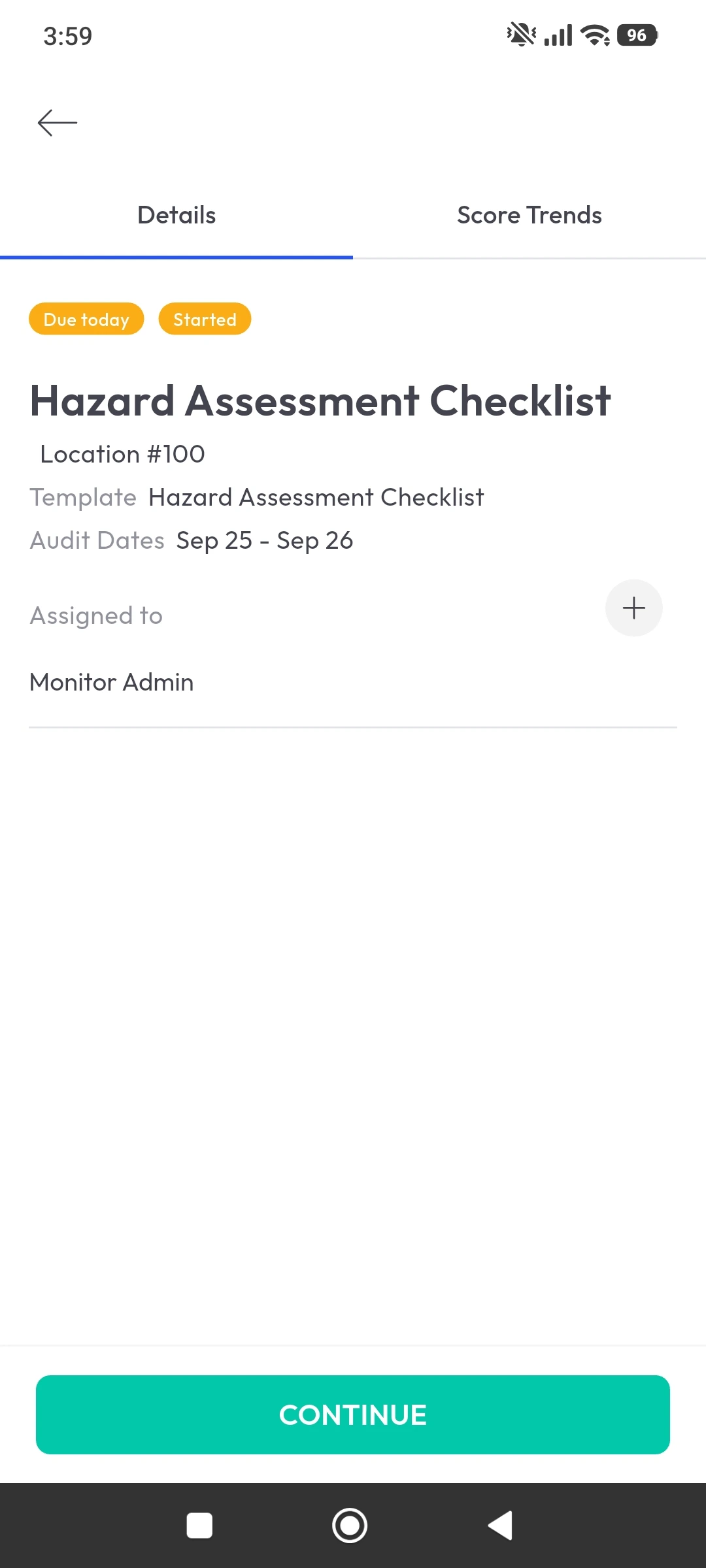
Check whether the platform lets you link risks directly to audit plans, checklist items, findings, and corrective actions and whether it preserves a clear trail of who created, reviewed, and closed each record, with timestamps and evidence attached. For regulated environments, that trail isn't a nice-to-have; it's often the difference between a defensible audit response and a scramble through old emails.
<<cta>>
Usability: the feature that determines whether any of this actually works
Here's an uncomfortable truth: a risk platform with every feature on this list is worthless if the people doing frontline work won't use it. Risk software often gets designed for specialists and then handed to busy operational teams who have ninety seconds between tasks to log a hazard, and if the tool takes longer than that, they'll go back to the clipboard or the group chat, and your risk data quietly goes dark.
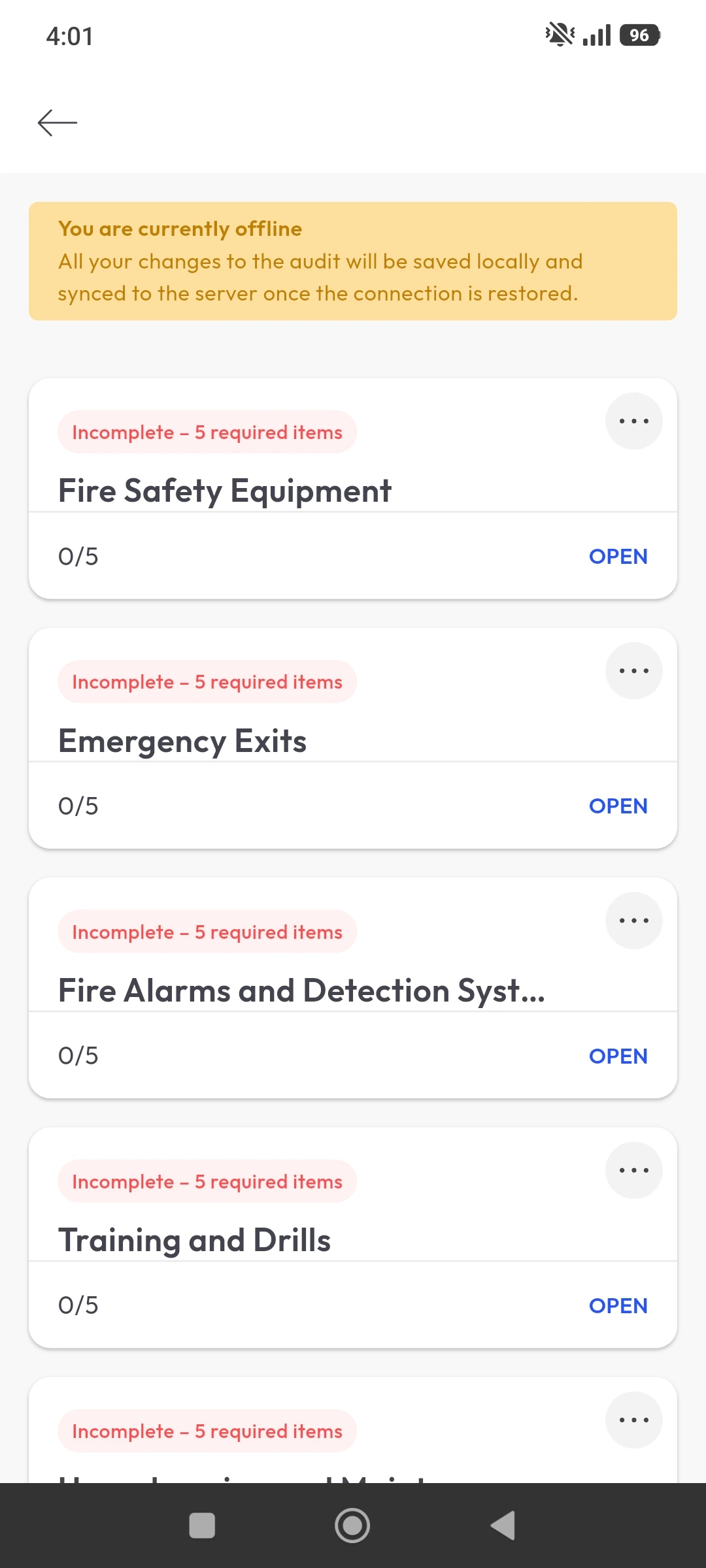
Test the actual workflows with the people who'll use them daily, not just with the risk manager who championed the purchase. Can a frontline worker report a hazard in under a minute? Can a supervisor assign a corrective action from their phone, standing in the spot where the problem is? Can someone update a checklist without submitting a ticket to IT? For distributed teams, also check offline capability - a tool that stops working the moment a warehouse loses signal isn't built for the field, no matter how good its dashboard looks in a demo.
Scalability: growing without getting stuck
Scalability isn't just ‘can it handle more users’. It's whether you can add sites, categories, workflows, and reporting requirements without creating a bottleneck that only your most technical administrator can manage. Ask how the platform handles multiple locations or business units, delegated permissions, templates, and data exports, and ask specifically how pricing scales, because a low entry price that turns expensive once you need the features you actually require is a common trap.
The opposite mistake is just as costly: buying a sprawling enterprise suite your teams can't realistically adopt because your core need was simpler than the platform assumes. If your risk exposure is mostly operational - inspections, incidents, findings, corrective actions across physical locations - a focused platform with strong mobile workflows will often outperform a broad GRC system your frontline teams never fully learn to use.
A quick gut-check before you talk to vendors
If you can't confidently answer most of these, that's not a failure; it's useful information about what to prioritize in your evaluation:
- Do we know, specifically, which risk categories and workflows this software needs to support?
- Can we describe our current process from identification through verified closure, in plain language?
- Do we know who uses this system daily versus occasionally, and what each group actually needs from it?
- Can we name the evidence - photos, signatures, timestamps - that has to be captured for this to hold up in an audit?
- Have we separated our requirements into must-have versus nice-to-have, or are we still working from a generic wish list?
<<cta>>
Common mistakes worth avoiding
Choosing by feature count. A long feature list proves nothing about whether the platform supports your specific workflow end to end. Test the full process, not the marketing page.
Confusing a register with a program. A register stores risks. Risk management requires assessment, ownership, treatment, monitoring, and review - a static list dressed up in software is still just a list.
Ignoring frontline adoption. If the people doing the actual inspections and reporting won't use the tool, your risk data will be incomplete no matter how good the dashboard looks.
Treating a dashboard as evidence. A dashboard summarizes data - it doesn't prove a control was executed. Make sure the underlying records, timestamps, and approvals are actually retained.
Over-customizing before you understand your own process. Heavy customization early tends to lock you into complexity you'll regret once the platform needs to change.
Where to go from here
The organizations that get this right don't try to digitize their entire risk program on day one. They pick one high-value use case - often safety inspections or corrective-action tracking, since that's usually where the biggest visibility gap already exists - prove the workflow works there, and expand once it's stable.
If your risk exposure is driven largely by what happens across physical sites - hazards, inspections, incidents, and the corrective actions that follow - that's exactly the kind of operational risk workflow monitorQA's safety inspection software is built to support: mobile-first inspections, corrective actions that get tracked to verified closure, and reporting that gives both frontline teams and leadership the same reliable picture, rather than two different versions of the truth.
Whatever platform you land on, the test is simple: can your team use it consistently enough that the risk register reflects what's actually happening, not what someone remembered to write down last time they had a spare five minutes? That's the software worth choosing.