

.png)
Audits and inspections are designed to catch problems before they lead to harm. Incident reports deal with what happens after something has already gone wrong. At that point, speed matters: how quickly the event is reported, investigated and followed through can make the difference between a one-off issue and a recurring problem.
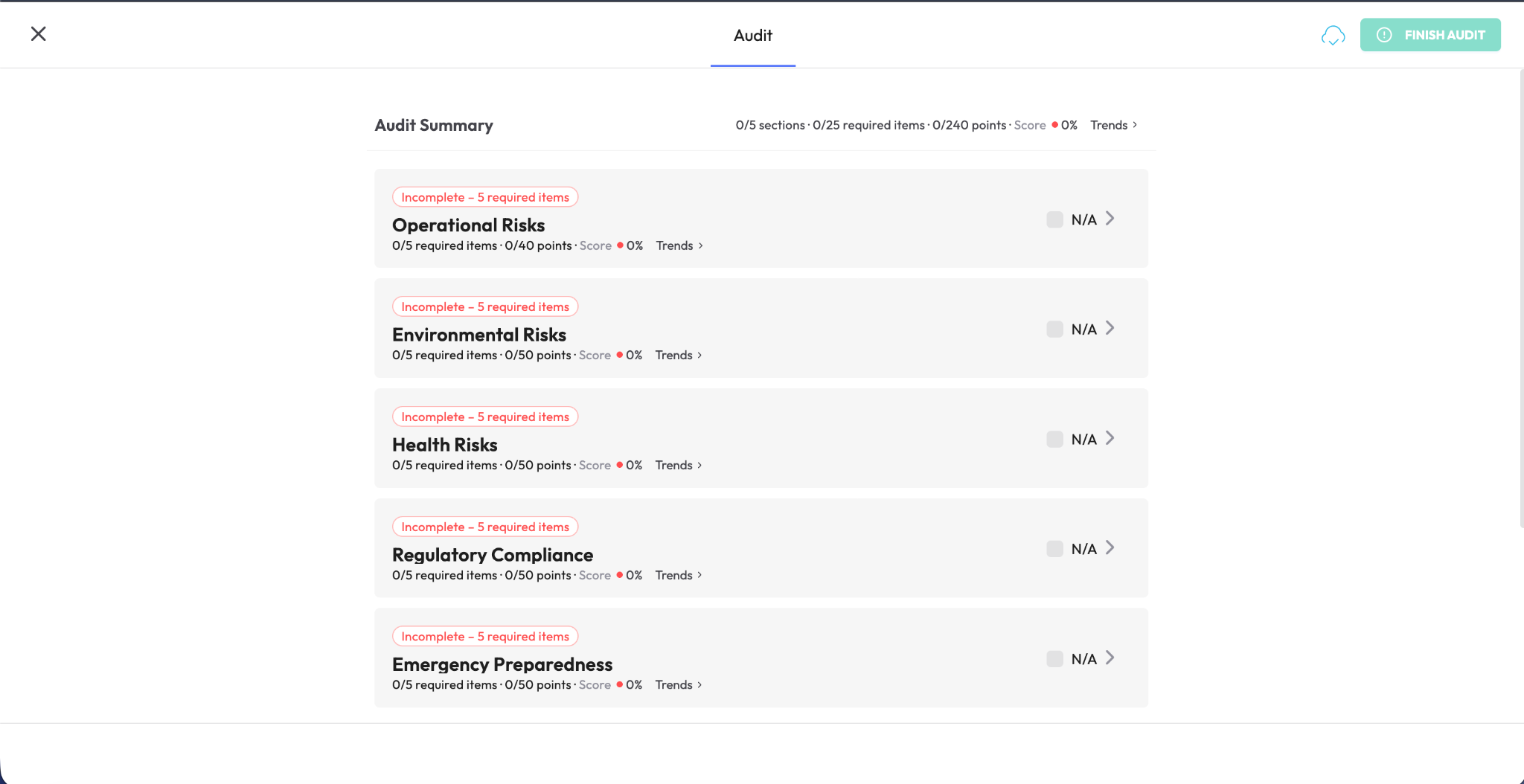
Incident reporting software gives organizations a structured way to capture accidents, near-misses, hazards, security events and other incidents as they happen, then move them into a formal investigation and resolution process. Instead of relying on emails, paper forms or scattered notes, teams get a clear record of what happened, who is responsible for the follow-up and what actions were taken.
This guide explains how incident reporting software works, what a strong incident report should contain, which features matter most, how incident reporting differs from audits and inspections and what it takes to build a reporting process employees will actually use.
What is incident reporting software?
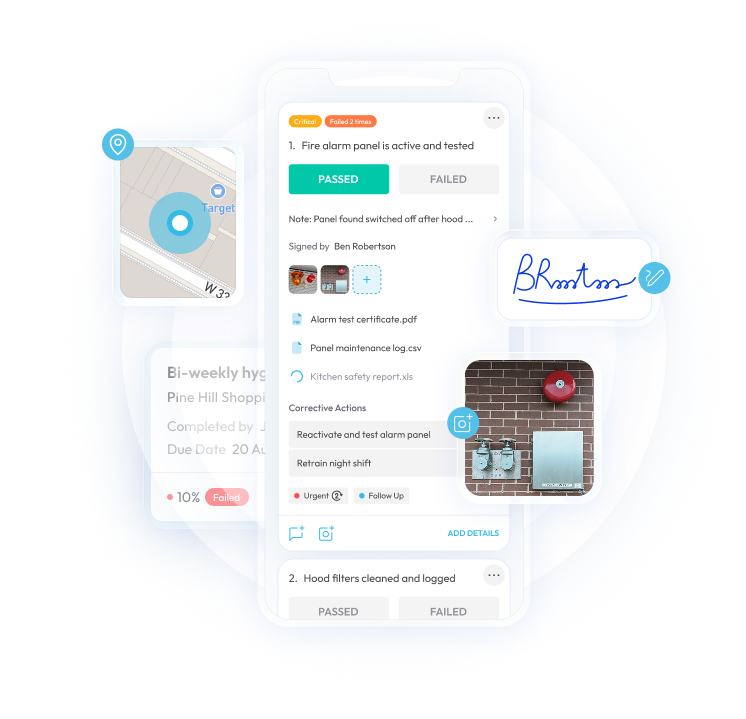
Incident reporting software gives employees a simple way to record unplanned events, such as injuries, near-misses, equipment damage, security incidents, or customer complaints - from a phone, tablet, or computer. Once submitted, the report can be routed directly into an investigation and corrective action process rather than sitting in an inbox or waiting for someone to follow up manually.
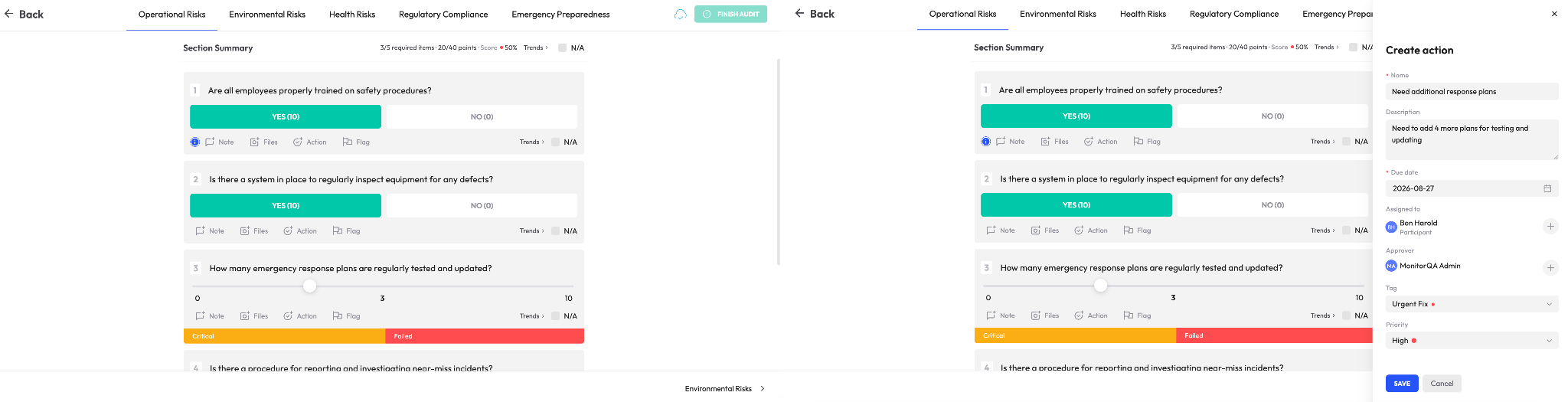
Unlike audits or inspections, which usually happen on a defined schedule, incident reporting needs to work whenever and wherever something occurs. The initial reporting experience therefore has to be quick and straightforward: capture the essential details, attach a photo or supporting evidence if needed and submit.
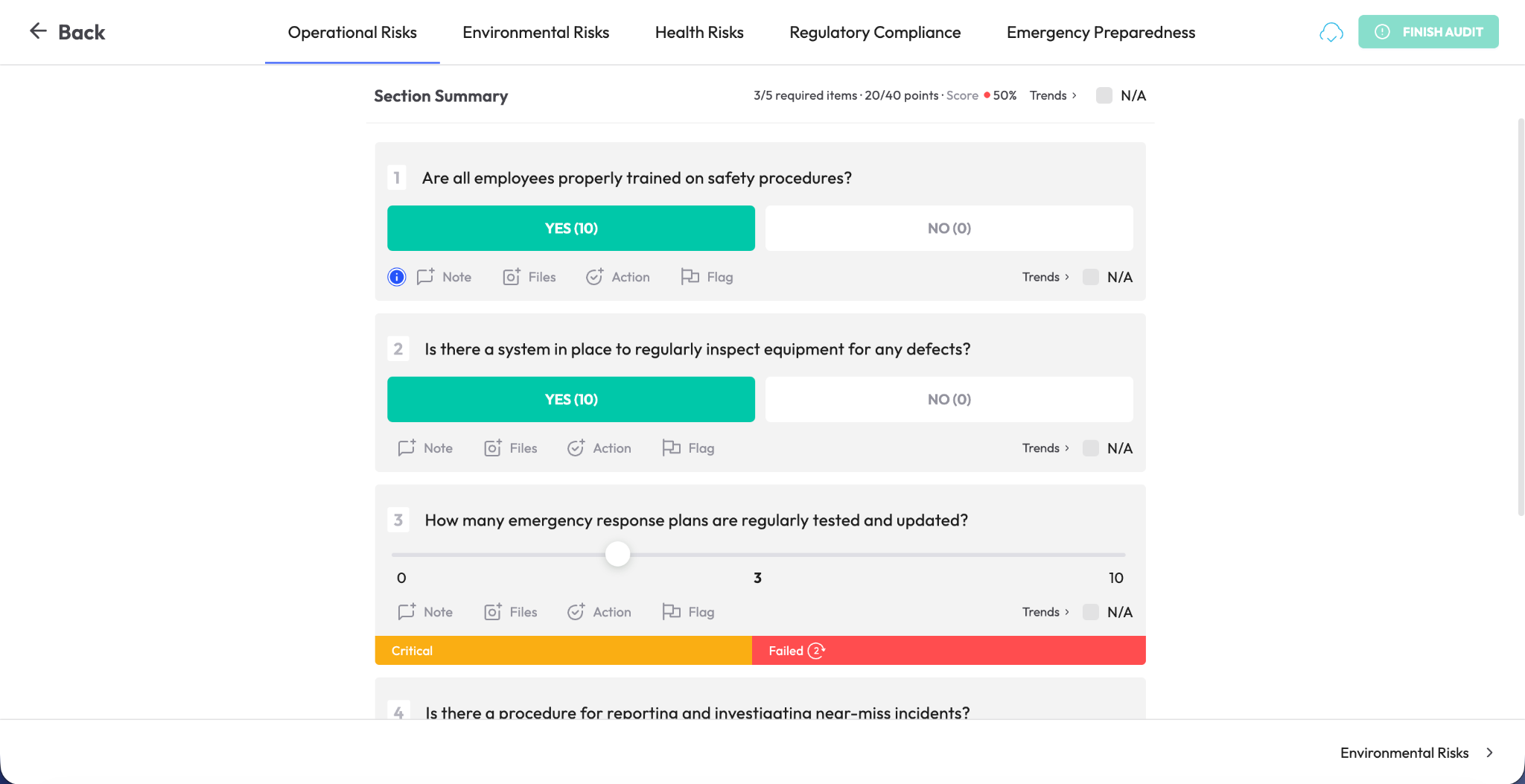
From there, the system should handle the heavier workflow behind the scenes - assigning an investigator, documenting findings, identifying root causes, tracking corrective actions and confirming closure, without placing that burden on the person who reported the incident.
Incident reporting vs. inspections and audits
Incident reporting, inspections and audits are closely connected but they serve different purposes. Inspections and audits are typically proactive and scheduled; for example, a manager may complete a weekly safety walk to identify hazards before they lead to an incident. Incident reporting is reactive and unscheduled, triggered when something has already happened and usually submitted by the person who witnessed or experienced it.
The two processes should also inform one another. If near-miss reports repeatedly point to the same area, task, or location, that pattern can help shape the focus of future inspections. Likewise, an unresolved inspection finding may eventually contribute to an incident if the underlying risk is not addressed.
For that reason, many organizations connect both processes through the same corrective action framework. Findings from audits, inspections and incident reports can then feed into a single system for investigation, follow-up and closure instead of being split across separate tools.
Why incident reporting matters
It helps reveal patterns that would otherwise stay hidden. One slip on a wet floor may look like an isolated event. Several similar incidents in the same area over time point to a recurring hazard that deserves attention. Consistent reporting makes those patterns visible early enough to act on them.
It creates a stronger basis for root cause analysis. A useful incident report goes beyond documenting what happened. It should help investigators understand why it happened, whether the cause was inadequate training, equipment failure, an unsafe process or another underlying issue. That makes it possible to address the source of the problem rather than only the immediate outcome.
It supports regulatory and legal accountability. In many industries, organizations are expected to maintain clear records of workplace incidents and demonstrate how risks are being managed. A complete, well-maintained incident history can become important during audits, regulatory reviews, insurance claims or legal proceedings.
It encourages employees to report problems sooner. Reporting works best when the process is quick, accessible and free from unnecessary friction. Employees are more likely to flag hazards and near-misses when they know the process is straightforward and focused on improving safety rather than assigning blame.
It can reduce both risk and operational cost. The impact of an incident often extends well beyond the immediate injury or equipment damage. Delayed reporting and weak follow-up can lead to lost productivity, repeated incidents, higher administrative costs and reputational harm. Faster reporting and more consistent resolution help limit those downstream effects.
What a good incident report should include
A strong incident report should answer the basic questions of who, what, where, when, why and how clearly enough to support both immediate follow-up and later analysis.
- Date, time, and exact location - detailed enough to identify recurring trouble spots, such as “loading dock, Zone A” rather than simply “warehouse.”
- People involved - including the affected person or people, whether they are employees, contractors or visitors, along with any witnesses and relevant contact information.
- A clear account of what happened - the sequence of events described factually and objectively, without assumptions about fault or responsibility.
- Immediate response taken - such as first aid, contacting emergency services, shutting down equipment or restricting access to the area.
- Supporting evidence - photos, video, diagrams or witness statements that help establish a more complete and objective record.
- Corrective and preventive actions - what will be done to address the issue, who is responsible and when the action is expected to be completed.
Software that organizes reports around structured fields like these produces far more useful data than a single free-text box. The result is not only a record of the incident but information that can support a proper investigation, consistent follow-up and meaningful trend analysis over time.
Core features of incident reporting software
Fast, mobile-first reporting
Reporting should be quick enough to complete from any device, ideally within a few minutes, with photo capture and other basic evidence collection built into the process. The more effort it takes to submit an incident, the more likely employees are to delay reporting or skip it altogether.
Automated routing and escalation
Once a report is submitted, the system should route it to the appropriate person, assign responsibility for the investigation and escalate the issue if no action is taken. That removes the need for someone to manually forward messages or keep track of follow-up in a separate inbox.
Root cause analysis tools
Structured investigation workflows can help teams look beyond the immediate event and identify the factors that contributed to it, whether that involves equipment, training, procedures, environmental conditions or human error. This produces more consistent and useful investigations than relying on an open notes field alone.
Corrective and preventive action (CAPA) tracking
Any follow-up action should be managed with the same discipline as a finding from an audit or inspection. That means assigning a named owner, setting a deadline, tracking progress and verifying completion rather than leaving the response as a loosely defined recommendation.
Role-based access control
Incident records can contain sensitive information, so access should be carefully controlled. Role-based permissions help determine who can view, edit, investigate, approve or close a report while protecting confidentiality and preserving the integrity of the record.
Trend dashboards and analytics
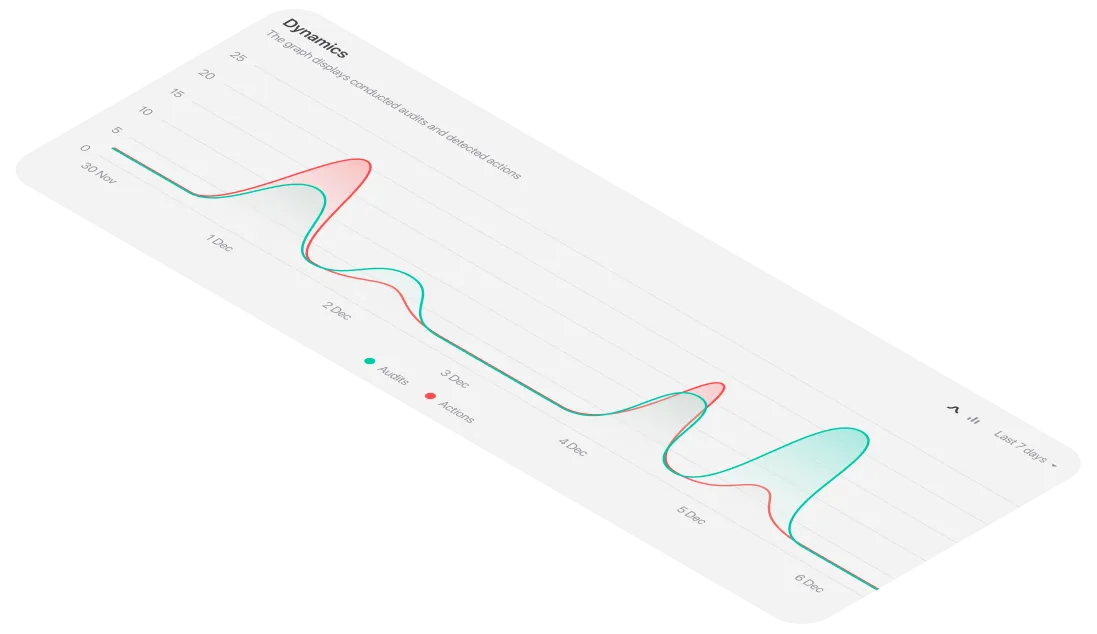
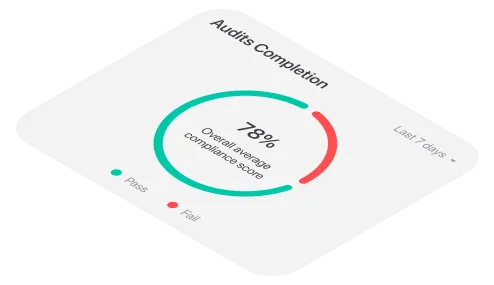
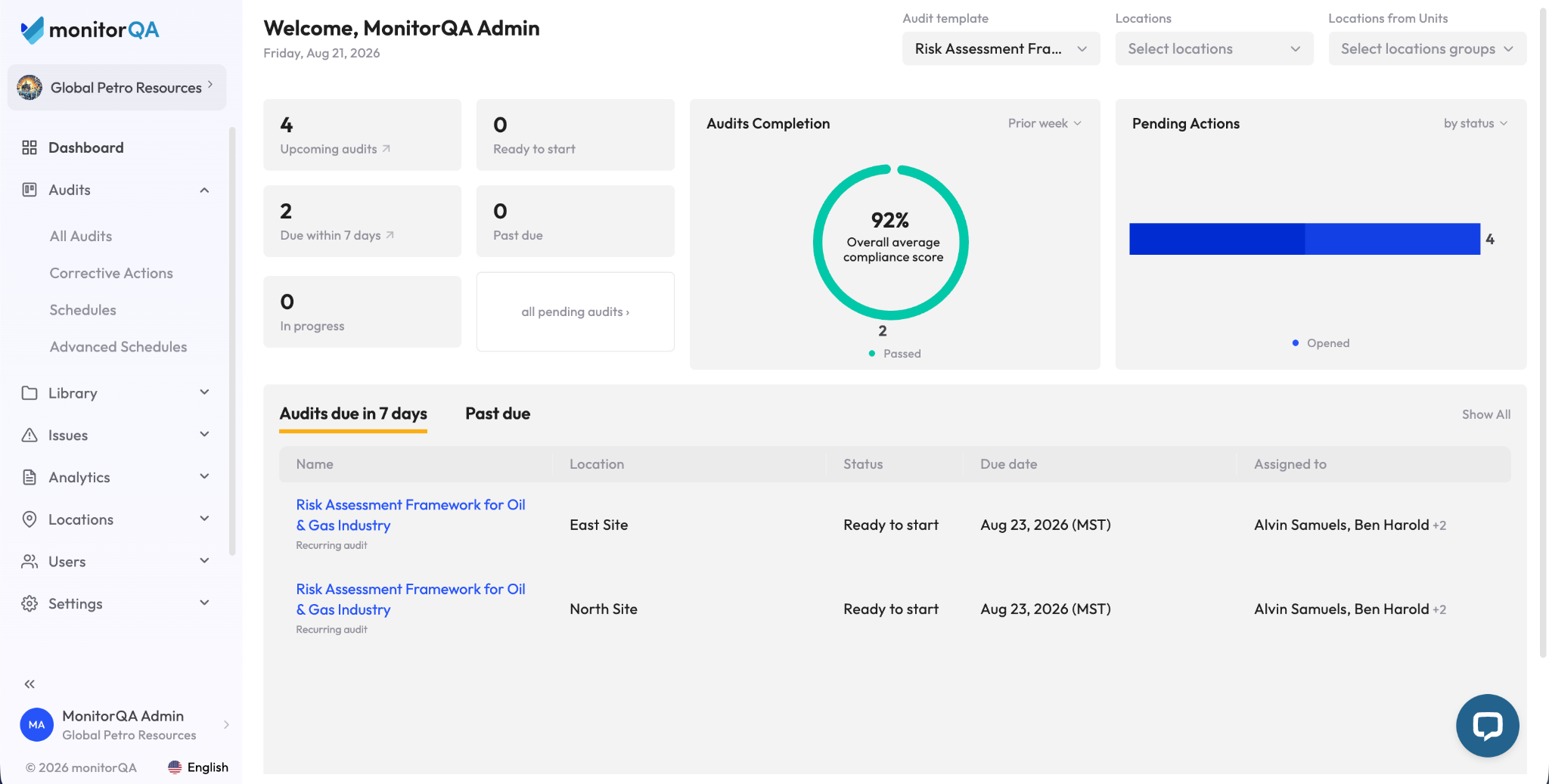
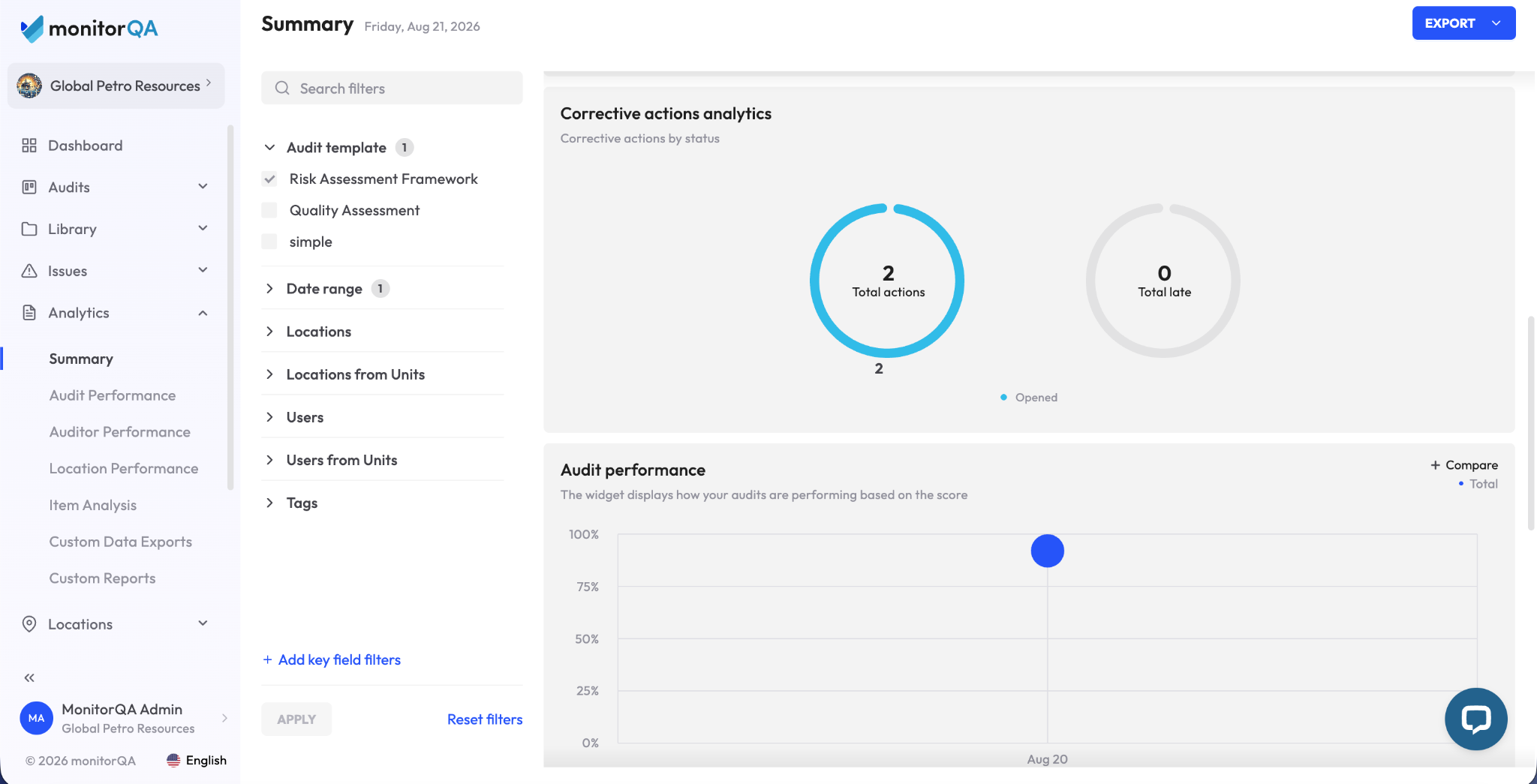
The software should make recurring patterns easy to spot. Dashboards can surface common incident types, high-frequency locations, overdue investigations and average time to closure, helping leadership identify systemic issues instead of reviewing incidents one by one.
Spreadsheets vs. incident reporting software
How to choose the right incident reporting platform
- Put reporting speed at the top of the list. If employees cannot submit an incident quickly from a phone or tablet, adoption will suffer. Test the real reporting experience during a demo rather than relying on a checklist of mobile features.
- Review anonymous and confidential reporting options. Some incidents involve sensitive circumstances, such as harassment or concerns involving a supervisor. Make sure the platform can protect the reporter’s identity where appropriate and limit who can access that information.
- Follow the full CAPA workflow before making a decision. Ask to see what happens after the initial report is submitted - from investigation and root cause analysis through corrective action assignment, verification and final closure.
- Examine role-based permissions carefully. Sensitive incident data should not automatically be visible to every manager or administrator. Confirm that access can be restricted by role, incident type, location or other relevant criteria.
- Check how the platform connects with audits and inspections. Bringing incident findings and scheduled audit or inspection data into the same environment can provide a more complete view of risk and make recurring issues easier to identify.
- Evaluate the analytics beyond the incident log. Searchable records are useful but the greater value comes from seeing patterns over time. Look for reporting that highlights recurring incident types, high-risk locations, closure times and differences across sites or teams.
Best practices for adoption
- Create a reporting culture that avoids blame. If employees think reporting an incident or near-miss could lead to punishment for themselves or a coworker, they are far less likely to speak up. The process should focus on learning and prevention, not assigning fault.
- Keep the initial form as simple as possible. Ask reporters for the essential facts at the time of submission, then allow investigators to add detail later. Long, complicated forms create friction exactly when speed matters most.
- Show people what happened after they reported something. Employees are more likely to keep using the system when they can see that their reports lead to visible action, whether that means a repair, a process change, additional training or another corrective measure.
- Review patterns, not just individual cases. A single incident may be isolated but repeated events across locations, shifts or teams can point to a broader problem that needs a more systemic response.
- Make timely manager follow-up part of the process. Automated notifications and escalation only work if the people receiving them respond. Managers should understand their responsibilities and the expected response times for different types of incidents.
FAQ
What is incident reporting software?
Incident reporting software is a digital system for recording unplanned events such as injuries, near-misses, security incidents, hazards and other workplace events. Reports can typically be submitted from a mobile device or computer and routed directly into an investigation and corrective action workflow, reducing reliance on paper forms, spreadsheets and email.
What should an incident report include?
A complete incident report should capture the date, time and exact location of the event; the people involved and any witnesses; a factual account of what happened; immediate actions taken; supporting evidence such as photos or statements and any corrective or preventive actions identified during follow-up.
What is the difference between incident reporting software and inspection software?
Inspection and audit software is generally proactive and scheduled, helping teams identify hazards or compliance issues before an incident occurs. Incident reporting software is reactive and event-driven, giving employees a way to document unexpected events as they happen. In many organizations, both processes feed into the same corrective action workflow.
Why is incident reporting important?
Consistent reporting helps organizations identify recurring hazards, investigate underlying causes, maintain appropriate documentation and respond before smaller issues develop into more serious ones. A reporting process that employees trust can also make near-misses and emerging risks more visible.
Can incident reporting software be used for near-misses?
Yes. Near-miss reporting is an important part of incident management because it can expose unsafe conditions before they result in an injury or other loss. Most incident management systems allow near-misses to be recorded alongside injuries, property damage, hazards and other event types.
Does incident reporting software work for OSHA compliance?
Incident reporting software can help organizations maintain structured records of workplace injuries, illnesses, hazards and related follow-up activities. It can support OSHA recordkeeping and reporting processes, but using software does not by itself guarantee compliance. Organizations still need to follow the specific OSHA requirements that apply to their workplace and industry.
How do you encourage employees to report incidents?
Keep the process quick, easy to access, and focused on learning rather than blame. Confidential or anonymous reporting can also help in situations where employees may hesitate to speak up. Just as importantly, employees should be able to see that reports lead to meaningful follow-up rather than disappearing into a system with no visible outcome.
Can incident reports be submitted anonymously?
Many platforms support anonymous or confidential reporting for situations where identifying the reporter could discourage disclosure. This can be particularly useful for sensitive concerns involving harassment, misconduct or issues related to a supervisor, provided the workflow also protects access to sensitive information appropriately.
.png)
.png)