

.webp)
When an incident happens, frontline workers should not have to search for a paper form, wait until they reach a computer or work through a long series of questions before they can report it. They need an incident reporting app that opens quickly, requires only the essential details and makes it easy to attach a photo and submit the report from the field.
So, what makes a good incident reporting app? It should be fast, simple and practical to use on a phone. The best tools help employees report incidents, hazards and near-misses in a few clear steps, then notify the right people so investigation and follow-up can begin quickly.
This guide explains what frontline teams actually need from an incident reporting app, including mobile access, minimal forms, photo evidence, offline capability, notifications and simple workflows that improve reporting accuracy and response times.
The frontline test: Can someone report an incident in the moment?
A good incident reporting app should work in the environment where incidents actually happen, not only in a manager’s office or during a software demonstration.
Ask whether a worker can:
- Open the app quickly on a phone or tablet
- Start a new report without searching through multiple menus
- Choose the right incident, hazard or near-miss type
- Enter the essential facts without writing a long narrative
- Take a photo directly from the report
- Submit the report with minimal typing
- Continue reporting if connectivity is poor
- See that the report was successfully submitted
If the reporting process is too slow or complicated, employees may postpone the report, leave out important details or avoid reporting altogether. The quality of the entire incident-management process depends on the quality of the first interaction.
A practical test is to give the app to someone who has not used it before and ask them to report a realistic near-miss without coaching. Watch how long it takes, where they hesitate and which fields create confusion. A product demo led by a vendor can make any workflow look easier than it feels in the field.
What makes a good incident reporting app?
The best incident reporting apps are designed around the person who sees or experiences the event first. That person may be working in a warehouse, production area, kitchen, store, construction site, remote facility or customer-facing environment. They need a reporting process that fits the situation rather than creating more work during it.
1. Fast mobile access
Incident reporting is often time-sensitive. The longer someone waits to record what happened, the more likely details are forgotten, conditions change or evidence disappears.
A good incident reporting app should open quickly on a phone or tablet and allow a worker to begin a report without navigating through unnecessary menus. Frontline employees may be wearing gloves, working outdoors, moving through a facility or responding to an urgent situation. The process should be designed around those conditions.
Mobile access also means more than making a desktop form smaller. Check whether the app supports touch-friendly controls, clear labels, readable text, camera access and a workflow that works with limited typing.
Question to ask the vendor:
How many steps does it take for a frontline user to start and submit a basic incident report?
2. Minimal steps and simple forms
The initial report should ask only for the information needed to begin a response. A frontline worker should not be expected to complete the full investigation at the moment of submission.
The first form may need to capture:
- What happened
- Where it happened
- When it happened
- Who was involved
- Whether anyone was injured
- Whether immediate action was taken
- A photo or other supporting evidence
Additional investigation questions, root-cause analysis and corrective actions can be completed later by the appropriate person. Separating the quick report from the detailed investigation keeps the initial workflow manageable without limiting the quality of the final record.
A practical reporting flow might look like this:
- Open the app
- Select the incident, hazard or near-miss type
- Add the location and a short description
- Capture a photo or attach supporting evidence
- Submit the report
Long, complicated forms create friction exactly when speed matters most. They can also encourage workers to skip questions, enter vague information or wait until later to report the event.
Question to ask the vendor:
Can we separate the short frontline report from the more detailed investigation workflow?
<<cta>>
3. Clear, factual questions
A good form helps the reporter provide useful information without asking them to make judgments they may not be qualified to make. Questions should encourage factual descriptions rather than assumptions about fault.
For example, a form can ask:
- What did you observe?
- Where did it happen?
- What task was being performed?
- Was anyone injured?
- What immediate action was taken?
- Was equipment or property damaged?
It may be less appropriate to ask the frontline reporter to determine the root cause, assign final severity or decide which corrective action will prevent recurrence. Those decisions can be made during the investigation by the responsible team.
Structured questions produce more consistent records than a single open text box. At the same time, the form should leave enough room for a short description when the available options do not capture the situation accurately.
4. Photo and evidence capture
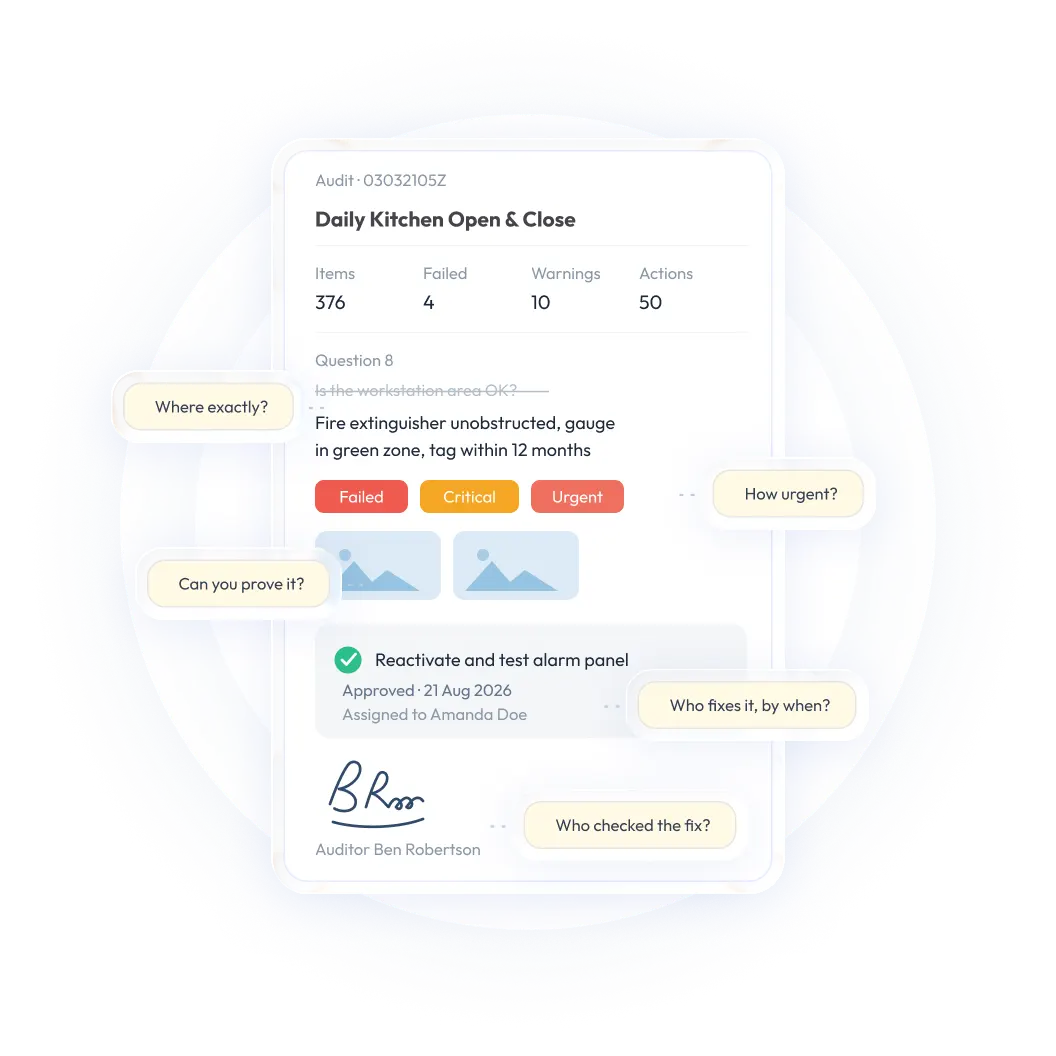
Photos can preserve details that are difficult to describe in a short report. A worker can document a wet floor, damaged equipment, an obstructed exit, a product defect or another condition while it is still present.
The best incident reporting apps allow users to take a photo directly inside the report rather than switching between applications and later trying to match the image to the correct event. Depending on the workflow, useful evidence may also include video, notes, diagrams, documents or witness information.
Immediate evidence capture can:
- Reduce ambiguity
- Help investigators understand the scene
- Support root-cause analysis
- Improve the accuracy of the record
- Reduce the need for follow-up questions
- Provide a clearer record for audits, claims or reviews
Question to ask the vendor:
Can a reporter take and attach multiple photos, notes or videos without leaving the incident form?
5. Offline capability
Frontline work does not always take place in areas with a reliable signal. Warehouses, basements, remote facilities, production floors and outdoor sites may have limited connectivity.
An incident reporting app should allow users to record essential information and capture evidence offline, then synchronize the report when the device reconnects. This helps employees report an event while the details are fresh instead of waiting until they return to an office or find a stronger connection.
Test the complete offline workflow, not just whether the vendor says the app supports offline use. Check whether the app can:
- Start a report without a connection
- Save text, photos and other evidence locally
- Show which reports are waiting to sync
- Confirm when synchronization is complete
- Handle a device restart or interrupted connection
- Prevent duplicate submissions
Questions to ask the vendor:
- Can users start and complete reports offline?
- Are photos and other evidence saved until synchronization?
- Does the app confirm when the report has successfully synced?
- What happens if two people update related information while offline?
6. Notifications and automatic routing
A report only improves response time if it reaches the right person quickly. After submission, the app should notify the appropriate supervisor, safety lead or investigator based on the incident type, location or severity.
Automatic routing removes the need for someone to manually forward messages or monitor a shared inbox. Escalation can help ensure that a serious report is acknowledged and acted on within the expected time.
Useful notification capabilities may include:
- Location-based assignment
- Incident-type routing
- Severity-based notifications
- Immediate alerts for urgent events
- Escalation for unacknowledged reports
- Reminders for overdue investigation steps
- Notifications when corrective actions are assigned or completed
The person submitting the report should also receive a clear confirmation. This reassures the worker that the report was received and makes the process feel trustworthy.
Question to ask the vendor:
Can the platform route and escalate reports automatically based on incident type, location or severity?
7. Simple submission confirmation and status visibility
Frontline teams do not need access to every investigation detail, but they should not feel that reports disappear after submission. Where appropriate, the app should show whether a report was received, assigned, investigated or resolved.
A clear confirmation can include:
- A submission message
- A report number or reference
- The time the report was received
- The person or team notified
- The current status
- A way to add information later
This visibility supports trust and encourages continued reporting. Employees are more likely to report hazards and near-misses when they can see that the organization responds to what they submit.
8. Confidentiality and appropriate access
Some workers may hesitate to report sensitive incidents if they are unsure who can see the information. An incident reporting app should make it clear how confidential or anonymous reporting works and should restrict sensitive records to appropriate users.
Role-based permissions can determine who can view, edit, investigate, approve or close a report. This protects personal information while preserving the integrity of the record.
Confidential workflows can be especially important for reports involving harassment, misconduct, concerns about a supervisor or other sensitive circumstances. Ask how the platform balances anonymity with the information investigators need to respond appropriately.
Example: Reporting a near-miss in the field
A warehouse employee notices that a pallet has been stacked unevenly near a pedestrian walkway. Instead of waiting until the end of the shift, they open the incident reporting app, select “near-miss,” take a photo, add the location and submit the report.
The safety manager receives an immediate notification, temporarily restricts access to the area and assigns a corrective action to the warehouse supervisor. The supervisor documents the fix, and the safety manager verifies closure.
The original report took less than a few minutes, but it created a useful record and allowed the organization to address the hazard before someone was injured.
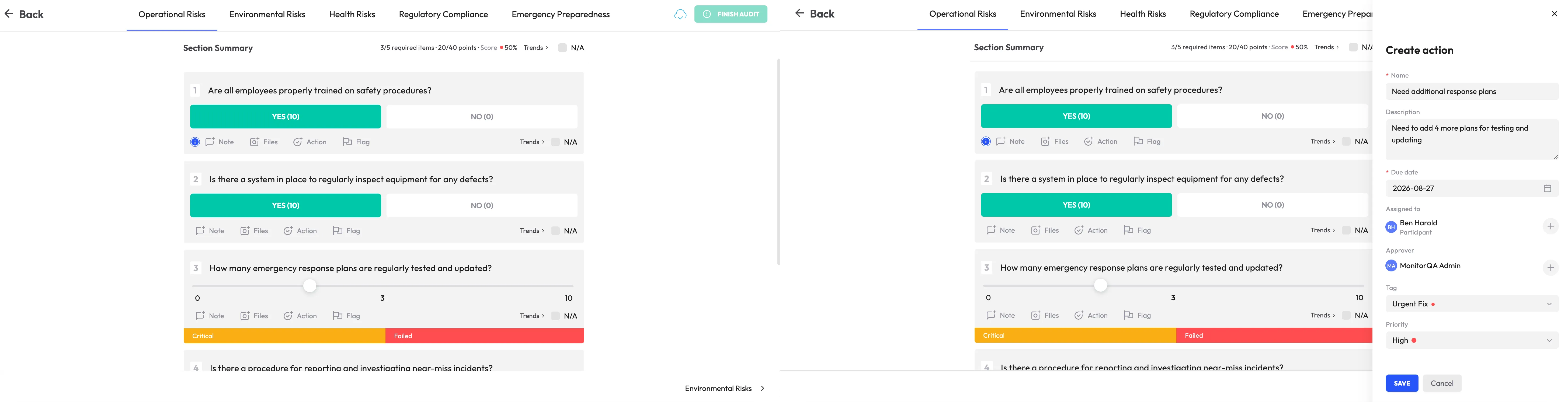
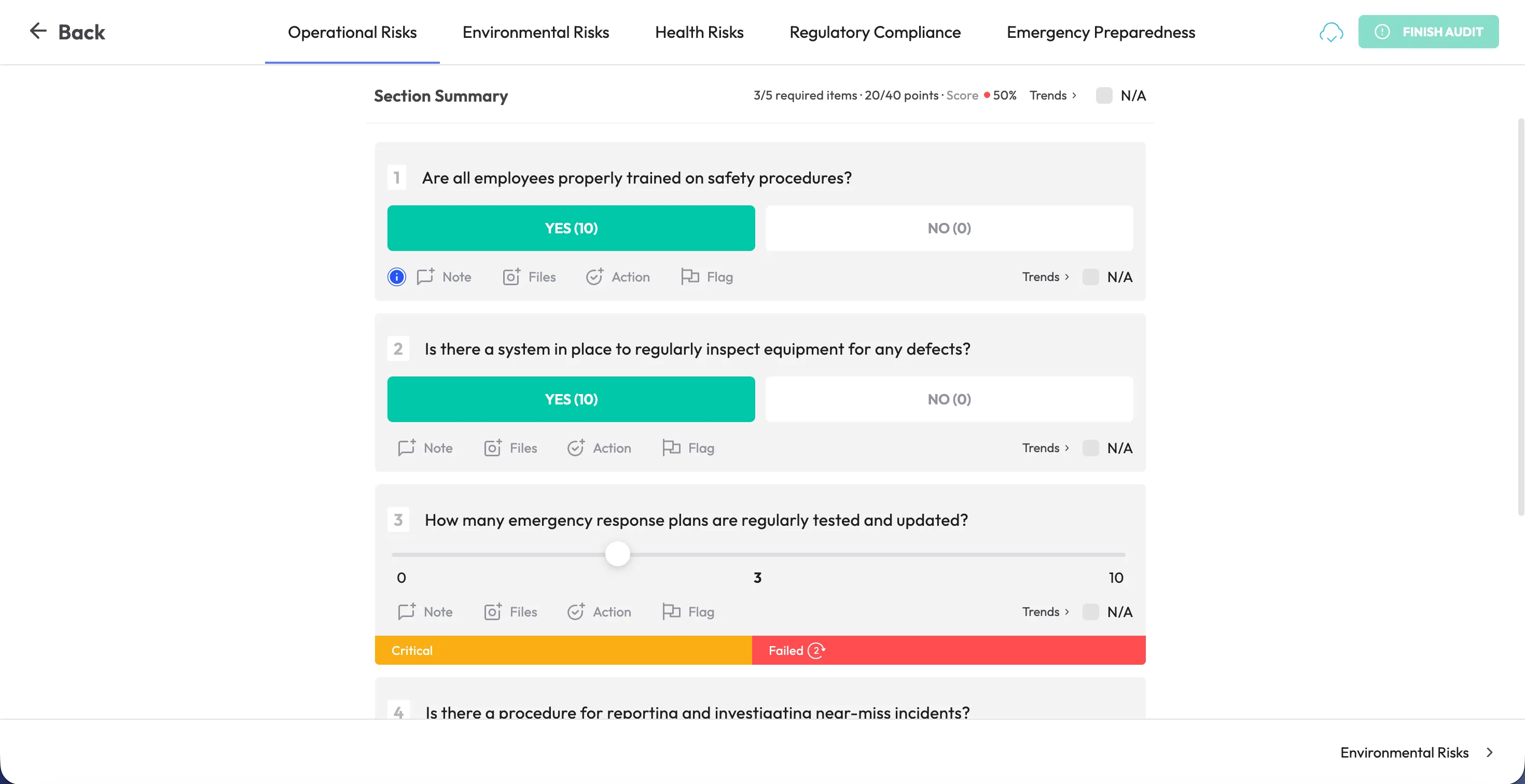
A screenshot of the mobile reporting form, photo-capture step or submission confirmation would fit well alongside this example. Visual examples can help readers understand how a short frontline workflow connects to the investigation process behind the scenes.
<<cta>>
What happens after the report is submitted?
The frontline report should be simple, but the process behind it may be more detailed. Incident reporting software should move the submission into a structured investigation and resolution workflow without requiring the original reporter to manage every step.
Automated routing and escalation
Once a report is submitted, the system should route it to the appropriate person, assign responsibility for the investigation and escalate the issue if no action is taken. Routing rules may be based on the location, incident type, severity or business unit.
This removes the need for someone to manually forward messages or keep track of follow-up in a separate inbox.
Investigation and root-cause analysis
Structured investigation workflows can help teams look beyond the immediate event and identify the factors that contributed to it. Those factors may include equipment, training, procedures, environmental conditions, workload or communication.
The goal is not to assign blame to the person who submitted the report. It is to understand why the event occurred and what changes can reduce the likelihood of recurrence.
Corrective and preventive actions
Any follow-up action should be managed with the same discipline as a finding from an audit or inspection. That means assigning a named owner, setting a deadline, tracking progress and verifying completion rather than leaving the response as a loosely defined recommendation.
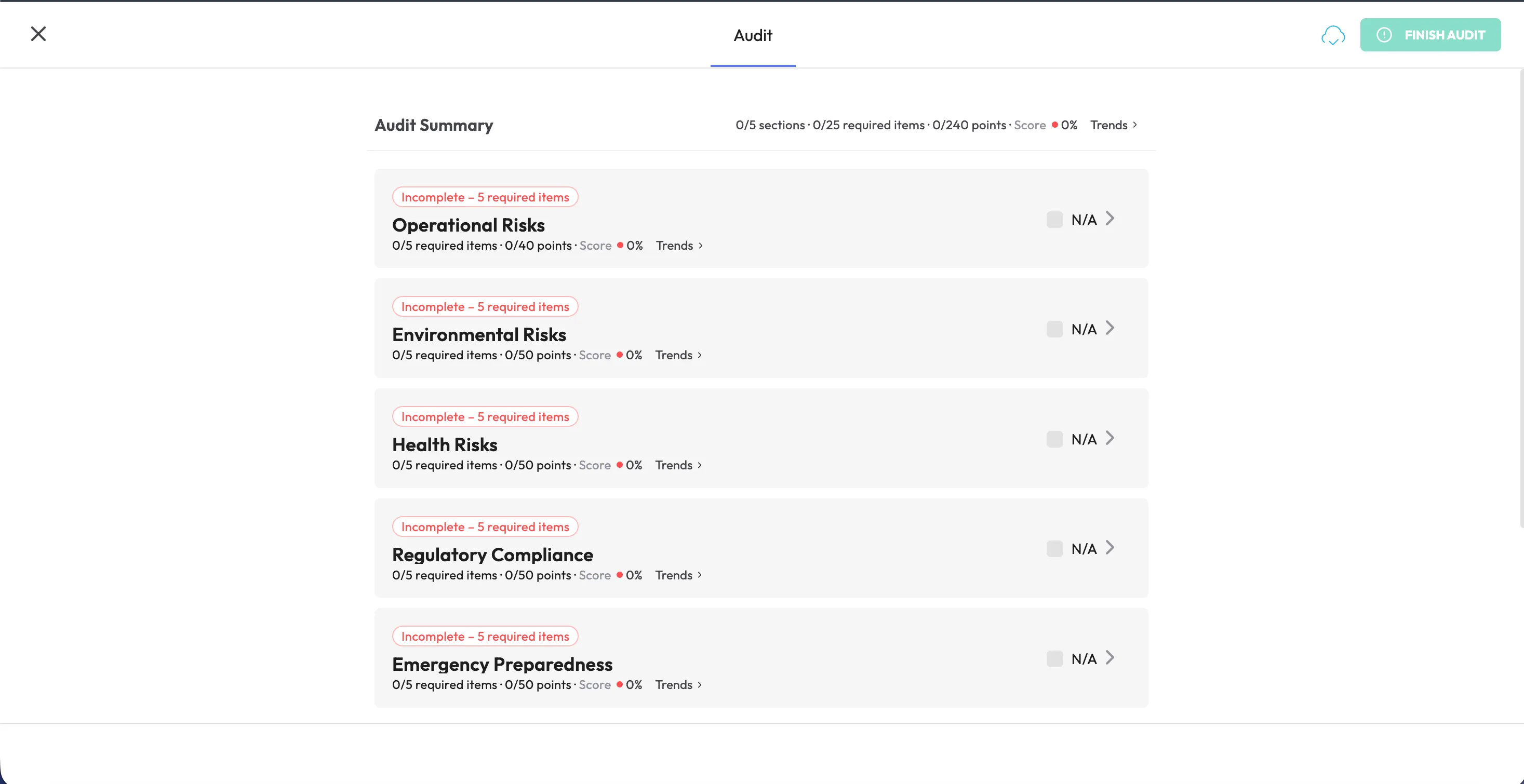
A report can move into a corrective action process where teams document the planned response, attach evidence and confirm closure.
Trend analysis and prevention
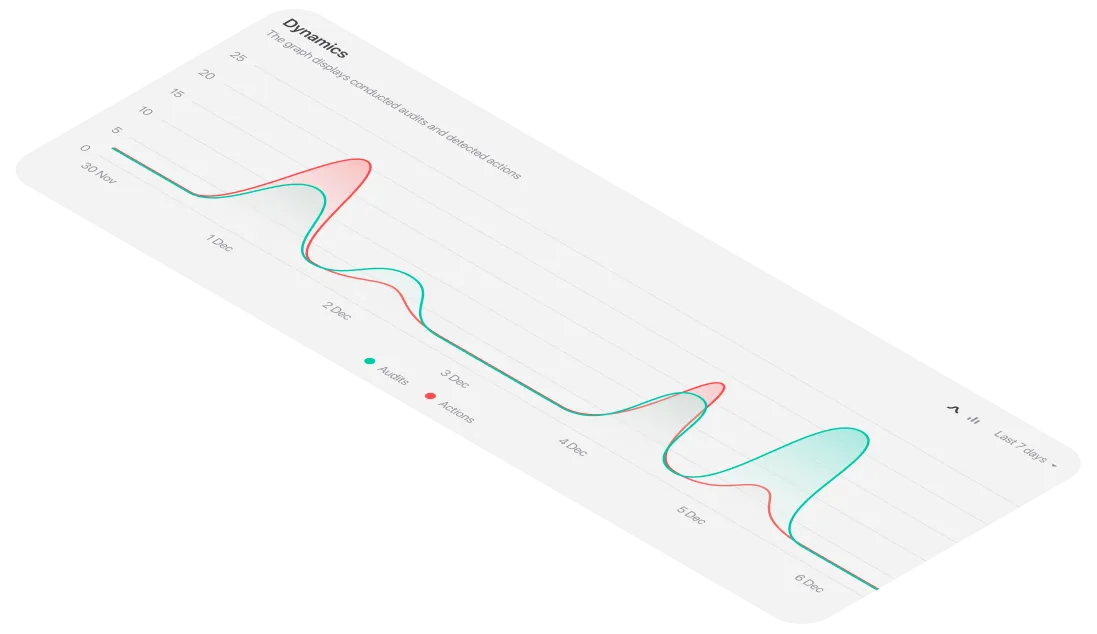
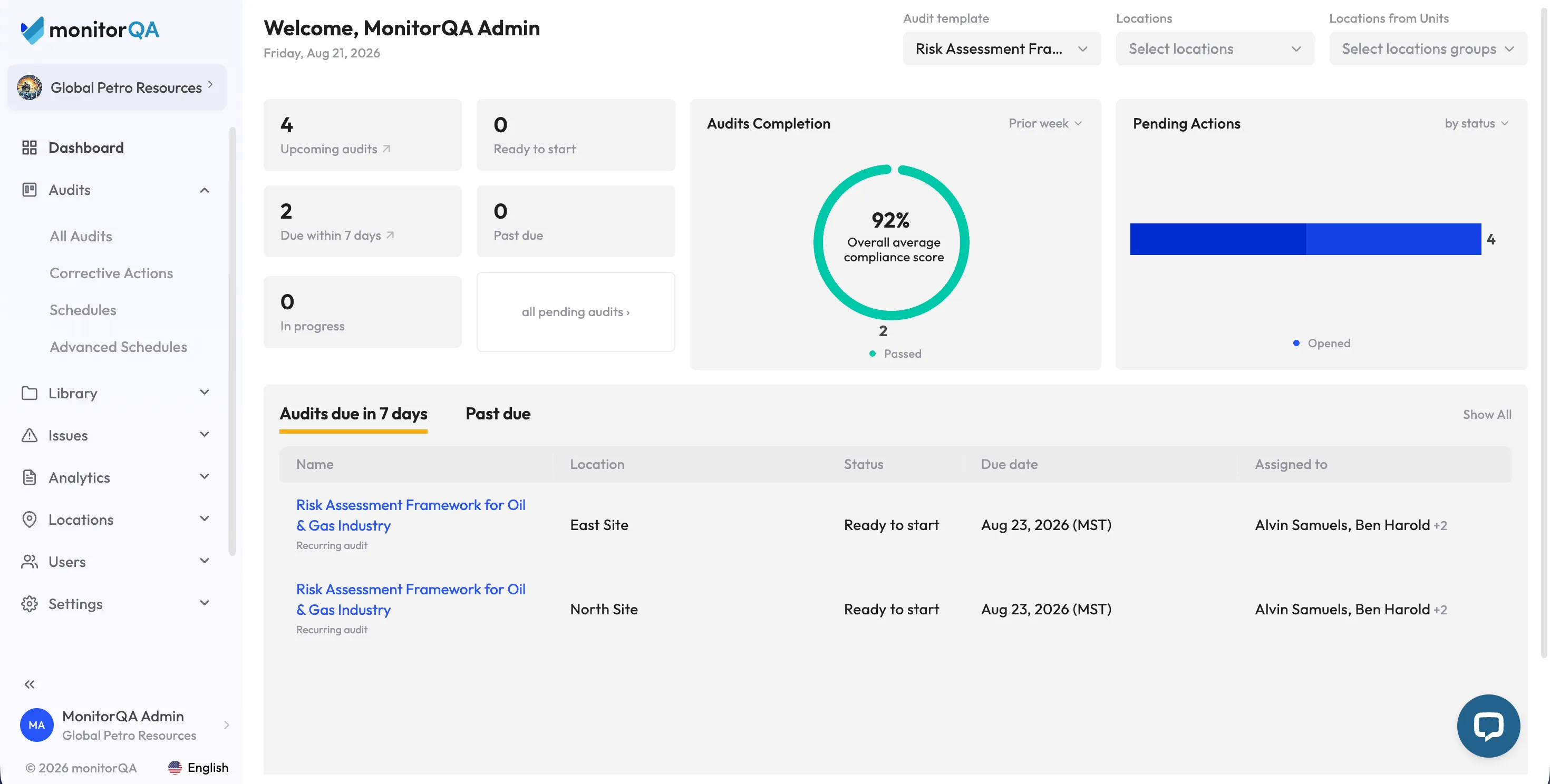
A single incident may be isolated, but repeated events across locations, shifts or teams can point to a broader problem. Dashboards can surface common incident types, high-frequency locations, overdue investigations and average time to closure.
This helps leaders identify systemic issues instead of reviewing incidents one by one. Consistent reporting can also inform future safety inspections, training, maintenance and process changes.
Why a simple reporting experience improves accuracy and response times
Usability is not just a convenience. It directly affects the quality and timeliness of incident data.
Faster reporting preserves more accurate details
When workers can report an event immediately, they are less likely to forget the sequence of events or confuse the location and time. Photos and notes can be captured before conditions change.
Structured questions create more consistent records
A clear form helps different employees record the same basic information in a comparable way. This makes it easier for investigators and managers to understand what happened without repeatedly asking for missing details.
Automatic notifications reduce delays
Routing a report immediately to the right person can shorten the time between the event, acknowledgment, investigation and corrective action. Escalation helps prevent serious reports from sitting unnoticed in an inbox.
Minimal forms encourage near-miss reporting
Employees may hesitate to report a near-miss if the process feels as demanding as a full investigation. A short initial form makes it easier to report smaller warning signs before they become injuries, equipment damage or larger disruptions.
Visible follow-up builds trust
A reporting culture depends on confidence that submissions lead to meaningful action. Confirmation, status visibility and clear follow-up show employees that their reports are being used to improve conditions rather than disappearing into a system.
<<cta>>
Incident reporting apps versus spreadsheets and email
Spreadsheets and email may be sufficient for a very small, low-volume process. As incident volume, locations or reporting requirements increase, a dedicated app can reduce manual coordination and make it easier for frontline teams to report events immediately.
How to evaluate an incident reporting app from the frontline perspective
Use the following checklist when comparing platforms:
Incident reporting adoption best practices
The best app will not improve reporting if employees do not trust or use it. Adoption depends on the culture and process around the technology.
- Create a reporting culture that avoids blame. If employees think reporting an incident or near-miss could lead to punishment for themselves or a coworker, they are less likely to speak up. The process should focus on learning and prevention.
- Keep the initial form as simple as possible. Ask reporters for essential facts at the time of submission, then allow investigators to add detail later.
- Make the app easy to find and access. Employees should know where to find it and how to start a report without asking a supervisor.
- Show people what happened after they reported something. Reports should lead to visible action, whether that means a repair, a process change, additional training or another corrective measure.
- Review patterns, not just individual cases. Repeated events across locations, shifts or teams may point to a broader problem.
- Set expectations for manager follow-up. Automated notifications and escalation only work if the people receiving them respond within defined timeframes.
- Train with realistic scenarios. Practice reporting a hazard, near-miss and injury so employees understand which information is needed in each case.
- Review the form regularly. Remove questions that do not help the initial response and add fields only when they solve a demonstrated information gap.
<<cta>>
Is monitorQA an option for frontline incident reporting?
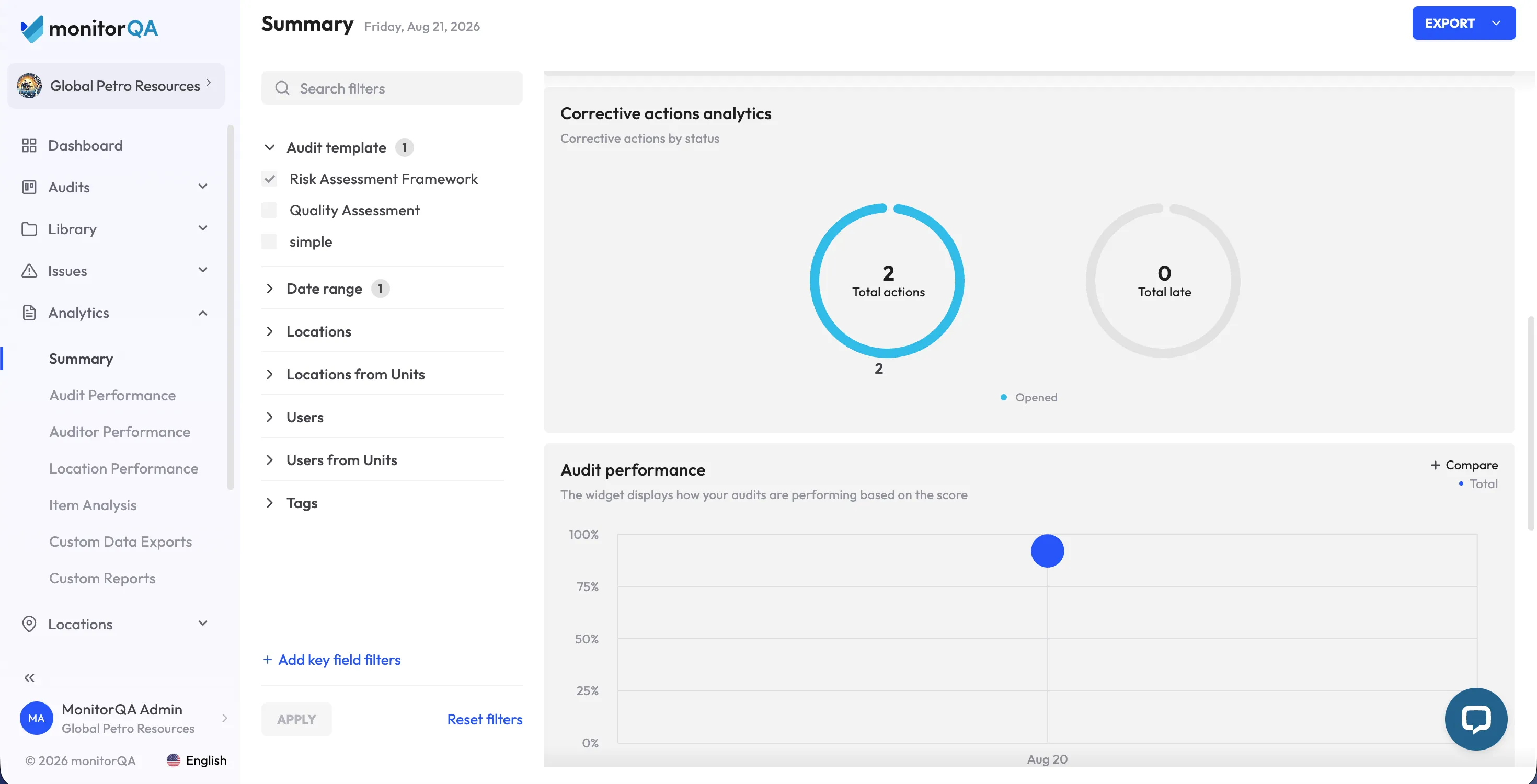
If your team needs an incident reporting app that frontline employees can use from the field, monitorQA is one option to evaluate. The platform supports mobile reporting, evidence capture, corrective action workflows, notifications and visibility into recurring issues across operations.
As with any software decision, test the product using one of your own incident-reporting scenarios. Ask a frontline employee to report a near-miss, attach a photo and submit it, then follow the report through notification, investigation, corrective action and closure.
See the monitorQA pricing page or book a demo.