

Choosing between audit management tools can be difficult when every vendor highlights a long list of features. The most important question is not which platform has the most capabilities, but which one fits the way your team plans audits, completes inspections, reports findings and follows corrective actions through to resolution.
This guide explains what to look for in audit management tools, including usability, audit workflows, mobile access, reporting, corrective actions, integrations, scalability and implementation. It also includes practical questions to ask vendors so you can compare audit management software based on real operational needs rather than marketing claims.
What do audit management tools do?
Audit management tools are digital platforms that help organizations plan, conduct, document and follow up on audits and inspections. They replace paper checklists and scattered spreadsheets with a centralized system where audit activity can be managed, searched and reviewed in one place.
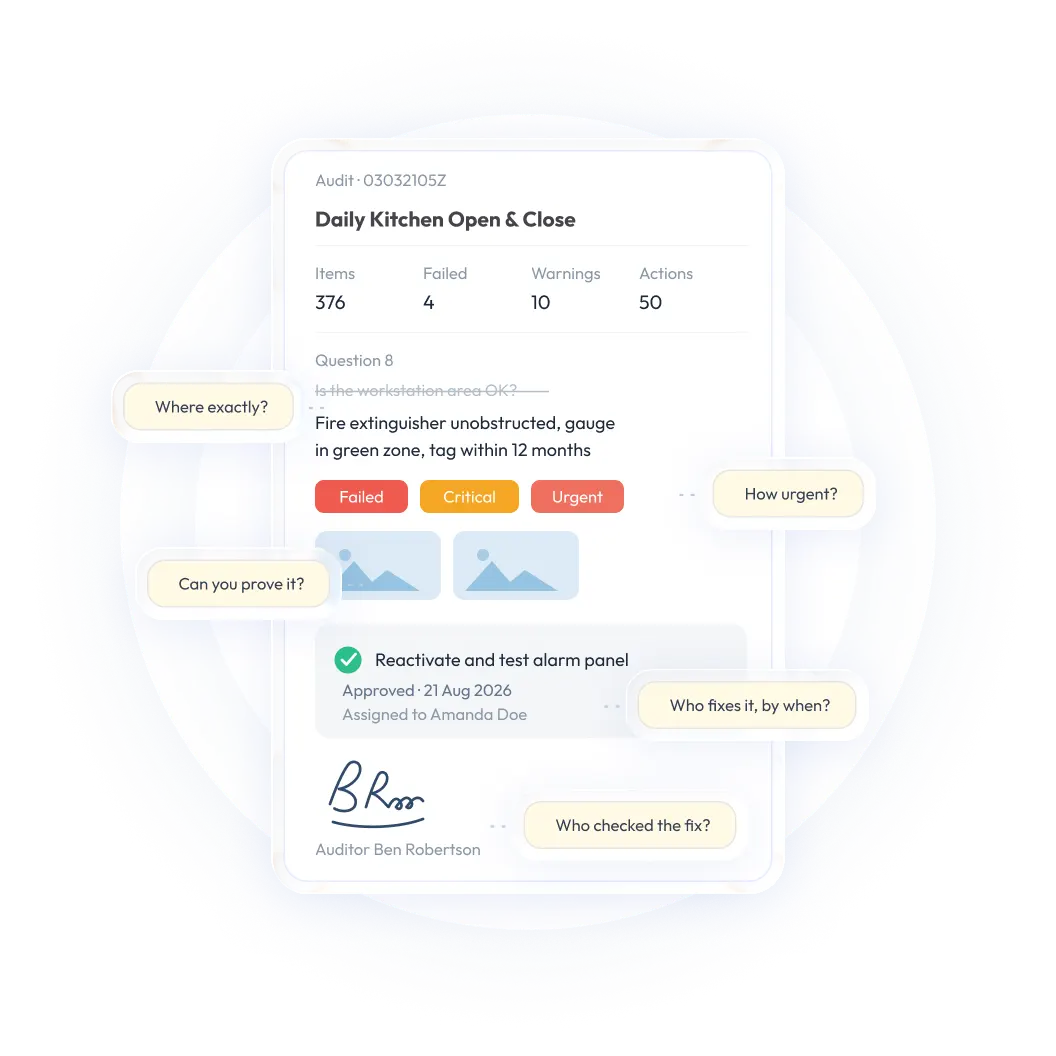
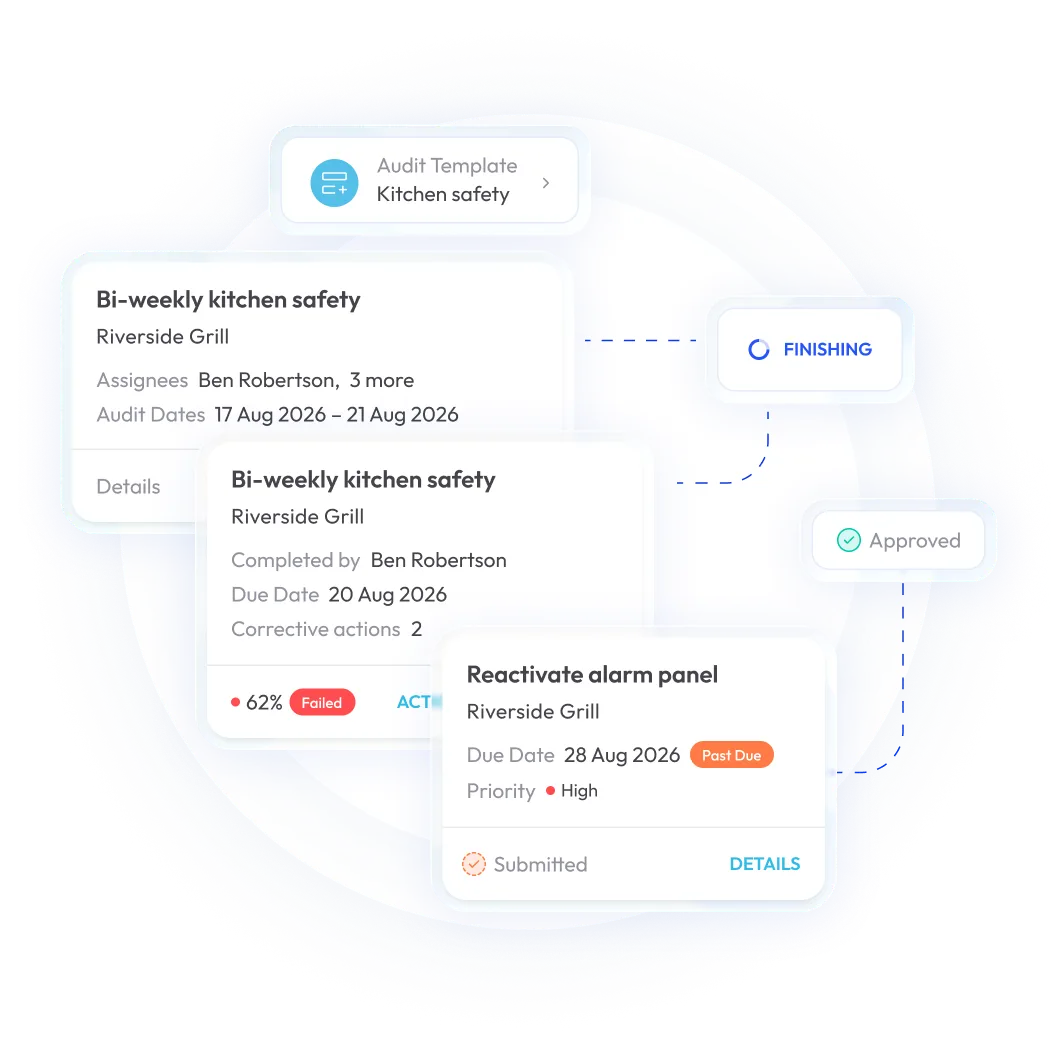
Most audit management software supports the full audit lifecycle. That may include creating templates, scheduling audits, completing inspections from a phone or tablet, attaching photos and signatures, scoring results, documenting findings and assigning corrective actions. Teams can then track those actions through resolution instead of losing follow-up in an email thread or separate spreadsheet.
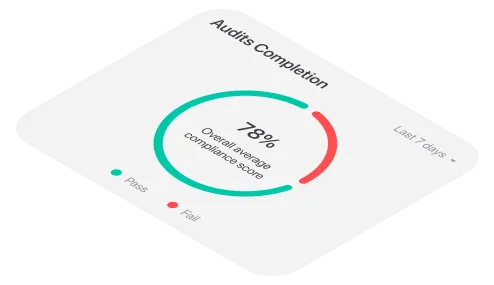
Because records are stored centrally and timestamped, managers can monitor audit results, open findings and compliance trends across locations without waiting for paper forms to be collected and manually consolidated.
Depending on the industry, these platforms may also be described as inspection management software, digital audit platforms or compliance audit tools. Manufacturing, retail, hospitality, construction, facilities management and other operational teams often use the same underlying capabilities to standardize audits and improve follow-up.
Why the right audit management tool matters
An audit is only useful when the process produces reliable information and someone acts on what the audit reveals. A platform that is difficult to use can lead to incomplete checklists, inconsistent data and poor adoption. A platform with limited reporting may collect information without helping managers understand where risk is increasing. A system with weak corrective action workflows may document problems without helping the business resolve them.
The right audit management tool should make it easier to:
- Standardize audits across sites, teams and shifts
- Give frontline employees a simple way to complete inspections
- Capture evidence while the work is taking place
- Identify failed items and recurring issues
- Assign corrective actions to specific owners
- Track findings until they are verified and closed
- Share useful reports with managers and other stakeholders
- Scale the process as the organization grows
The goal is not to digitize every existing form without question. It is to create a more consistent, visible and manageable audit process.
What to look for in audit management tools
The following criteria can help you compare audit management tools more effectively. For each one, consider both the capabilities a platform offers and how well those capabilities fit the way your team actually works.
1. Usability and frontline adoption
The people who complete audits are often working in stores, warehouses, plants, kitchens, construction sites or other active environments. They may not have time for a complicated interface or a long series of unnecessary steps.
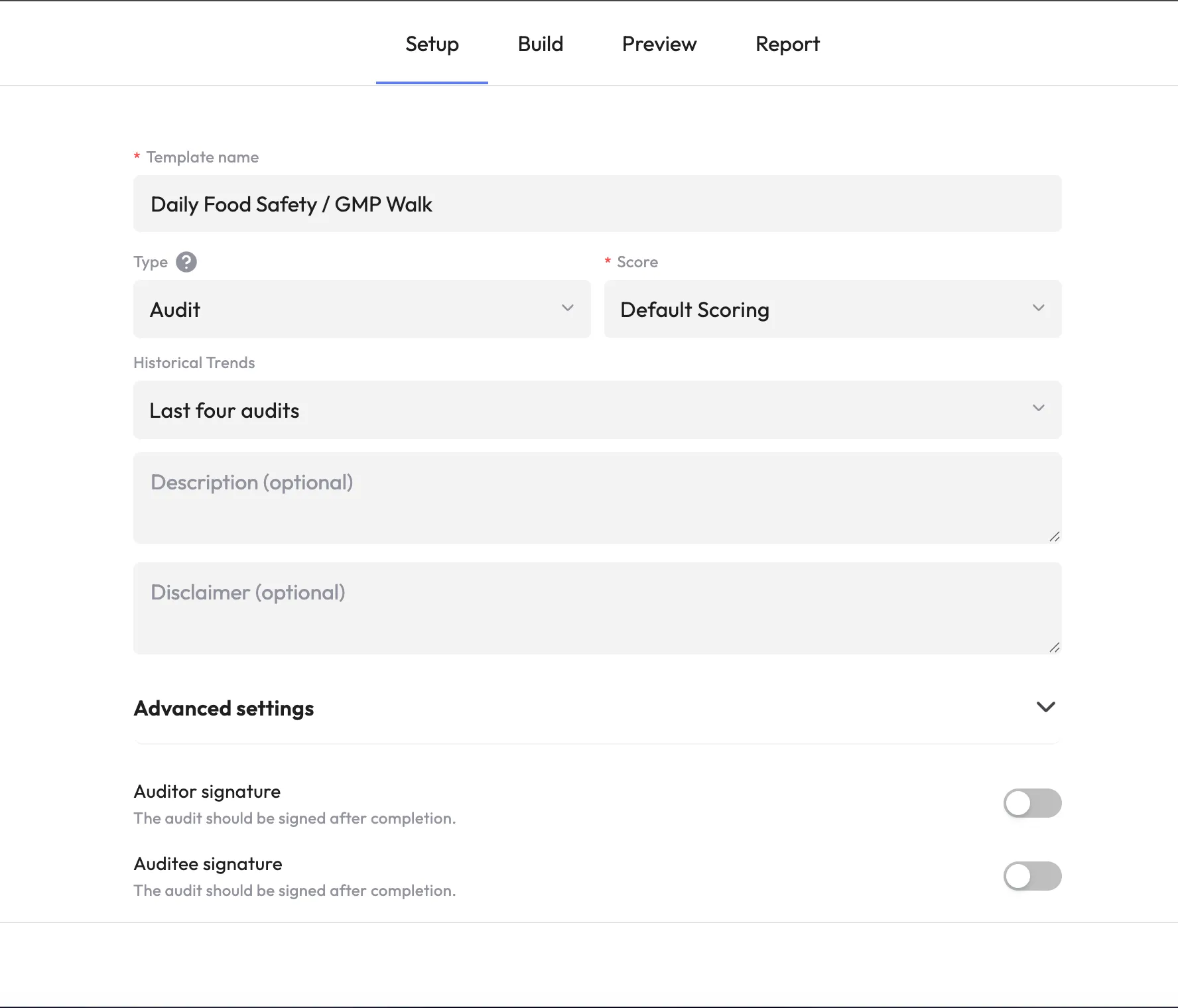
A usable audit management tool should make common tasks straightforward. Users should be able to find the correct audit, understand what each question is asking, record a result and attach supporting evidence without extensive training. Administrators should also be able to manage templates, users and workflows without needing technical assistance for every change.
Usability matters because even a powerful platform will provide limited value if employees avoid it, rush through it or enter inconsistent information. During a product demonstration, ask to see the experience from the perspective of a frontline user, not only the manager dashboard.
Question to ask the vendor:
Can a typical frontline user complete one of our real audits with minimal training and how many steps are required for common tasks?
<<cta>>
2. Audit workflows and checklist flexibility
Different teams may use the same platform for safety inspections, quality reviews, equipment checks, food safety audits, facility assessments and compliance programs. The tool should be flexible enough to support those workflows without becoming difficult to administer.
Look for practical template-management capabilities, such as:
- Custom checklists and audit templates
- Sections, scoring and pass/fail rules
- Required questions and supporting evidence
- Conditional logic or follow-up questions
- Scheduling and recurring audits
- Approval or review steps
- Site- or department-specific variations
- Version control and a clear audit history
A strong platform should help you standardize the parts of the process that need to be consistent while allowing appropriate differences between sites or audit types. It should also be easy to update a checklist when requirements, equipment or operating procedures change.
Question to ask the vendor:
Can our team create, update and publish audit templates independently or will we need the vendor to make routine workflow changes?
3. Mobile access and offline functionality
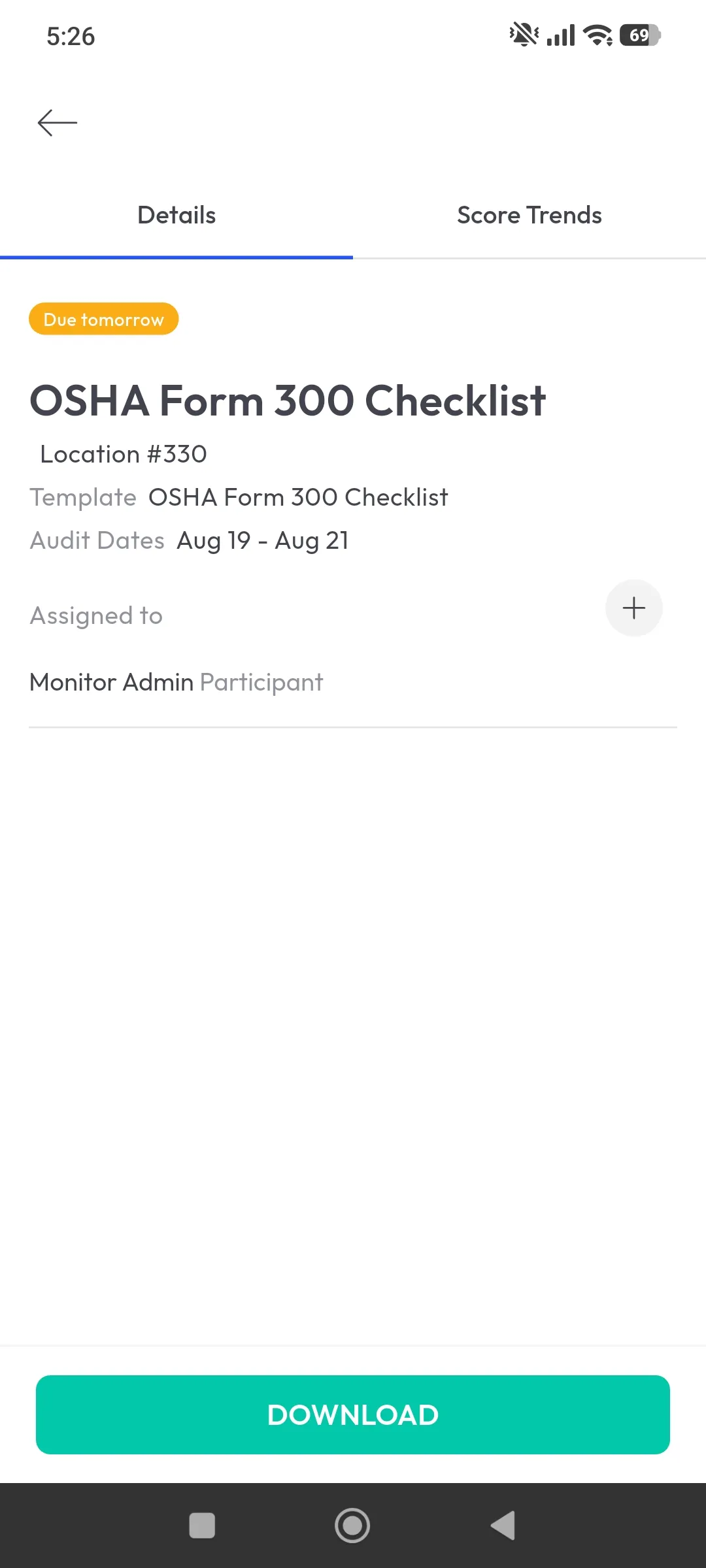
Audits rarely happen behind a desk. They take place on factory floors, in storage areas, at construction sites and across other environments where connectivity may be unreliable.
Mobile access allows employees to complete audits from a phone or tablet, capture photos and notes at the point of observation and submit findings while the information is still fresh. Offline functionality is especially important for remote sites, basements, warehouses and other low-signal environments. Users should be able to continue working without a connection and synchronize their records when connectivity returns.
Do not evaluate mobile access based only on whether a vendor has an app. Test the complete workflow. Check how the system handles incomplete audits, photos, timestamps, assigned actions and synchronization conflicts.
Questions to ask the vendor:
- Can users complete audits and capture evidence without an active connection?
- What happens when the device reconnects?
- Are photos, notes, scores and corrective actions synchronized automatically?
- Can administrators see whether an audit has successfully synced?
4. Reporting and analytics
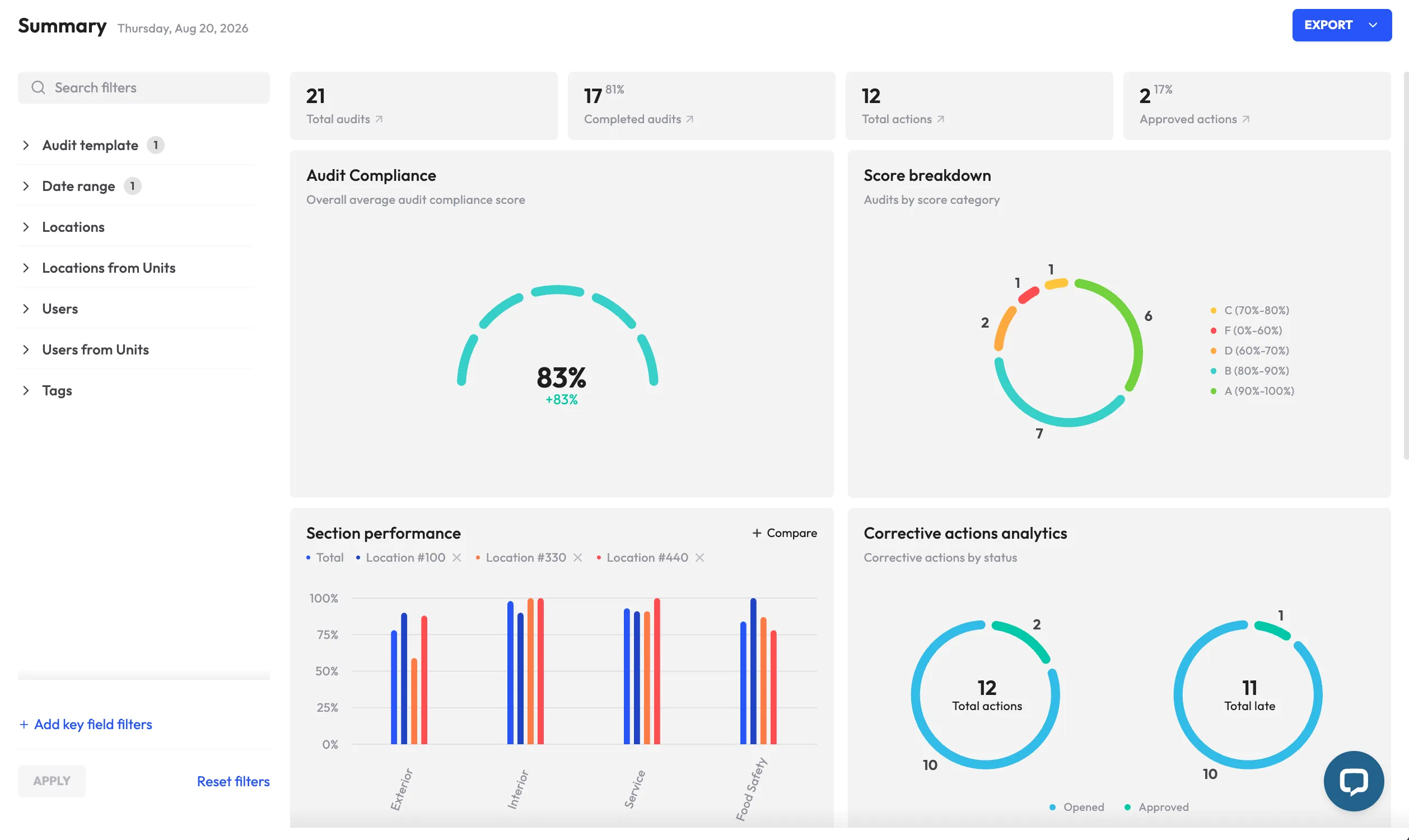
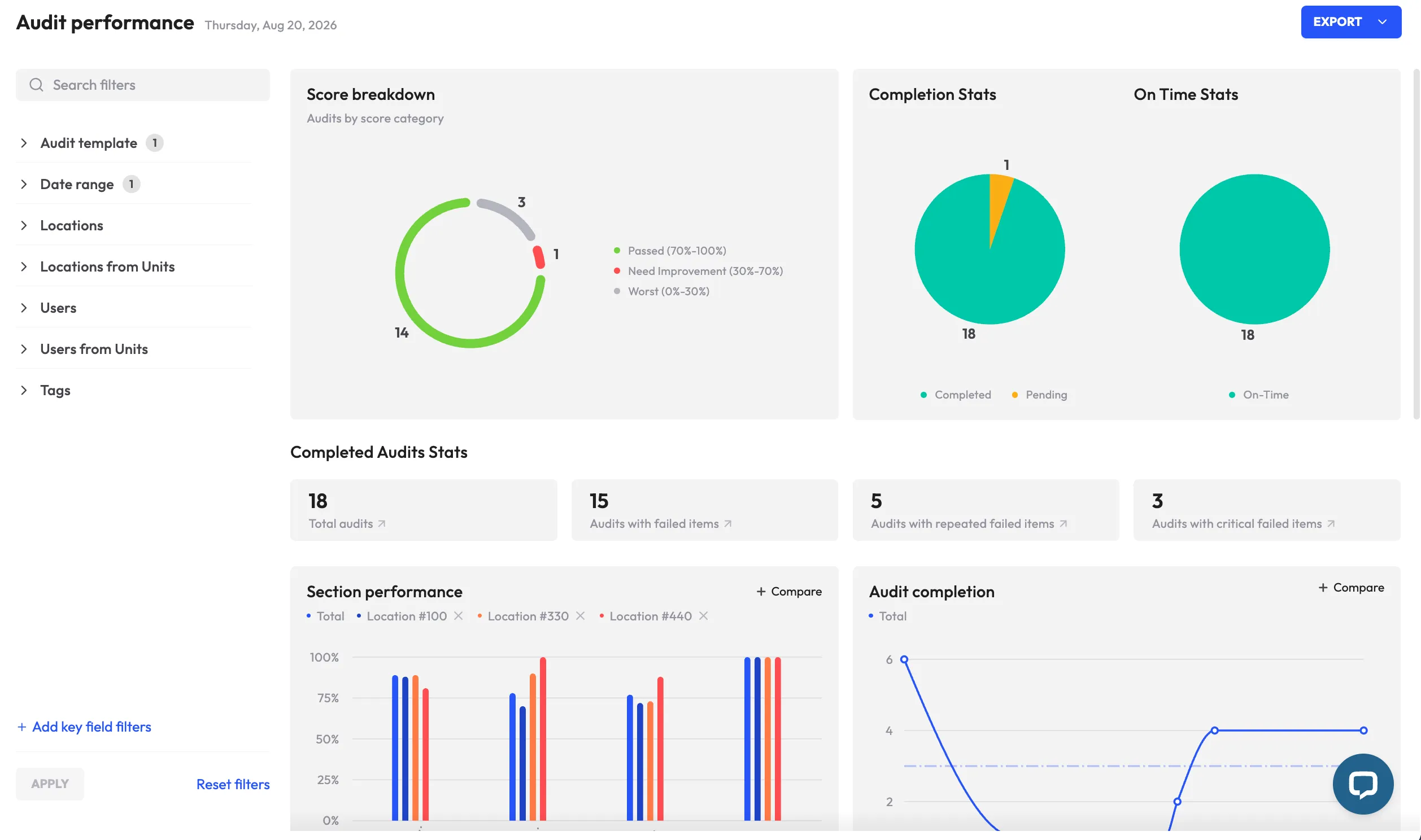
A completed audit is not the end of the process. Managers need to understand what the results mean and where attention is required.
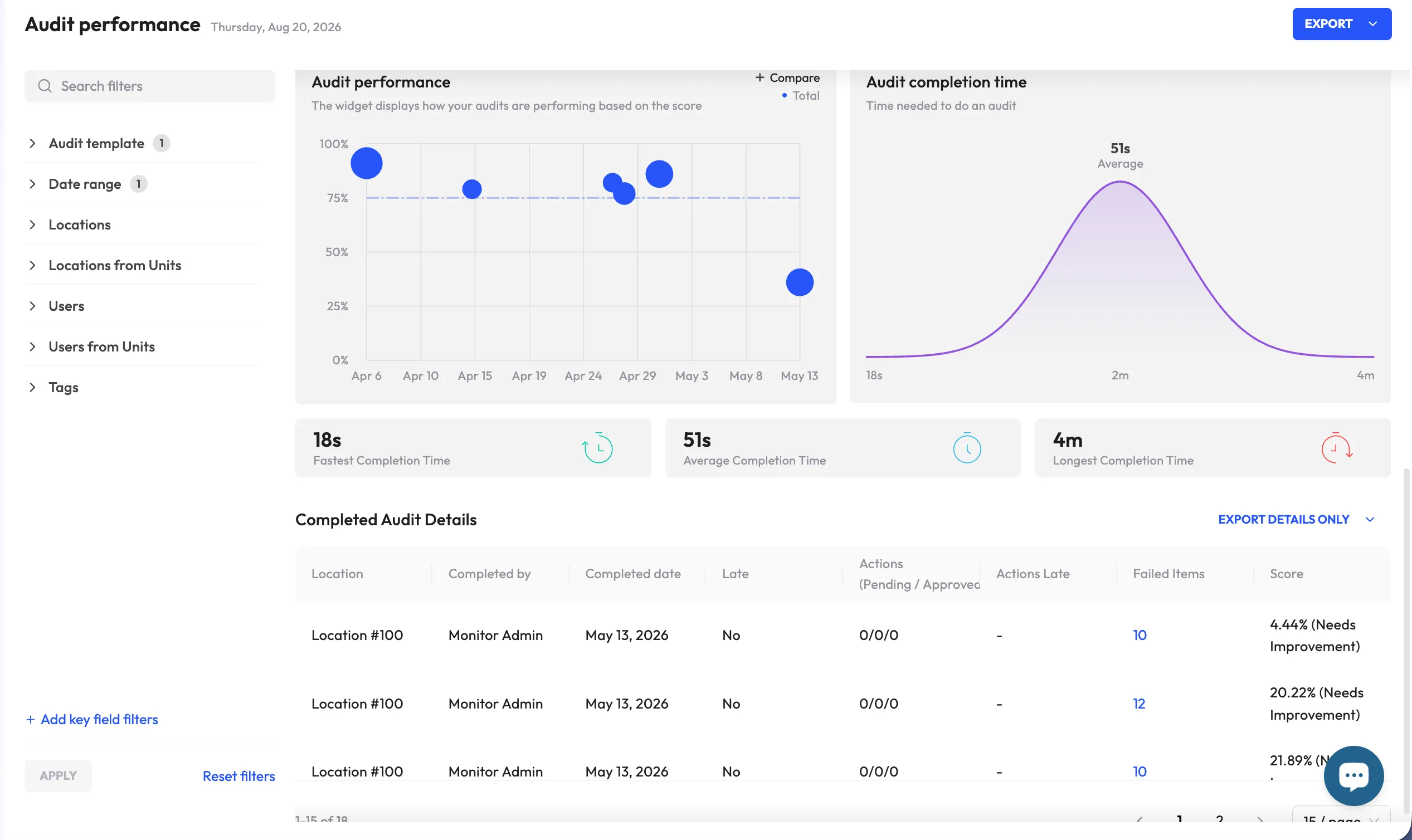
Audit management software should provide more than a collection of completed forms. Useful reporting can help teams:
- Compare results across locations or departments
- Monitor audit completion rates
- Identify open findings and overdue actions
- Track recurring failures
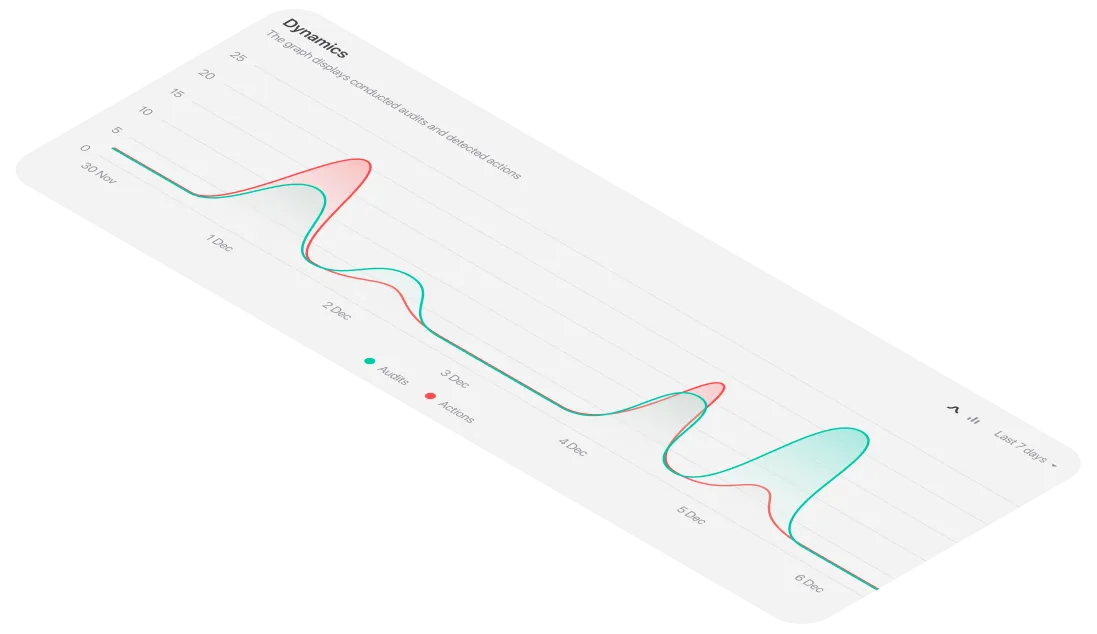
- Review trends over time
- Benchmark performance against internal standards
- Investigate patterns by checklist item or audit type
The best reporting experience depends on the decisions your organization needs to make. A senior manager may need a high-level view of performance across sites, while a local supervisor may need a list of open actions due this week. Compare both views during a demonstration.
Question to ask the vendor:
Can the platform show recurring failures and emerging trends by location, audit type, checklist item and time period—not just an overall score?
5. Corrective action management
Identifying a problem is only useful if the issue is followed through to resolution. Audit management tools should connect findings to a structured corrective action process.
At a minimum, the system should allow a team to:
- Create an action from an audit finding
- Assign the action to a specific owner
- Set a deadline and priority
- Add instructions, evidence or comments
- Send reminders or escalate overdue work
- Review the proposed fix
- Verify completion before formally closing the action
This keeps follow-up inside the same process instead of pushing it into email or another disconnected task-tracking system. It also creates a clearer record of what was found, who was responsible, what was done and how the resolution was verified.
Question to ask the vendor:
What happens after a finding is raised, and how does the platform manage assignment, deadlines, escalation, verification and closure?
6. Evidence capture and audit trails
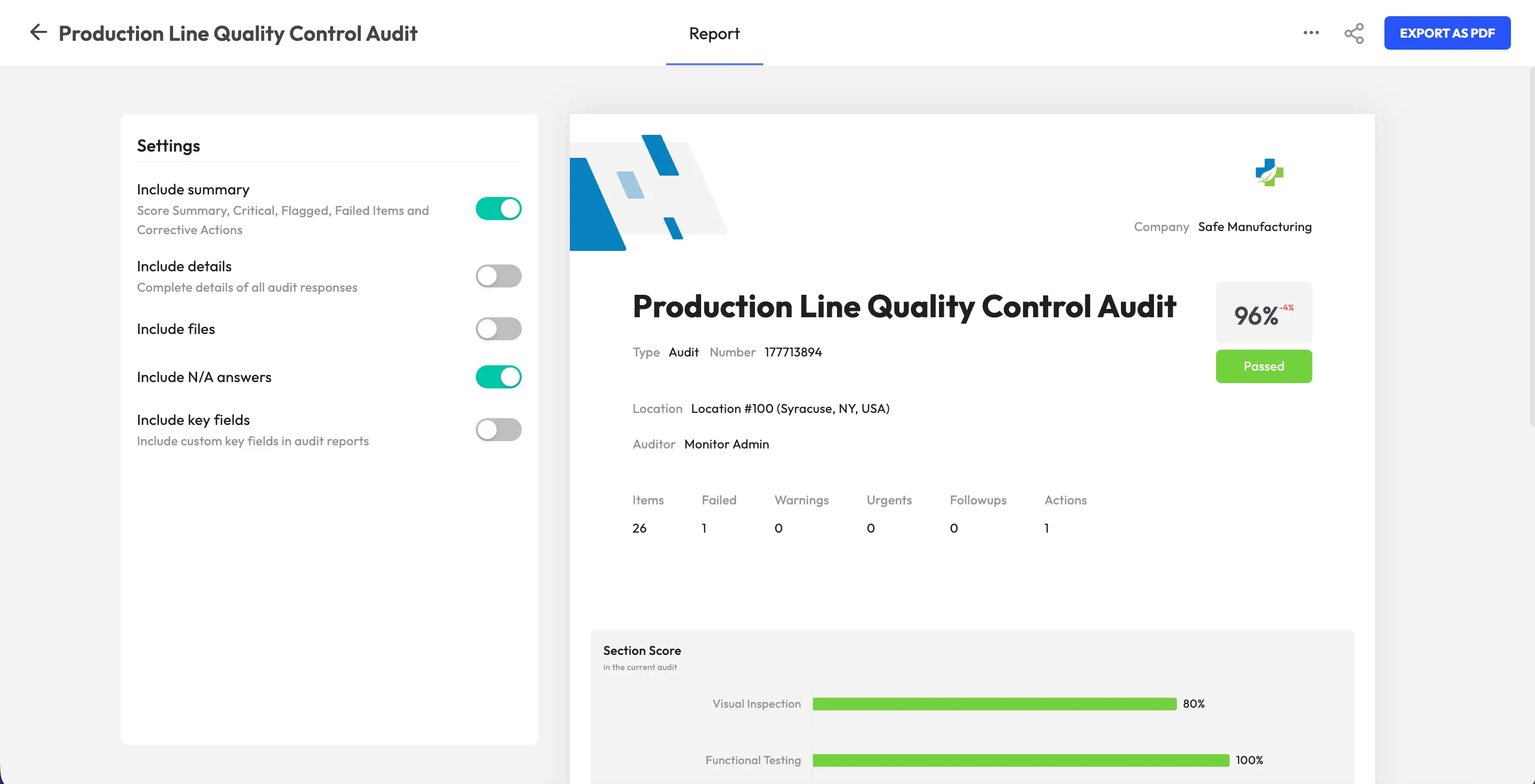
Photos, videos, annotations, signatures and notes can add important context to an audit record. Capturing evidence directly within the inspection creates a more complete and traceable history of what was observed.
When comparing platforms, check whether evidence is linked to the relevant question or finding and whether managers can retrieve it later. You should also understand how the system records timestamps, users, edits, approvals and closure decisions.
A reliable audit trail helps teams demonstrate what was checked and how an issue was handled. It can also make internal reviews and follow-up investigations more efficient.
Question to ask the vendor:
Can we quickly retrieve the evidence, history and approvals associated with a particular audit finding months after the audit was completed?
7. Integrations and data portability
Audit data rarely exists in isolation. Depending on your organization, you may want to connect audit management software with maintenance, HR, business intelligence, document-management or other operational systems.
Ask vendors which integrations are available today and whether they support an API, scheduled exports or other ways to move data. Pay attention to the specific information that can be shared, not only the name of an integration. For example, you may need to transfer user information, location data, corrective actions or performance results.
Data portability also matters if your requirements change. At a minimum, you should be able to export clean, usable data without an unreasonable manual process.
Questions to ask the vendor:
- Which systems can the platform connect with today?
- Are integrations included in the standard plan or limited to higher tiers?
- Is an API available?
- Can we export our audit history and findings in a usable format?
<<cta>>
8. Scalability and administration
A platform that works for one location may not work equally well across 50 sites, multiple regions or several business units. Compare how each audit management tool handles growth in users, locations, audit types, permissions and reporting requirements.
Scalability is not only about technical capacity. It also includes administration. A growing organization needs a practical way to manage common templates, local variations, user roles and site-level visibility without creating unnecessary complexity.
Consider whether the platform can help you standardize important controls across locations while still allowing authorized teams to manage local requirements. Review the pricing model as well, including whether costs are based on users, sites, audits or functionality.
Questions to ask the vendor:
- Can we add locations, users and audit types without redesigning the system?
- How are permissions managed across regions and sites?
- Can corporate teams see trends across the organization while local managers see only relevant information?
- How will pricing change as our usage grows?
9. Implementation, training and support
Implementation affects how quickly a team sees value from a new audit management tool. Moving a poorly designed paper checklist into an app does not automatically improve the underlying process.
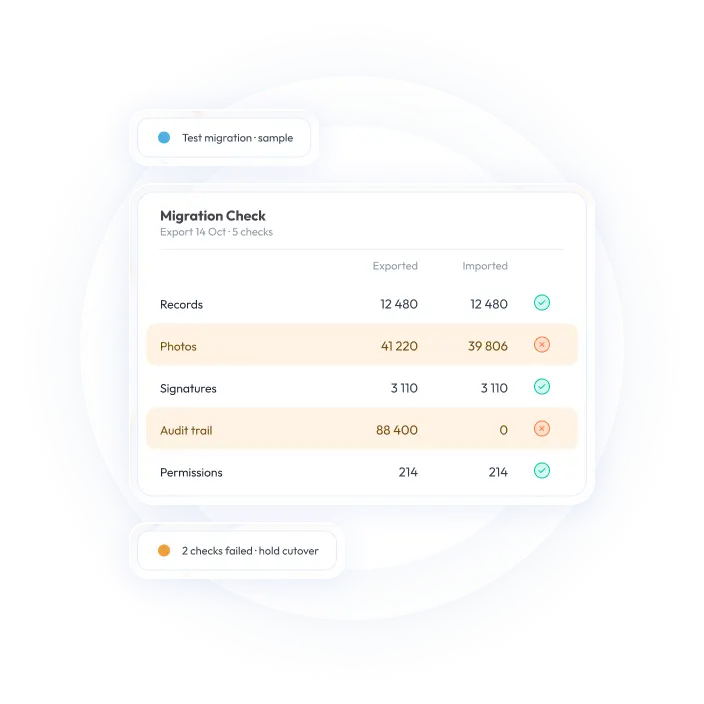
Before selecting a vendor, understand what implementation involves. A practical rollout may include reviewing existing checklists, removing redundant questions, standardizing terminology, configuring workflows, importing users and locations, testing the mobile experience and training administrators and frontline users.
It is also worth asking how the vendor supports you after launch. Find out whether help is available for template changes, troubleshooting, reporting and future expansion.
Questions to ask the vendor:
- What does a typical implementation include?
- How long does a rollout usually take for an organization like ours?
- Who is responsible for configuring templates and workflows?
- What training is provided for administrators and frontline users?
- What support is available after launch?
Paper and spreadsheets versus audit management software
Paper forms and spreadsheets may be familiar but they can become difficult to manage as audit volume, compliance requirements and the number of locations increase.
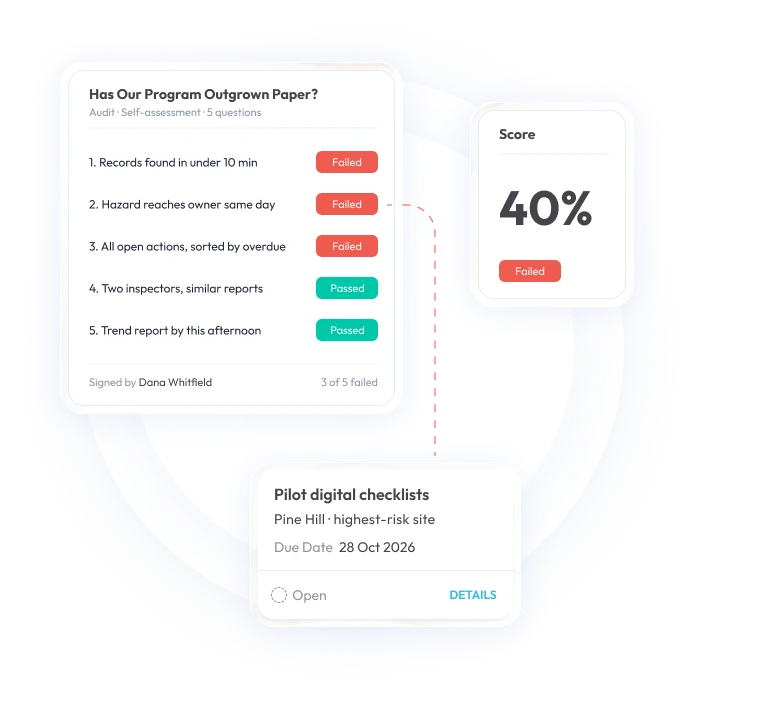
Spreadsheets can still be useful for simple, low-volume processes. The case for dedicated audit management software becomes stronger when teams need mobile inspections, reliable evidence capture, structured corrective actions, multi-location visibility or a searchable audit history.
Questions to ask before choosing an audit management tool
Use the following checklist when comparing vendors:
- Which audit workflows do we need to support? List the safety, quality, compliance, equipment and facility audits your team currently performs.
- How easy is the platform for frontline users? Test the mobile experience with the people who will complete audits in the field.
- Does the system work reliably offline? Confirm how data, photos and findings are synchronized after connectivity returns.
- How are corrective actions managed? Follow a finding from assignment through deadline management, escalation, verification and closure.
- Can our team manage templates independently? Check whether administrators can update checklists and workflows without vendor assistance.
- What reporting and integrations are included? Confirm whether the platform supports the reports and connections your team actually needs.
- Will the platform scale with the organization? Evaluate how it handles additional sites, users, permissions, audit types and reporting requirements.
- What will implementation require? Clarify the rollout process, training, data migration, configuration and ongoing support.
- How is the platform priced? Request pricing based on your actual number of users, locations, inspection volume and required features.
The objective is to compare platforms against your real operating model, not to select the vendor with the longest feature list.
<<cta>>
Implementation best practices
Once you choose a platform, a focused rollout can improve adoption and data quality.
- Bring frontline users into the process early. The people completing audits every day will quickly spot where a template or workflow creates unnecessary friction. Pilot with them before expanding the rollout.
- Clean up the process before digitizing it. Remove redundant questions, standardize terminology and align checklists with the requirements that matter to your organization.
- Start with a manageable use case. A pilot covering one audit type or a small group of locations can reveal configuration issues before a broader launch.
- Make corrective action ownership explicit. Automated reminders and escalation can help keep work moving, but every action still needs a clearly named owner.
- Define success measures. Track metrics such as completion rates, overdue actions, time to close findings and recurring failures.
- Review the data regularly. Bring dashboards and recurring trends into routine operational meetings so audit findings inform decisions and process improvements.
Is monitorQA one of the audit management tools to consider?
If your team is looking for an operational audit management platform, monitorQA is one option to evaluate alongside other audit management tools. It supports mobile inspections, offline access, audit templates, multimedia evidence capture, reporting and corrective action tracking for teams managing operational audits across locations.
As with any software decision, the right choice depends on your workflows, users, locations, reporting needs and implementation requirements. Request a demonstration using your own audit process and ask the vendor to show how a finding moves from discovery to verified closure.