A franchise operations team has four field consultants and 60 locations. Every location gets an operations audit once a quarter. It’s fair, it’s simple and everyone knows when to expect a visit.
It’s also a strange way to spend 240 visits a year. The location that has scored above 92% for two years gets exactly as much attention as the one that has dropped 15 points since a new manager started. One of them doesn’t need a consultant every quarter. The other probably needs one next week.
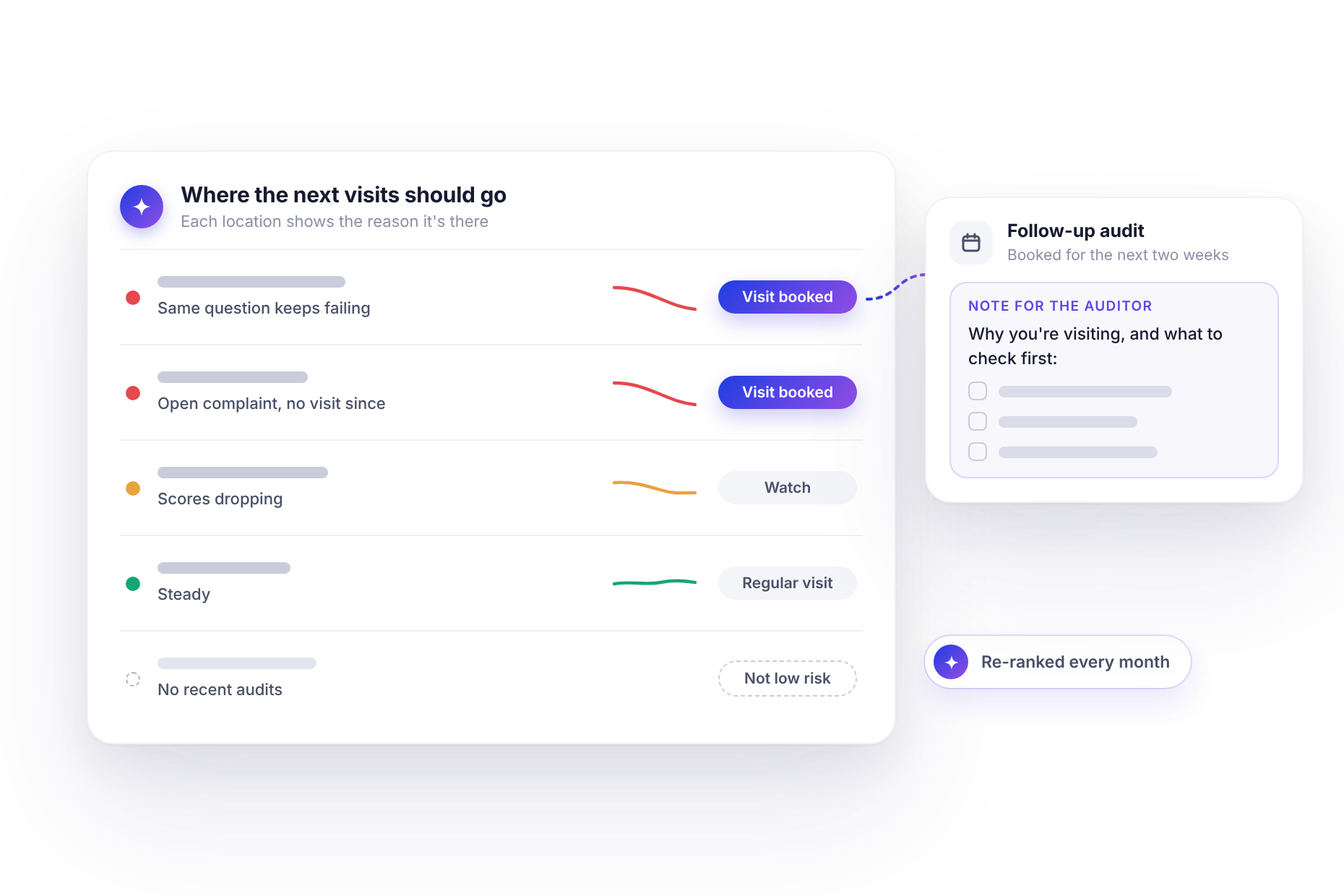
Most audit programs work like this because a fixed rhythm is easy to plan and easy to defend. Risk-based scheduling is harder, not because the idea is complicated, but because someone has to work out which sites are at risk, every month, from data scattered across hundreds of audits. That’s the part an assistant can take on.
Same rhythm, uneven risk
Audit time is a budget like any other. Every visit to a site that’s clearly fine is a visit that didn’t go somewhere that isn’t.
Shifting that budget doesn’t mean abandoning your strong sites. It means deciding, deliberately, that some locations need to be seen more often than others and having a clear reason for each. The hard part has always been the reason. Gut feel works for the sites you already know are struggling. It doesn’t catch the ones quietly slipping.
<<cta>>
Start with one question
With monitorQA connected to an assistant like Claude (the setup guide covers how), the starting point is a question you’ve probably asked yourself many times:
“Which locations are slipping, and why? Look at the last six months.”
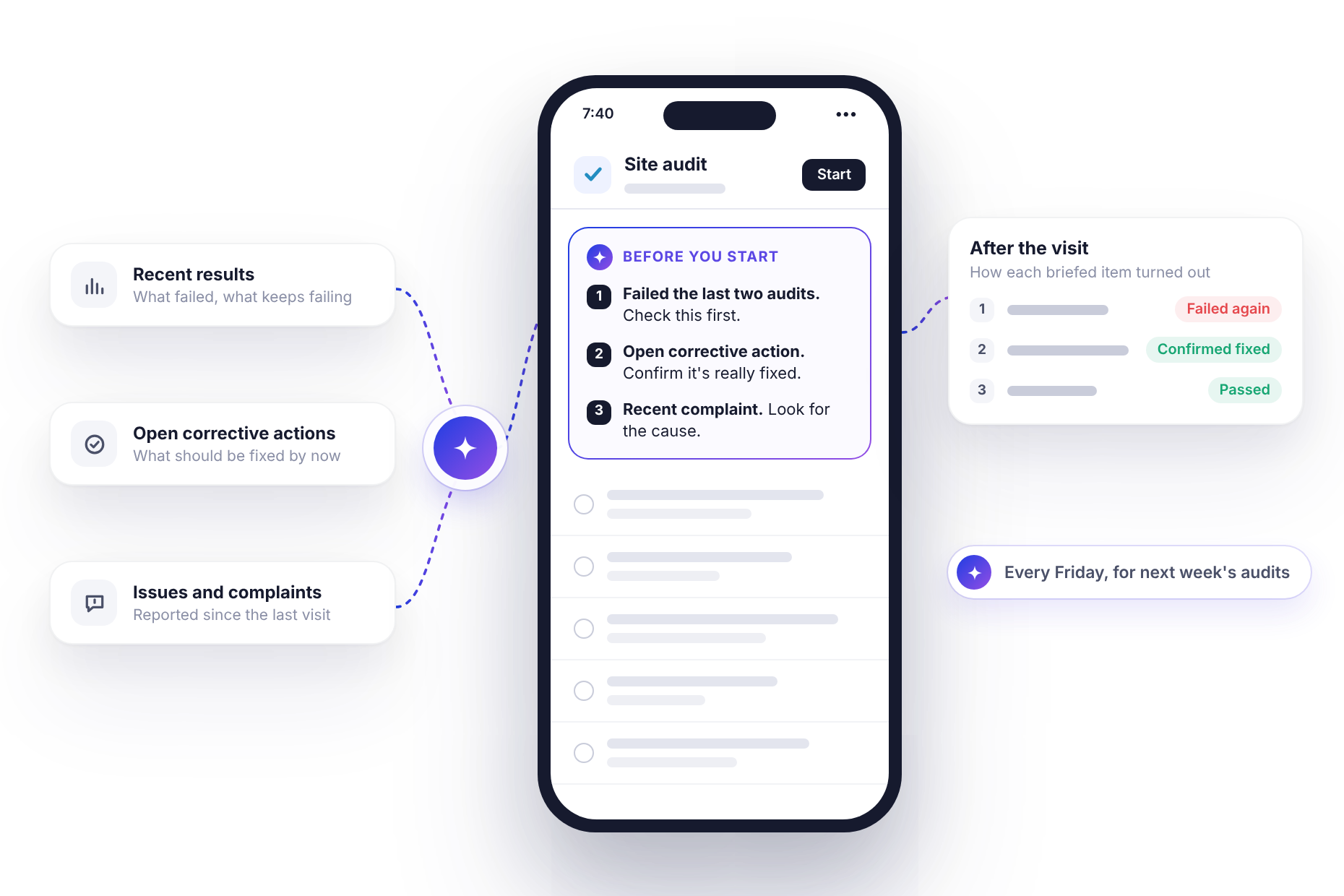
The assistant looks at more than the latest score. It reads each location’s recent results, how the scores are trending, which questions keep failing, whether corrective actions are overdue, and whether there are complaints or other issues logged against the site. Then it tells you which locations are slipping and gives the reasons for each.
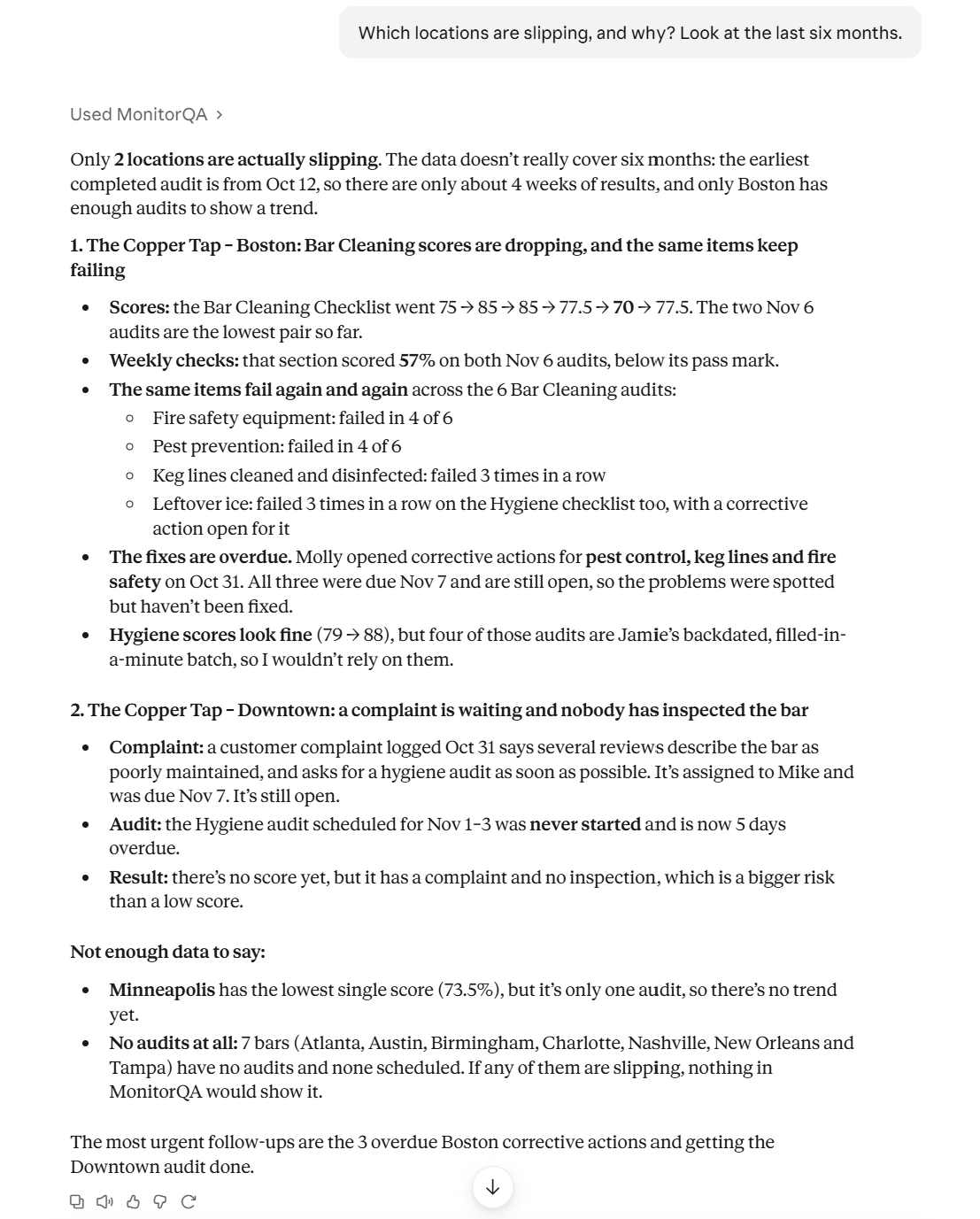
The reasons matter as much as the ranking. “Low score” isn’t much to act on. “Scores fine overall, but the same cleaning question has failed four times and there’s an open complaint about restrooms” tells a consultant exactly where to look.
Write the rule down
Asking which sites are slipping is a good start. For a scheduling program you can defend to franchisees and to your own leadership, it’s better to agree on the rule first and let the assistant apply it. A simple three-tier rule fits in one message:
“Sort all locations into high, medium and low risk: High: average under 75% over the last three audits, any question failed three audits in a row or an open complaint. Medium: average 75–88% or down more than 10 points in six months. Low: everything else. List locations with no audits separately. Show which rule puts each location in its tier.”
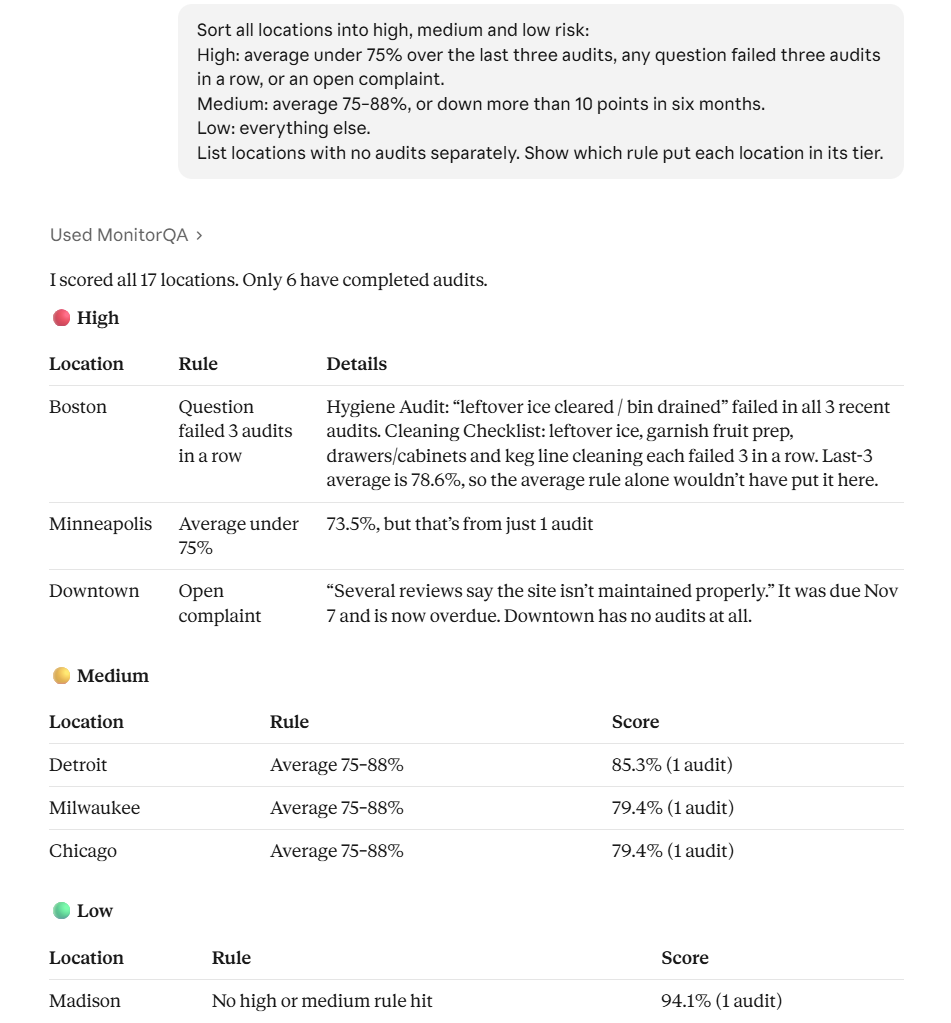
The exact thresholds matter less than having them written down. When a franchisee asks why they’re getting a visit next week, “you’ve failed the same food safety question three audits running” is a much easier conversation than “we had a feeling.”
It’s also worth reading the notes on how the rules were applied. A location with a single audit has an “average” of one score, and a location with an open complaint but no recent audit still lands in the high tier. Those are calls you might want to make differently, and it’s better to see them than to have them made quietly.
These numbers are a starting point, not a standard. Adjust them to your own checklists and what your team considers acceptable.
<<cta>>
Book the visits, with a reason attached
Once you’re happy with the list, the assistant can put the extra visits on the calendar:
“Book a follow-up audit in the next two weeks at every high-risk location. Assign each one to that region’s consultant and add a short note for the auditor explaining why the visit is happening and what to check first. Show me the list before you create them.”
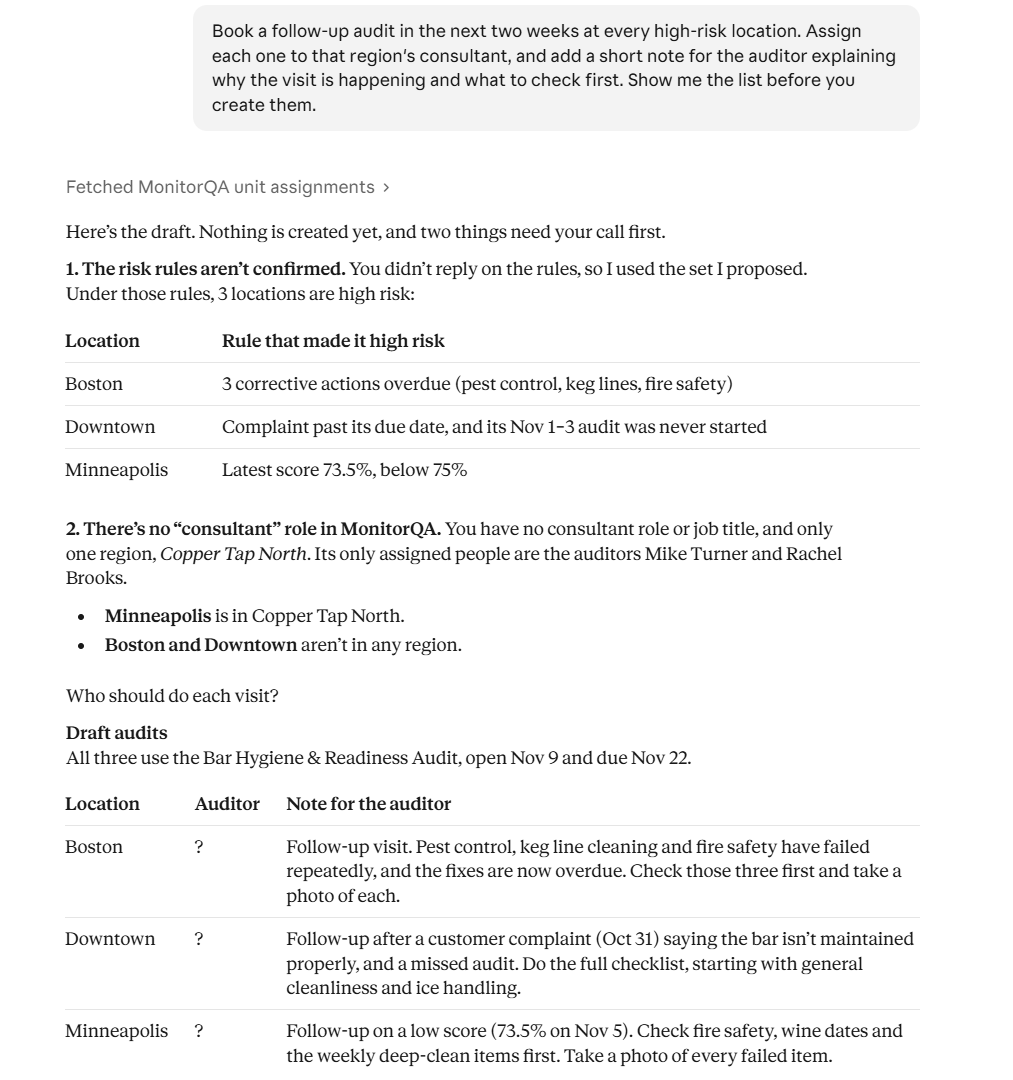
The preview is also where the loose ends show up. If a location already has an audit coming up this week, the assistant points it out and asks whether to add the note to that visit instead of booking a second one. If it isn’t clear who covers a location, it asks rather than guessing.
The note travels with the audit, so the consultant sees it in the app before they start. Nobody walks in cold, and nobody spends the first half hour checking things that were fine last time. (Brief every auditor before they arrive looks at these briefings in more detail.)
Keep the baseline, add the top-up
Risk-based scheduling works best on top of a regular rhythm, not instead of one. A sensible pattern is a fixed baseline that every location gets, plus extra visits that follow the risk.
The baseline is the easy part. One request sets up a recurring schedule for a whole region:
“Set up an operations audit every eight weeks for every location in the West region, assigned to the West consultant, starting in January.”
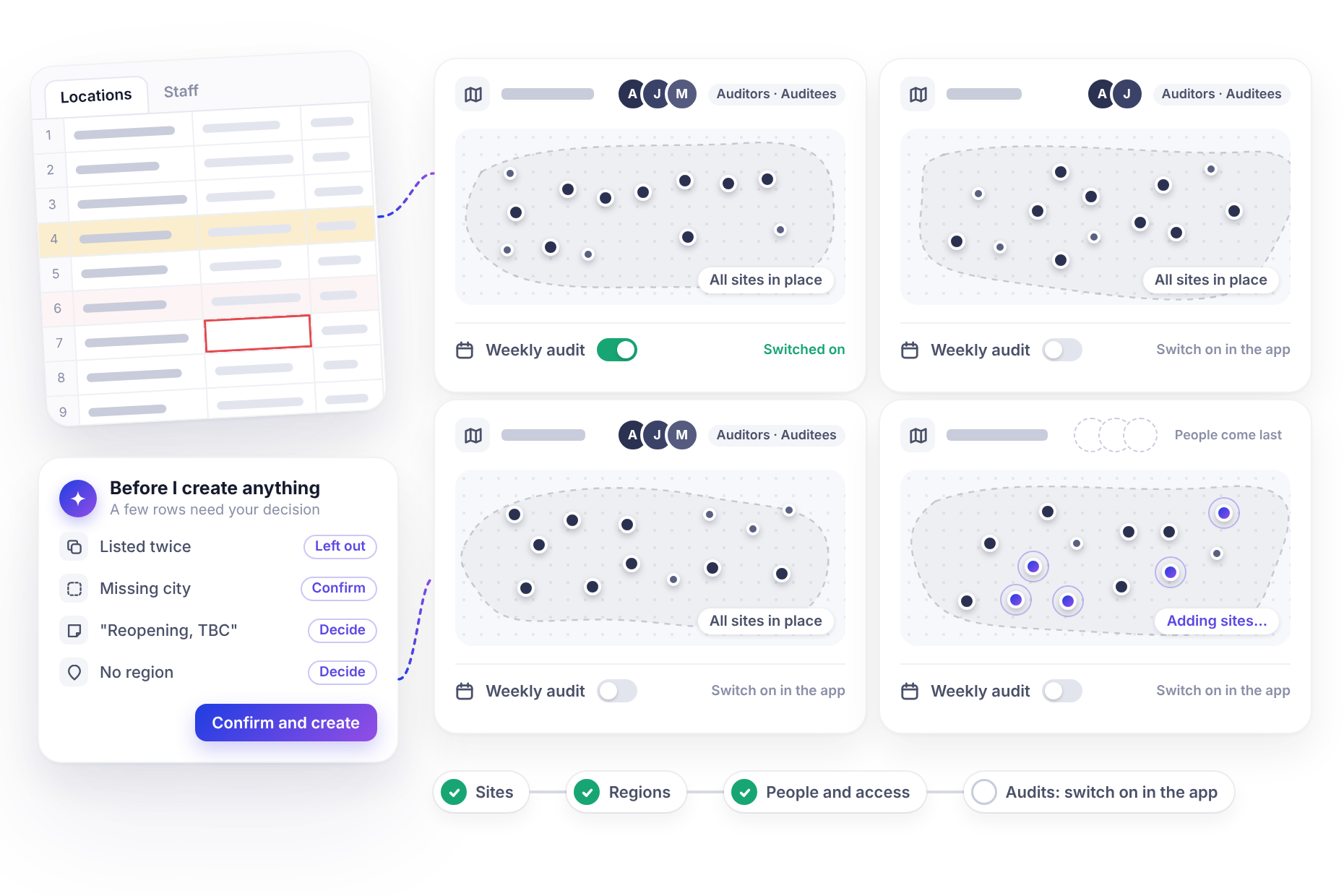
Recurring schedules created this way need to be switched on in the monitorQA app before they start, a one-click step covered in 50 sites live in an afternoon.
The top-up is the monthly part. Once a month, re-run the risk check and book follow-ups for whatever’s in the high tier. Locations move between tiers as their results change: a site that recovers drops back to the baseline, and one that starts slipping gets picked up before it becomes a crisis. If your assistant supports scheduled tasks, the monthly ranking can arrive on its own (Stop checking dashboards covers how).
<<cta>>
Don’t lose sight of the quiet sites
A risk model is only as good as the data behind it, and a few cautions keep it honest:
- No data isn’t low risk. A location that hasn’t been audited recently can’t score badly. That’s why the rule lists those locations separately instead of letting them fall into the low tier.
- Low risk still means visited. A site scoring 95% can still hide a repeat failure or an auditor who’s too generous. The baseline visits are what catch that. (The failures your averages hide and Can you trust your audit data? look at both.)
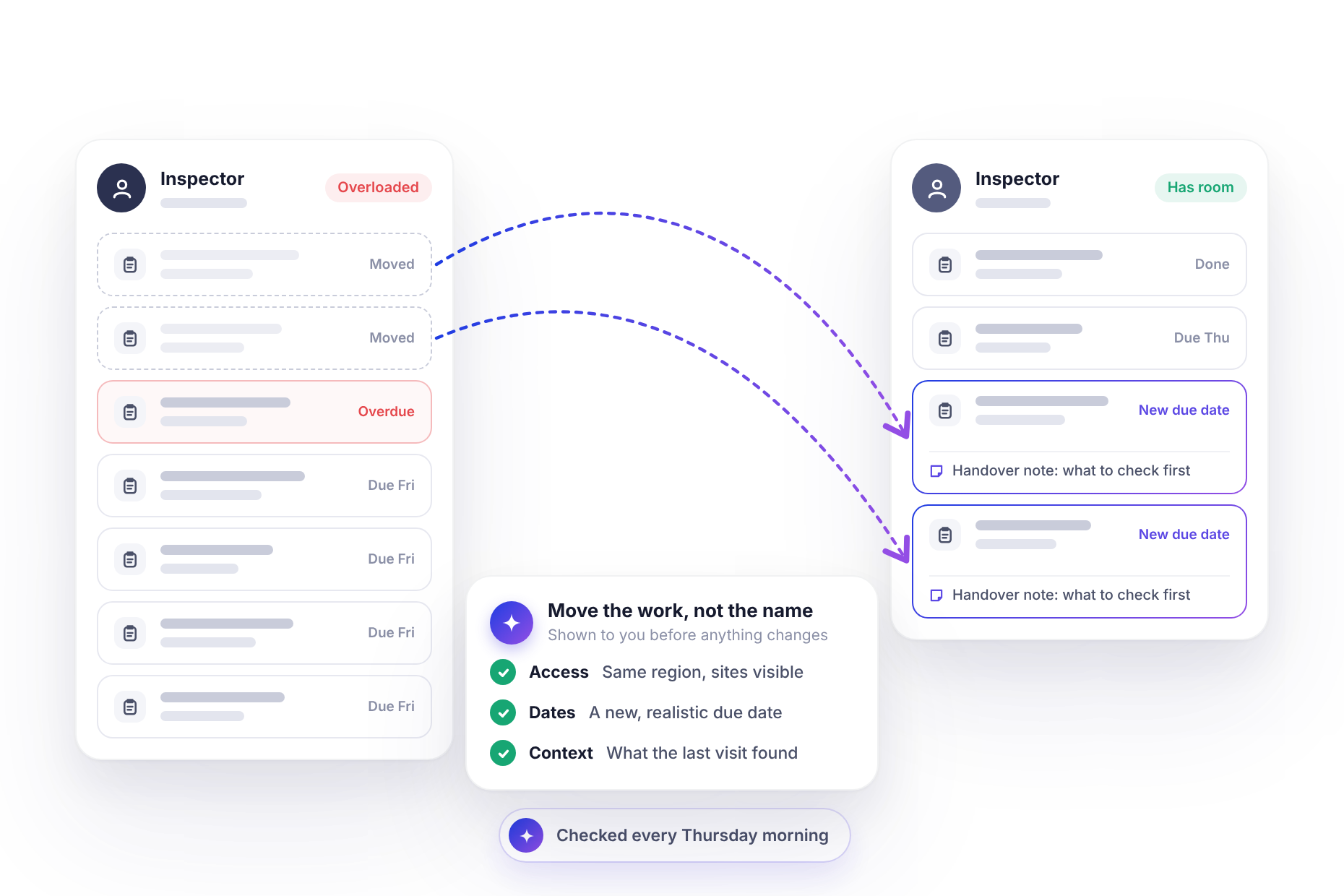
- Watch your consultants’ capacity. Seven extra visits in a month land on real people’s calendars. Before booking, ask the assistant how many audits each consultant already has pending. Nothing overdue, nobody overloaded covers balancing the load.
- Check the outcome. After a quarter, ask whether the high-risk sites that got extra visits improved. If they didn’t, the visits alone aren’t the fix, and something else needs to change.
Start with next month’s five extra visits
You don’t need a full risk model on day one. Ask which locations are slipping and why, pick the five that worry you most, and book a follow-up at each with a clear note.
After a month, look at what those visits found. That will tell you more about where your thresholds should sit than any amount of planning up front.